📋 How to use the Kamino Multiply strategy
Learn how to use Kamino Multiply with your vSOL and direct staking to a validator.
Learn how to use Kamino Multiply with your vSOL and direct staking to a validator.
Kamino Multiply loops your vSOL: it borrows SOL against your vSOL, stakes it for more vSOL and repeats, so you earn vSOL staking yield on a larger position. Leverage adds risk, so read the Risk disclosure: Kamino Multiply strategy before you start.
Open a Kamino Multiply position
Open Multiply
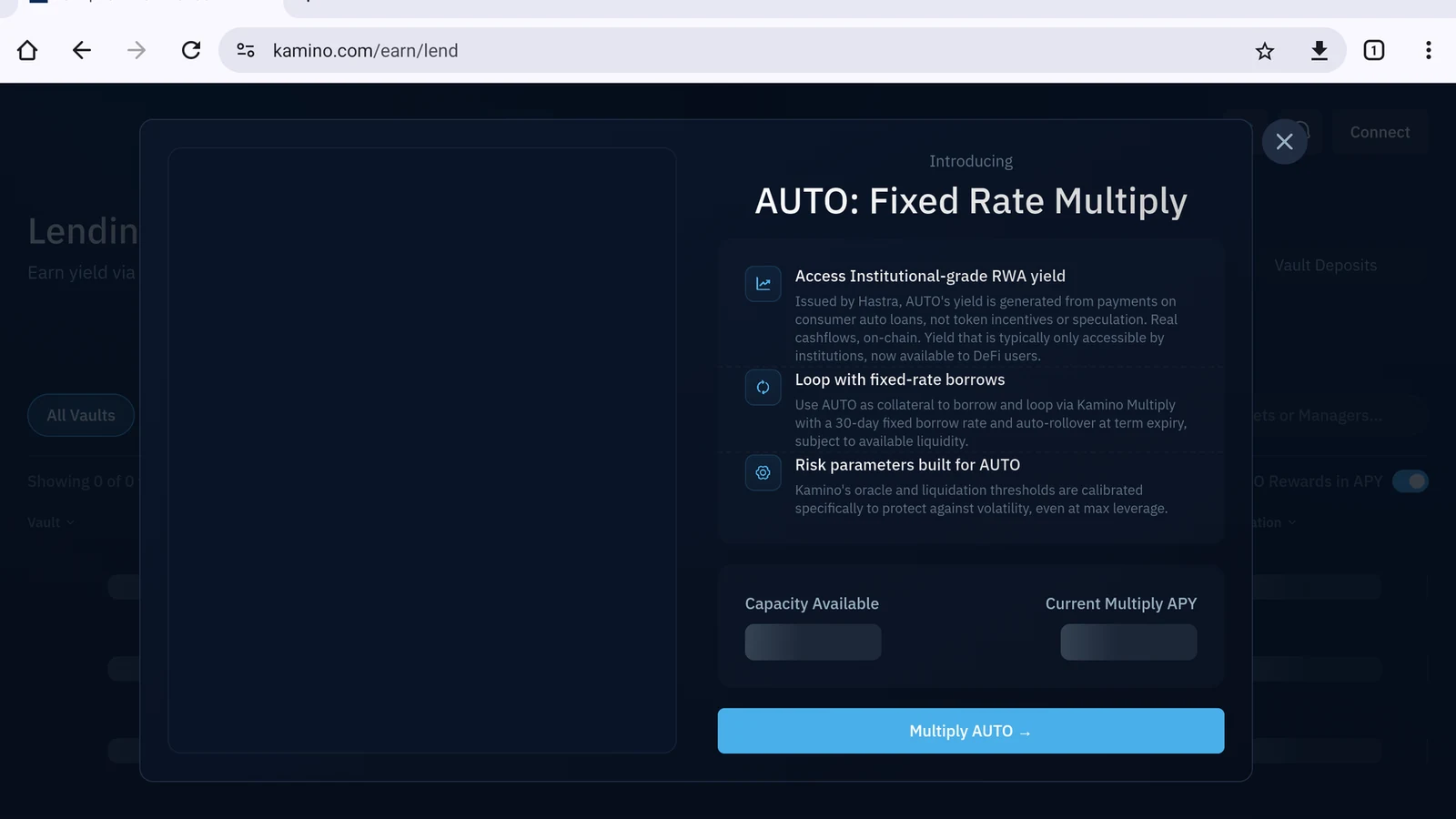
Close any announcement, then open Multiply in the top navigation (Figure 12.2).
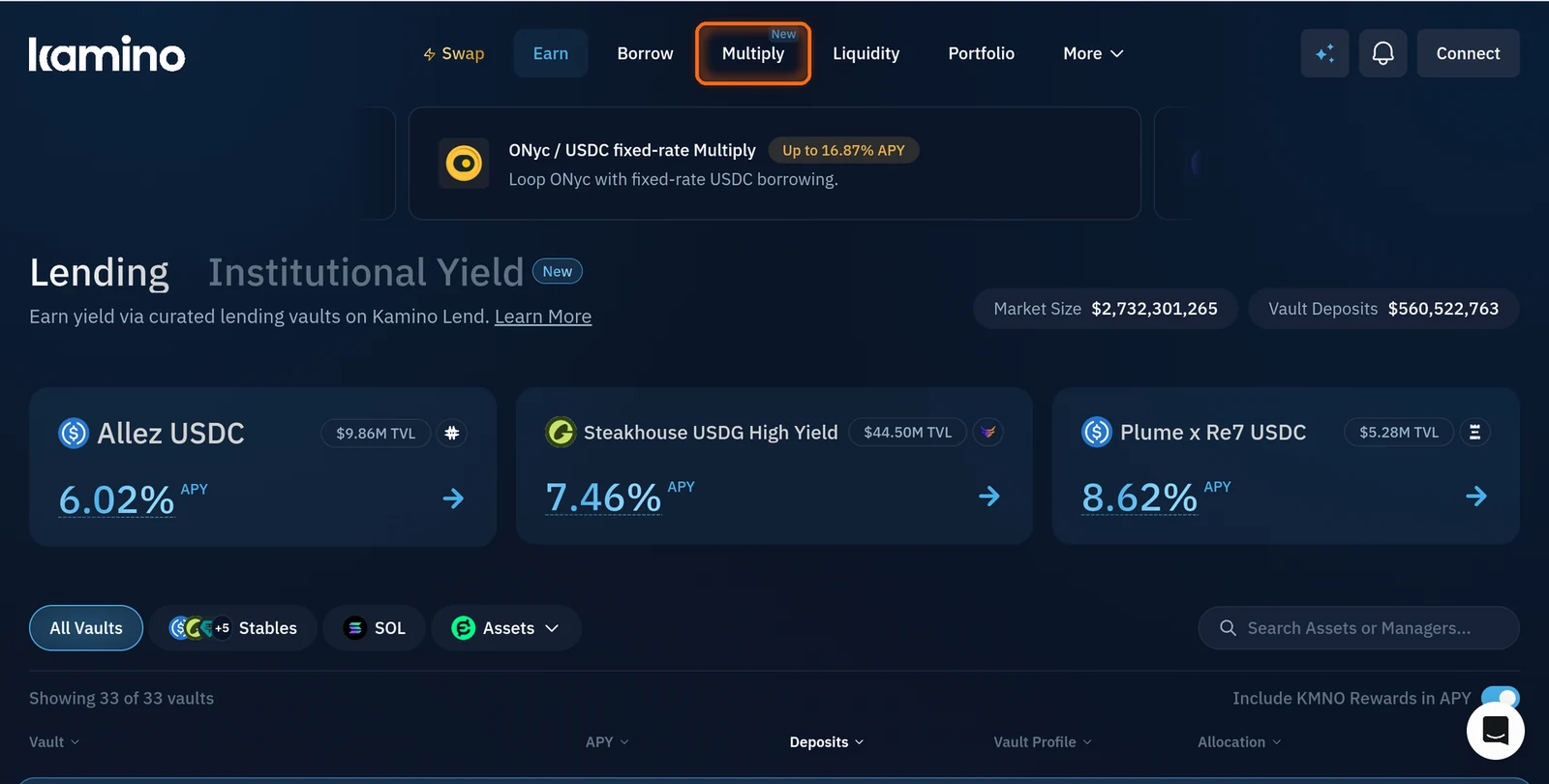
Figure 12.2: Multiply in Kamino's top navigation
Search for vSOL
Type vsol in the Search Assets box (Figure 12.3).
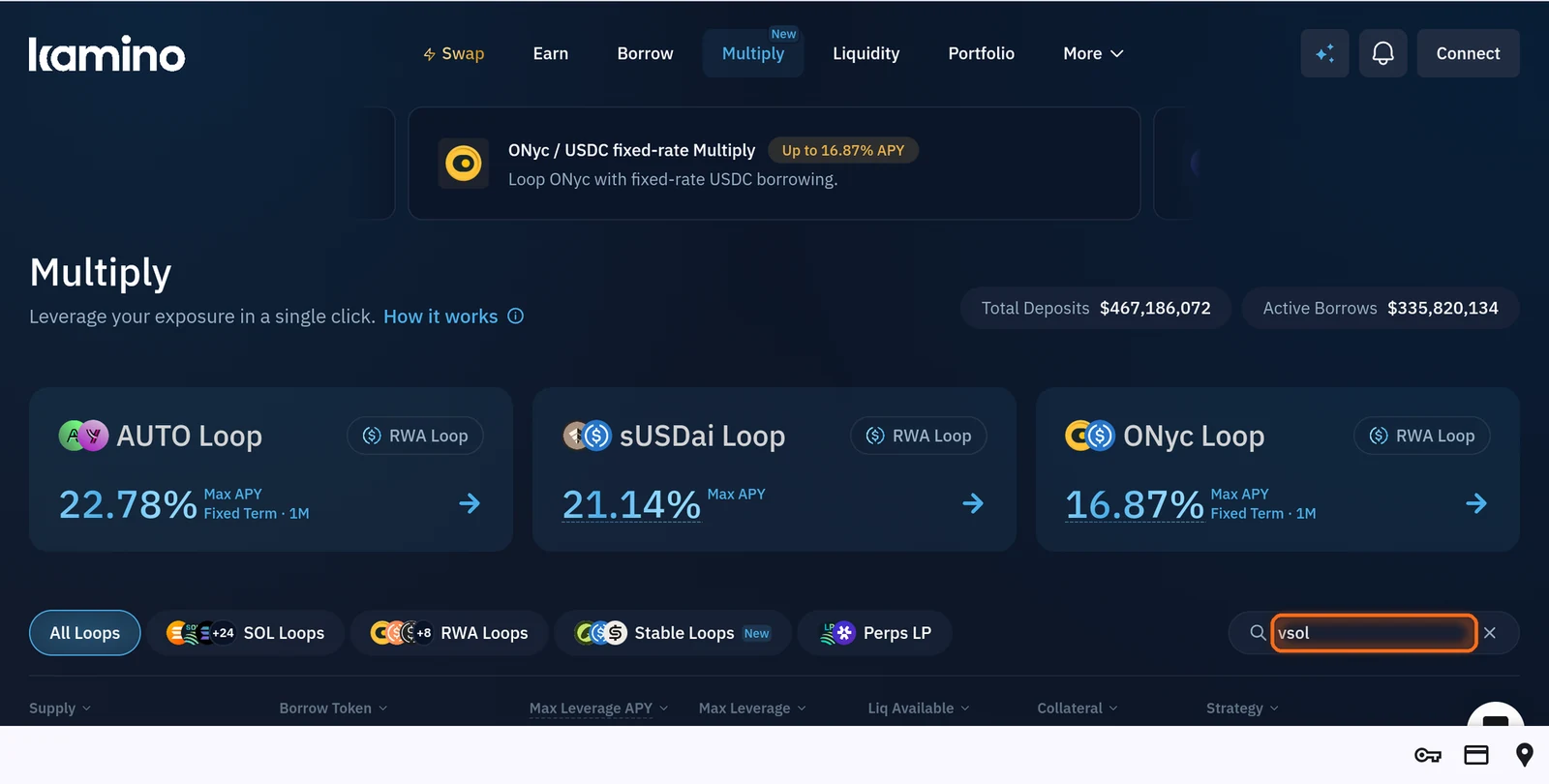
Figure 12.3: Search Assets box with vsol
Choose the VSOL loop
Tap Deposit on the VSOL loop (Figure 12.4).
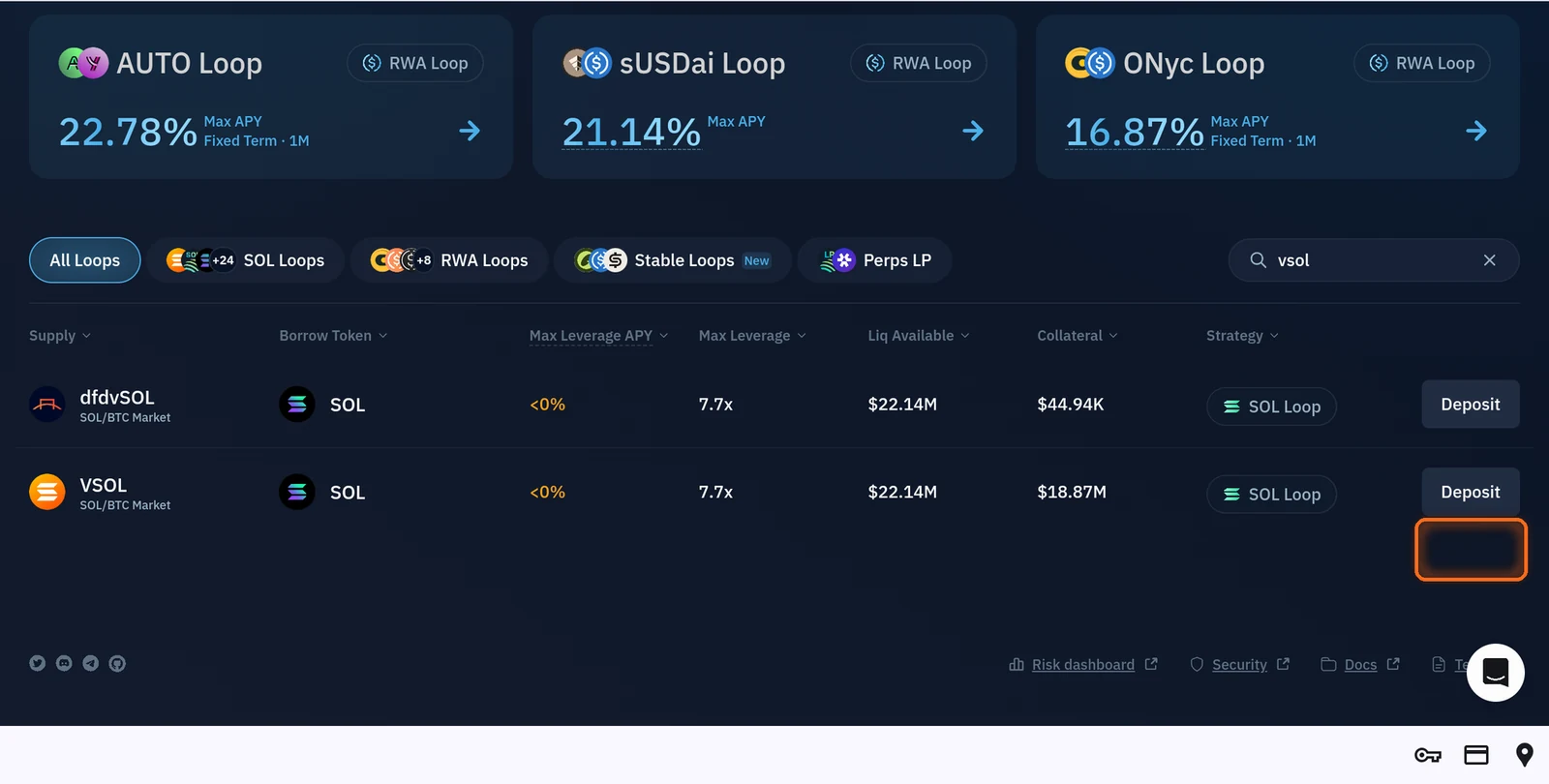
Figure 12.4: Deposit button on the VSOL loop
Review the market page
Review the market page. It shows the loop's details: the VSOL/SOL oracle price, available liquidity, maximum leverage and the liquidation thresholds (Figure 12.5).
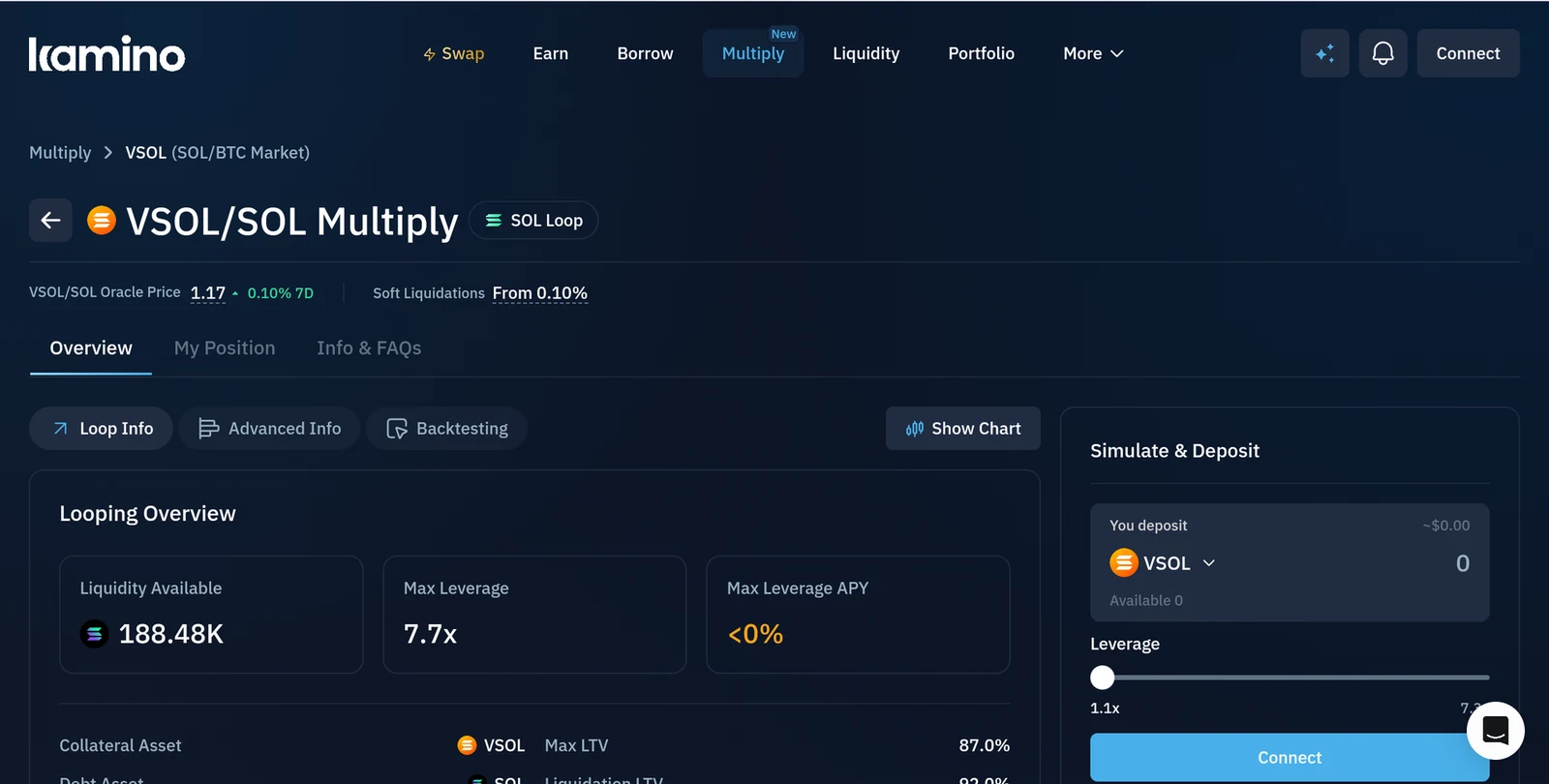
Figure 12.5: VSOL/SOL Multiply market page
Enter your deposit
Under Simulate & Deposit, enter how much vSOL to deposit. You can also switch the deposit asset to SOL (Figure 12.6).
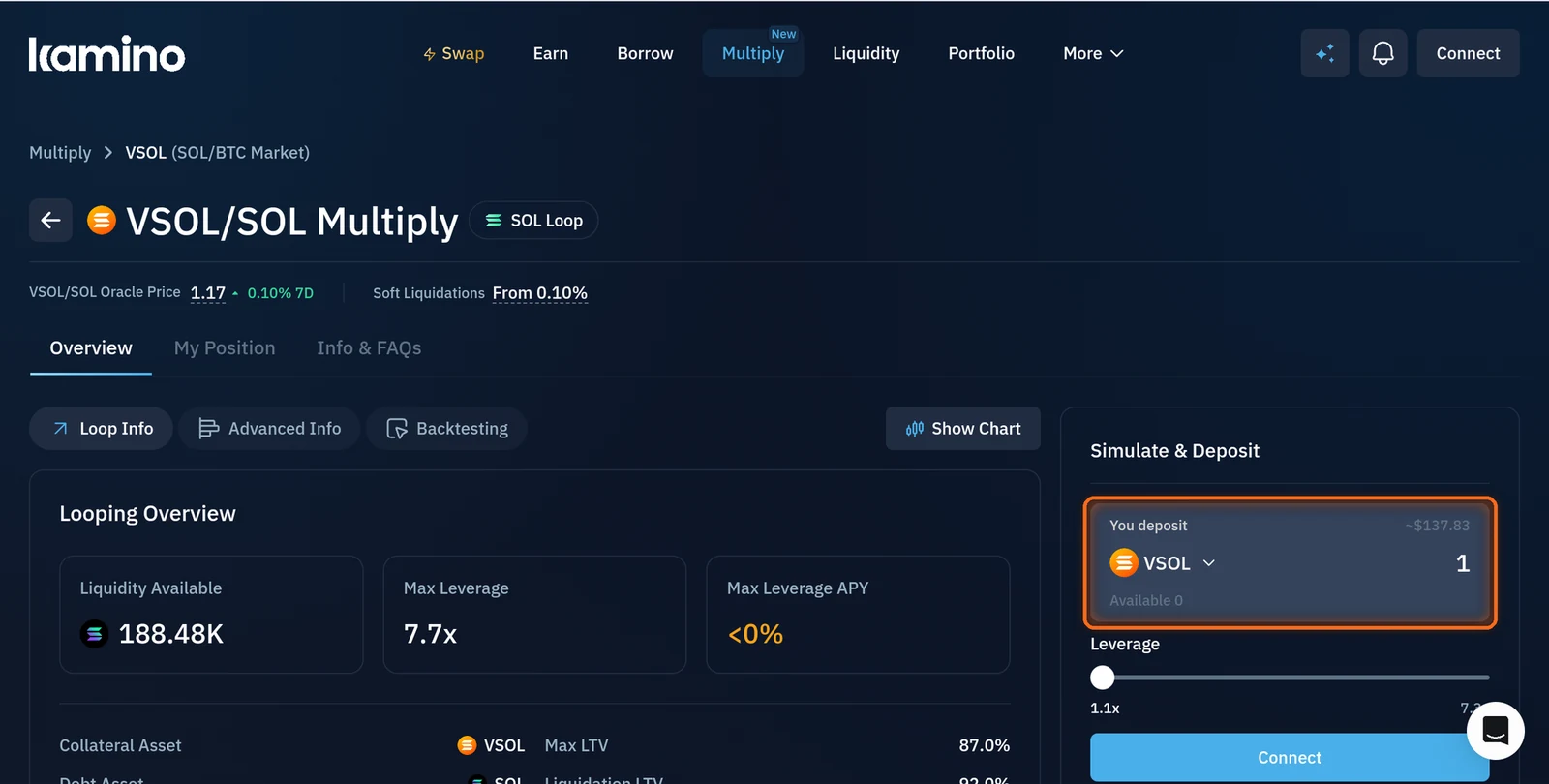
Figure 12.6: Simulate and Deposit amount field
Choose your leverage
Drag Leverage to choose your multiplier. Higher leverage means higher yield and a higher liquidation risk (Figure 12.7).
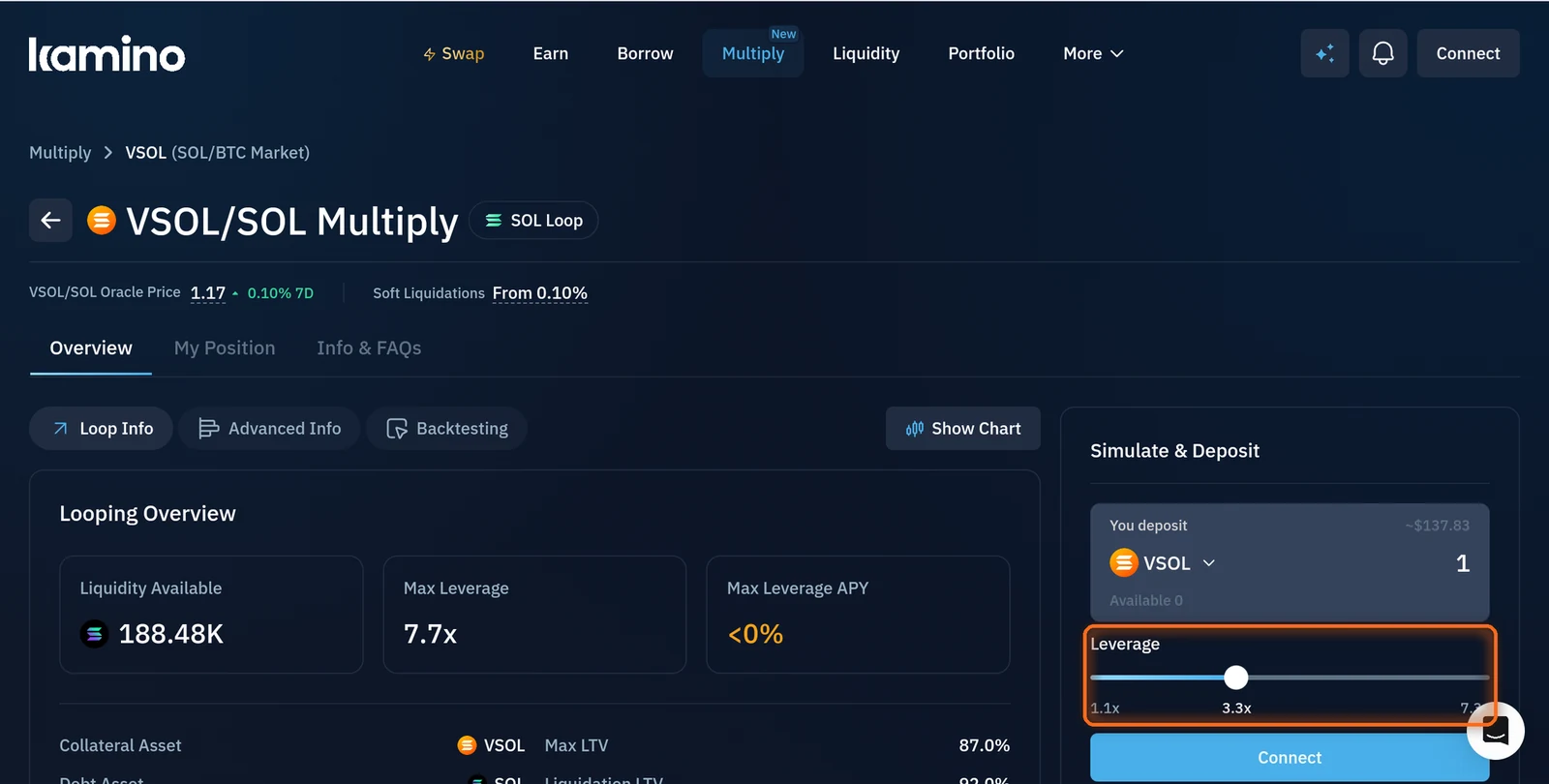
Figure 12.7: Leverage slider
Connect and open your position
Tap Connect and choose your wallet. The first time, Kamino asks you to set up an account and shows the risks of borrowing with leverage. Approve the account setup, then approve the deposit to open your position (Figure 12.8).
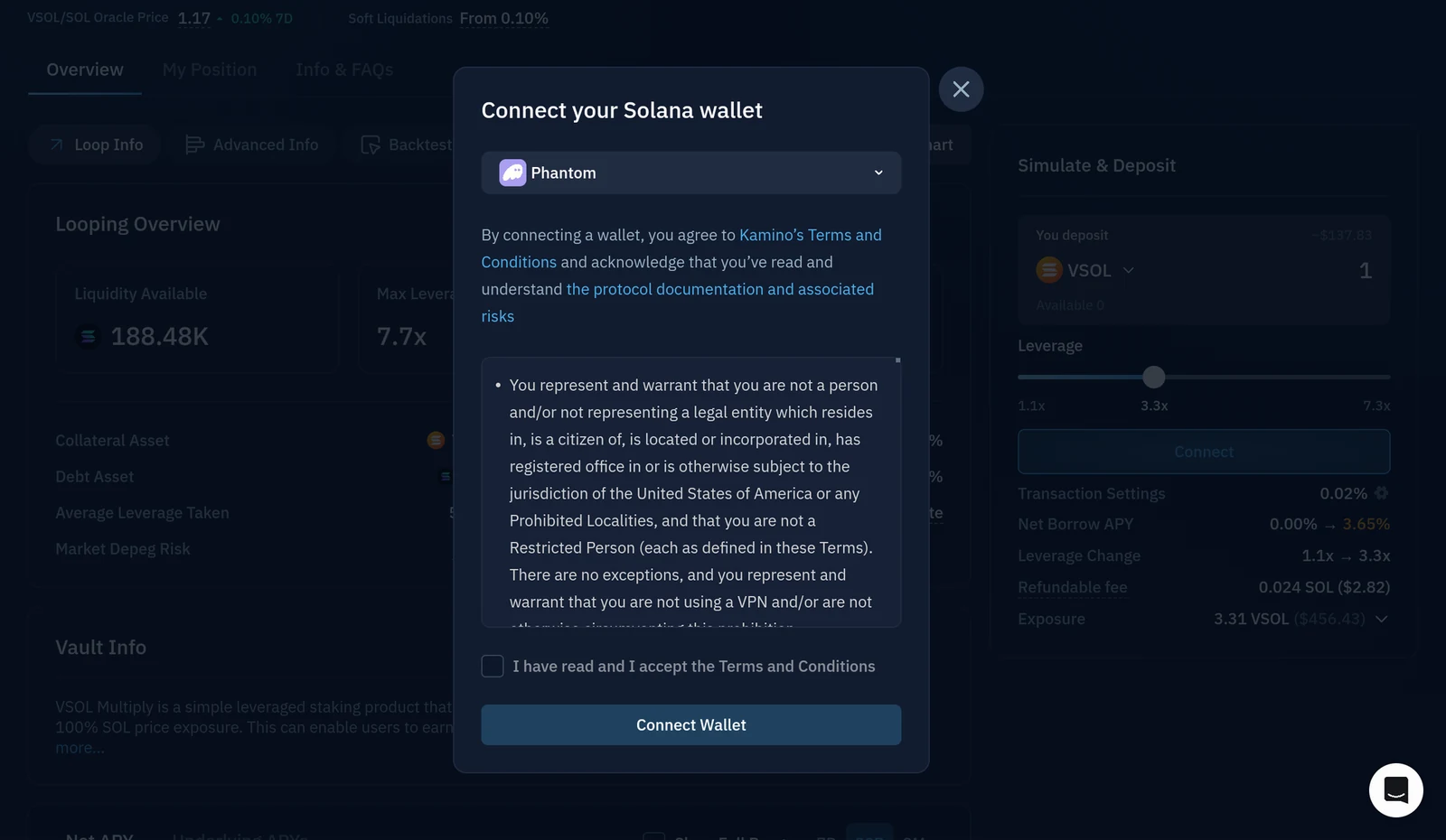
Figure 12.8: Connect button in Simulate and Deposit
Manage and close your position
Open My Position on the market page to see your multiplied position, manage collateral and debt, or withdraw.
If your position is large, unwind it in smaller steps: closing everything at once can cause heavy slippage and lose funds.
Your multiplied vSOL counts toward your direct stake on The Vault when you open the position from the wallet you set to your validator (see How to direct stake); otherwise it counts as undirected stake. It can take up to 24 hours to appear on the Direct Stake page.
Need help? Open a support ticket in The Vault Discord.