🔓 How to unstake your LST
Learn how to unstake your LSTs with our Unstake Pool.
Learn how to unstake your LSTs with our Unstake Pool.
The Unstake Pool swaps your LST for SOL instantly, minus a small fee, instead of waiting for a Solana epoch to end with a delayed unstake. To read more about fees, see the Unstake Pool page.
Unstake your LST in the Unstake Pool
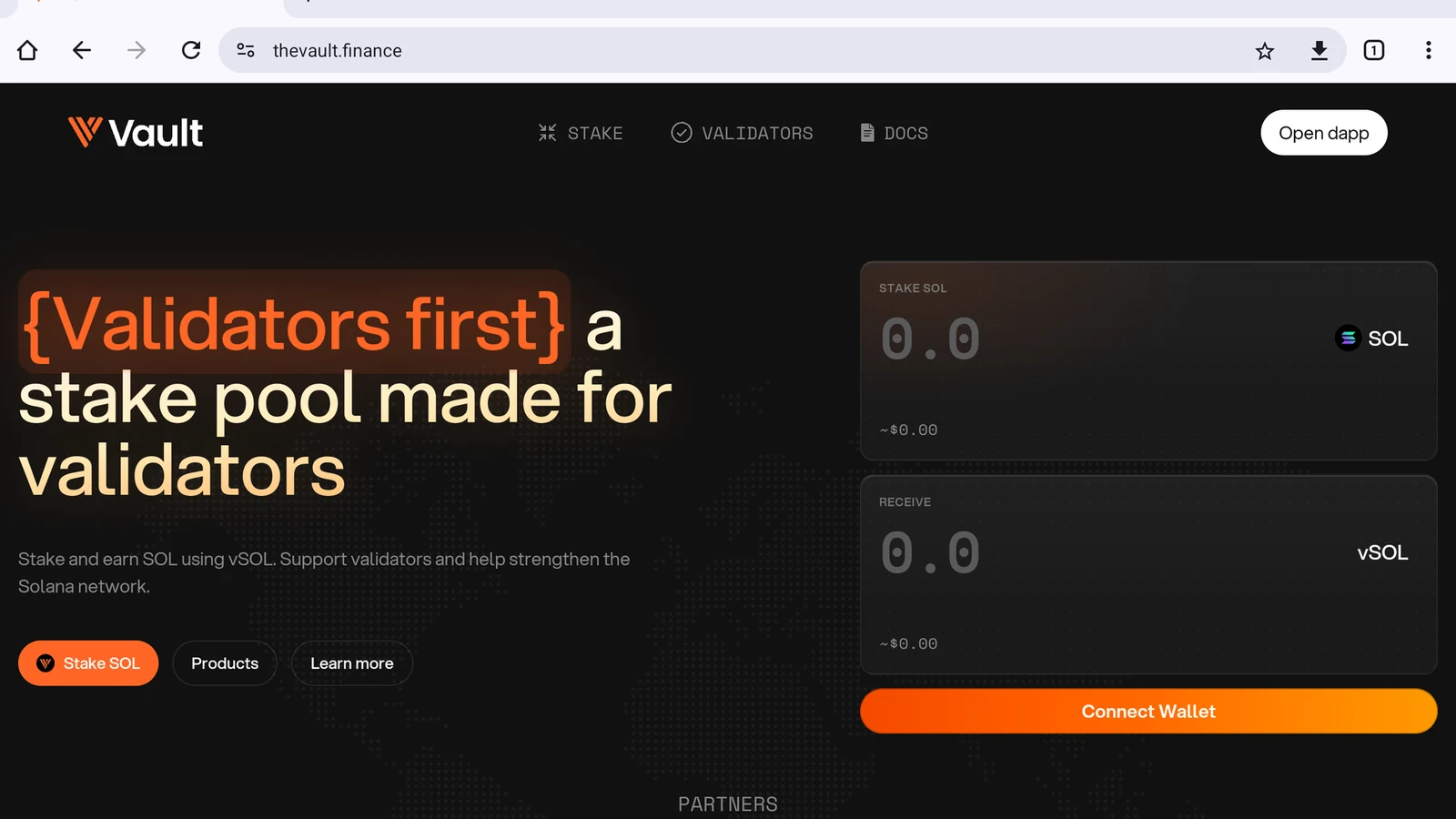
Open the dApp
Tap Open dapp in the top-right corner (Figure 11.12).
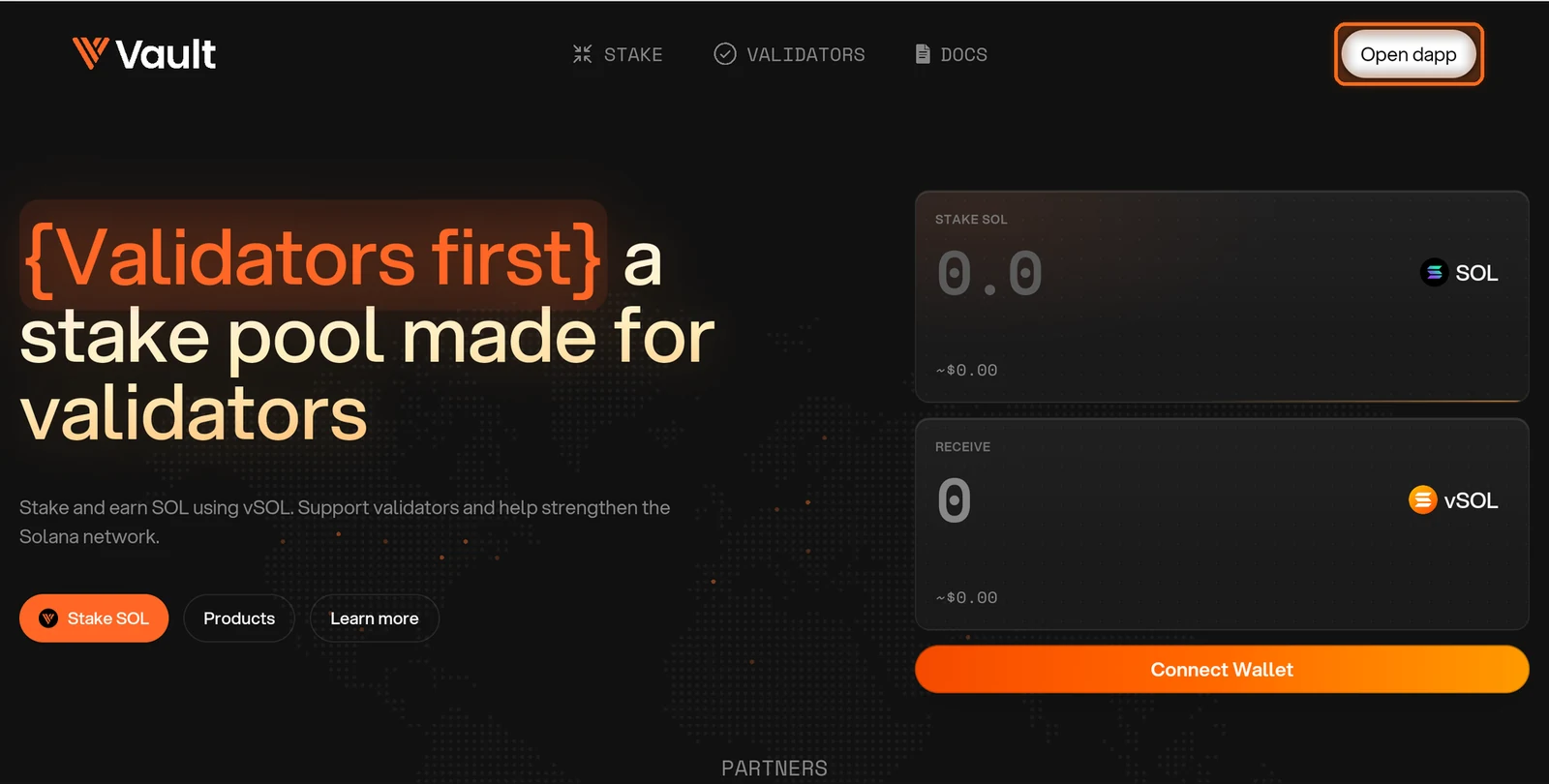
Figure 11.12: Open dapp button in the top-right corner
Accept the terms
The first time you visit, tick both boxes to accept the Terms of Service and Privacy Policy, then tap I Agree (Figure 11.13).
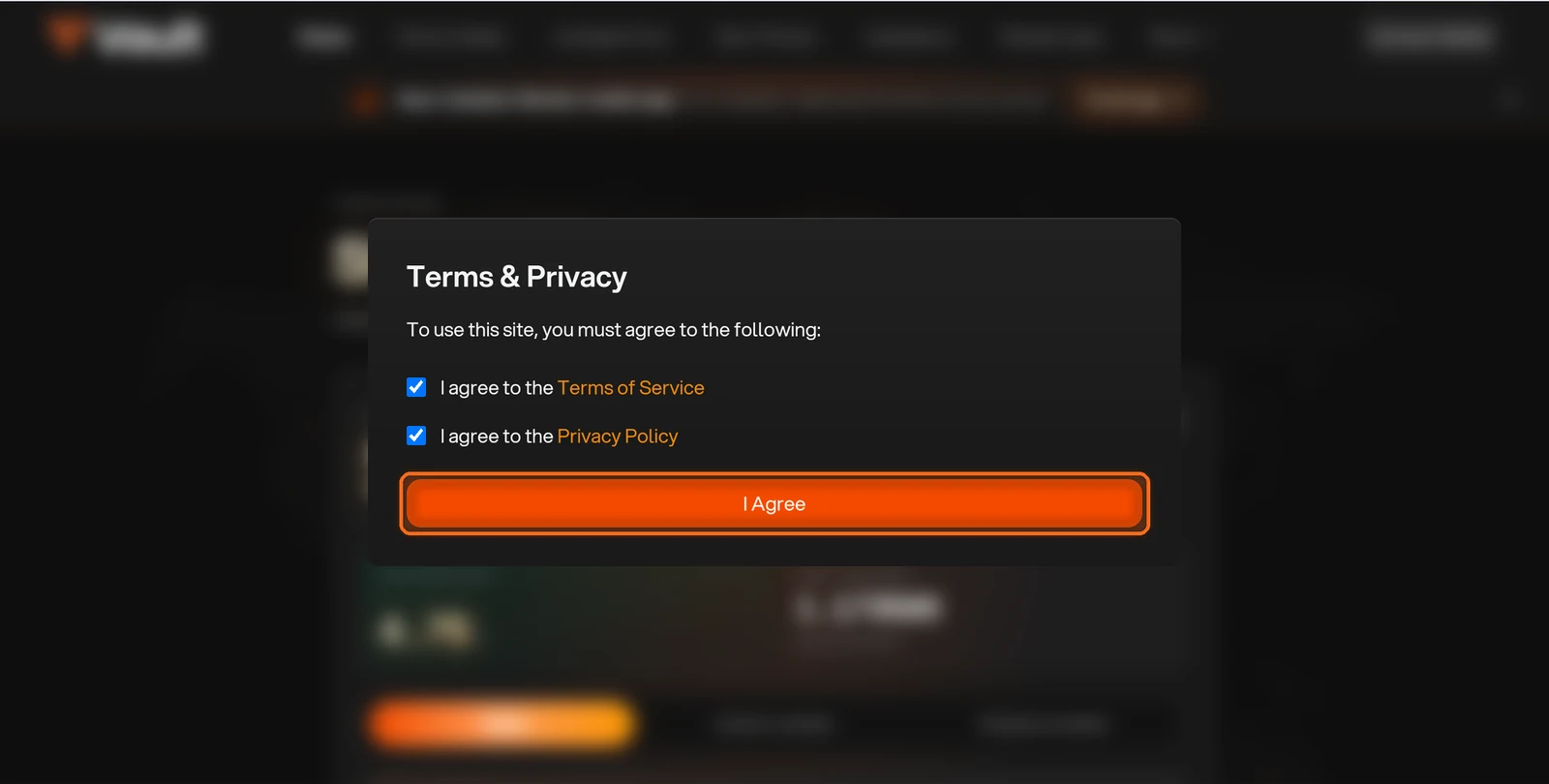
Figure 11.13: Terms and Privacy dialog with I Agree button
Open Unstake Pool
Open Unstake Pool in the top navigation (Figure 11.14).
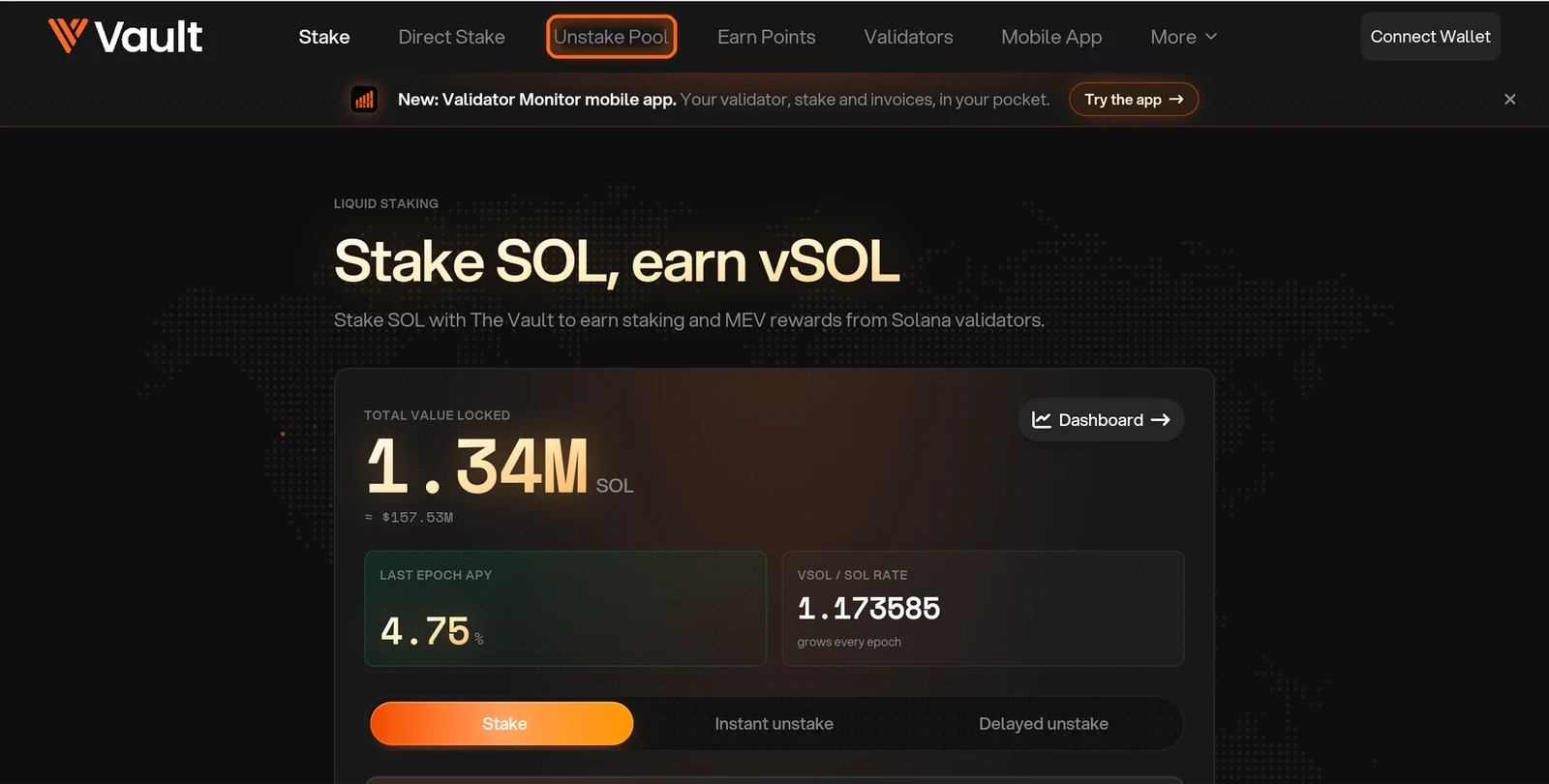
Figure 11.14: Unstake Pool in the top navigation
Use the Unstake tab
Use the Unstake tab, which is selected by default. Once your wallet is connected, the LSTs in it appear here (Figure 11.15).
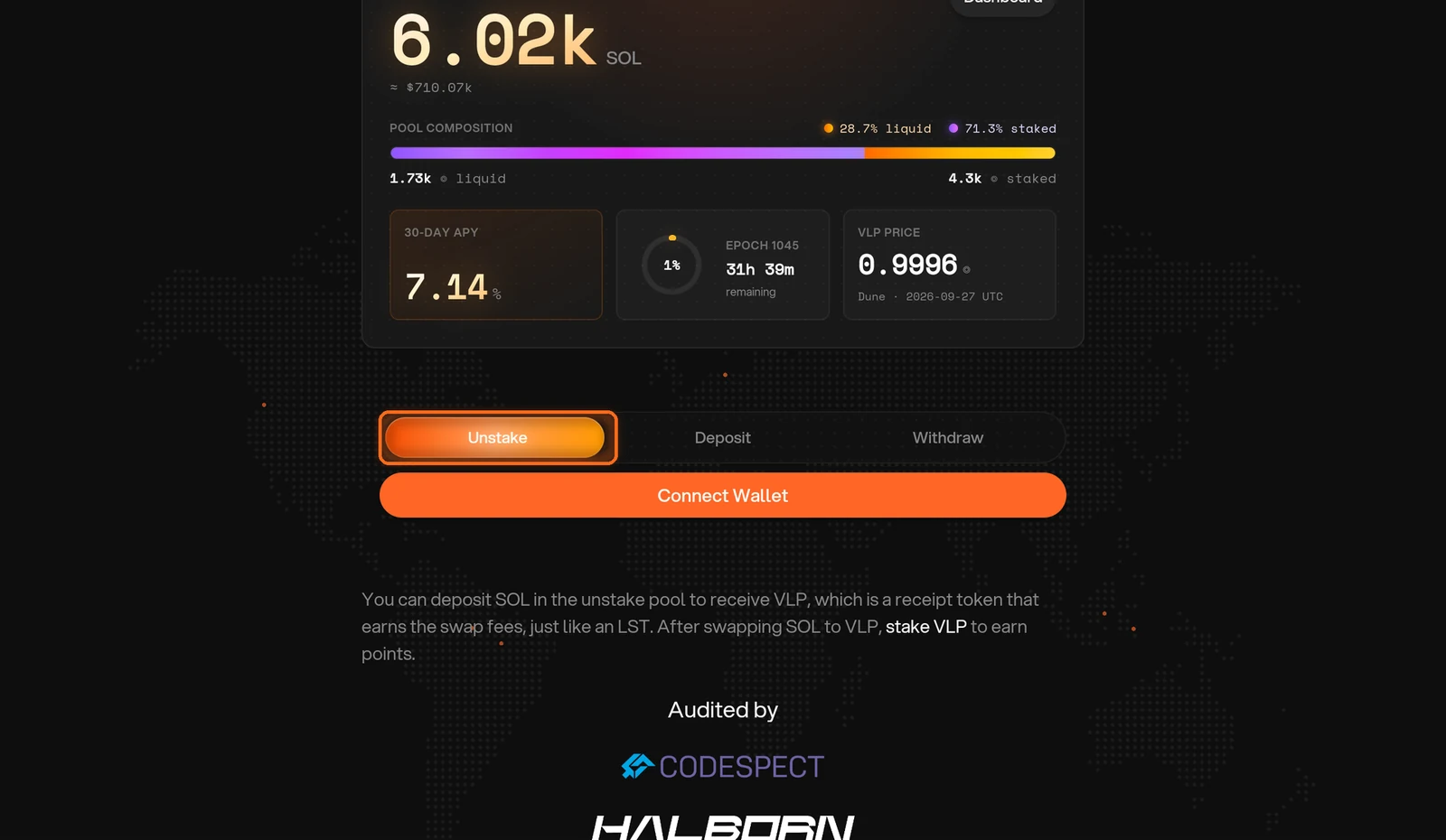
Figure 11.15: Unstake tab on the Unstake Pool page
Unstake and approve
Tap Connect Wallet and choose your wallet. Enter the amount to unstake, tap Unstake and approve in your wallet. You receive SOL instantly, minus the pool fee (Figure 11.16).
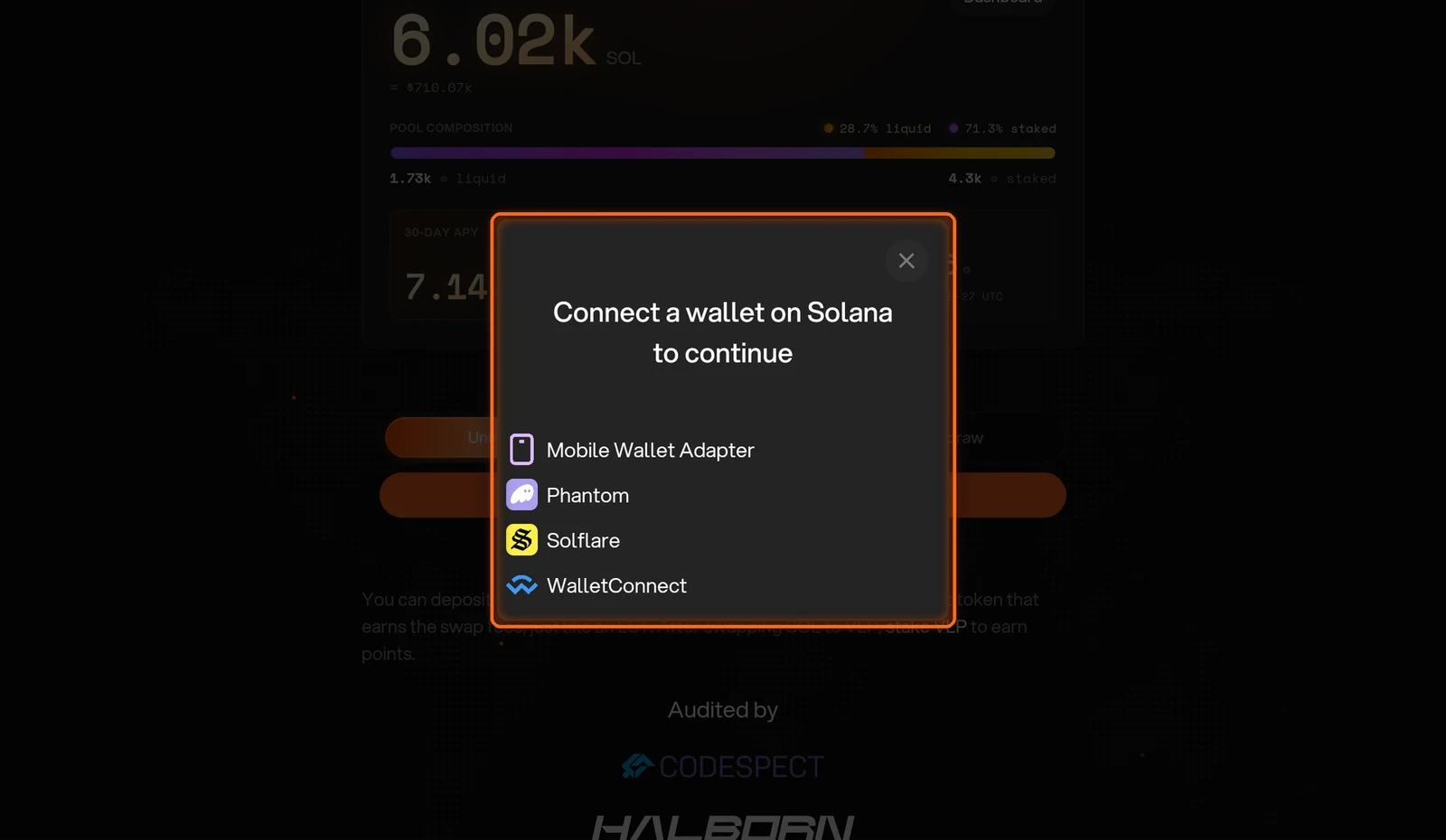
Figure 11.16: Wallet selection dialog
Unstake vSOL from the Stake page
If you hold vSOL, you can also unstake it from the Stake page.
Open the Stake page
In The Vault dApp, open Stake in the top navigation (Figure 11.17).
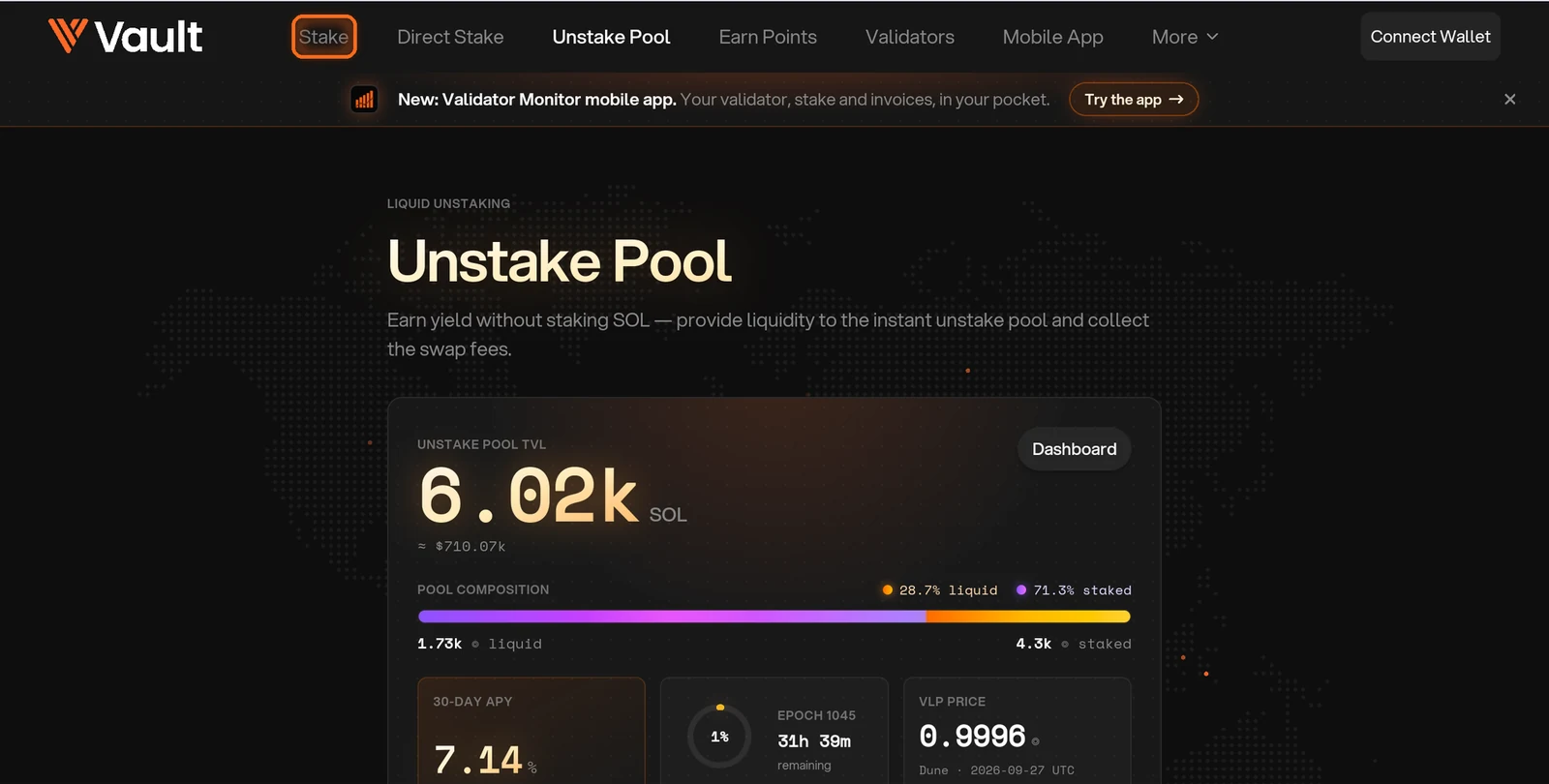
Figure 11.17: Stake in the top navigation
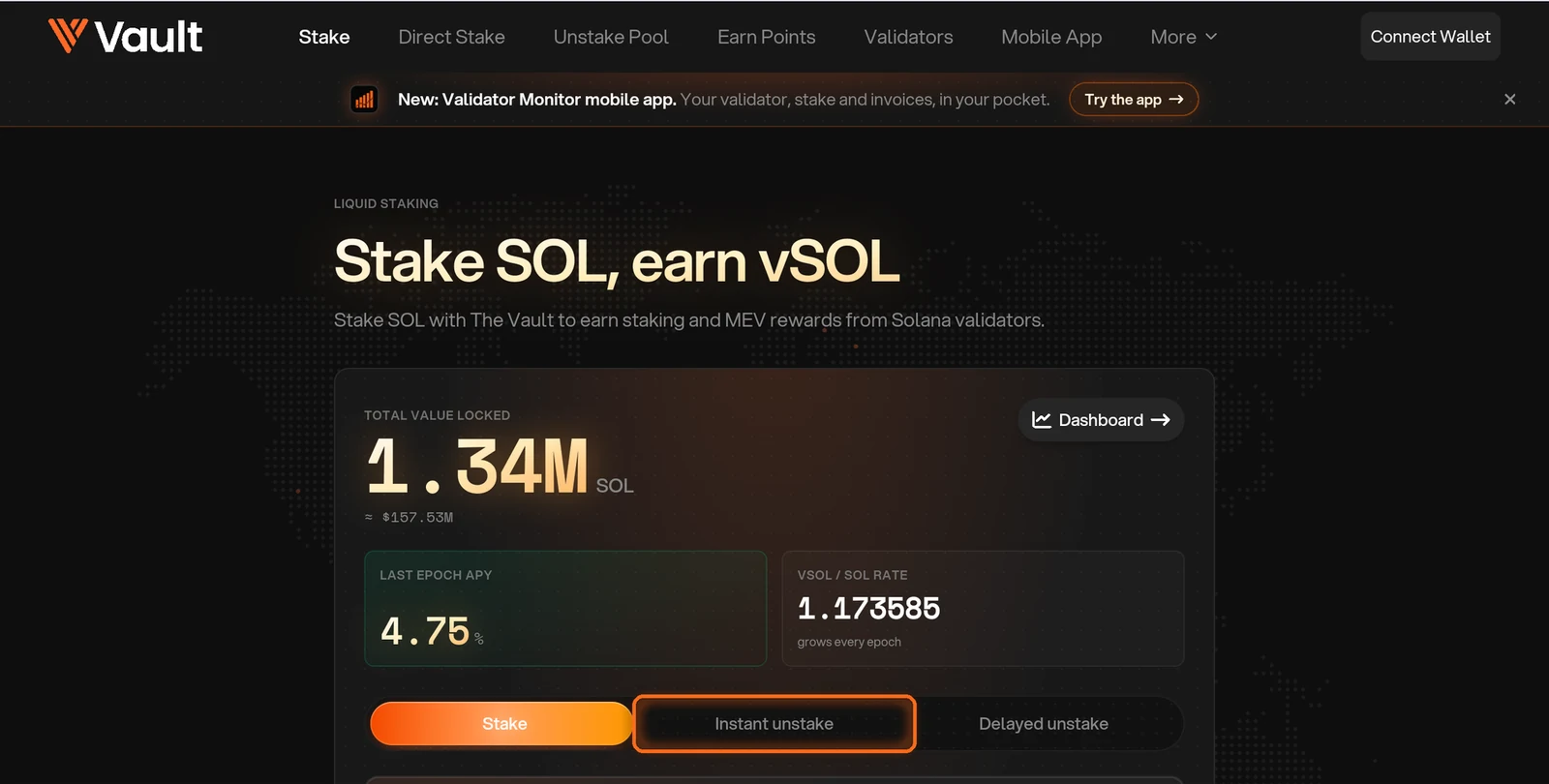
Enter the amount
Enter how much vSOL to unstake. The SOL you receive is shown below it (Figure 11.19).
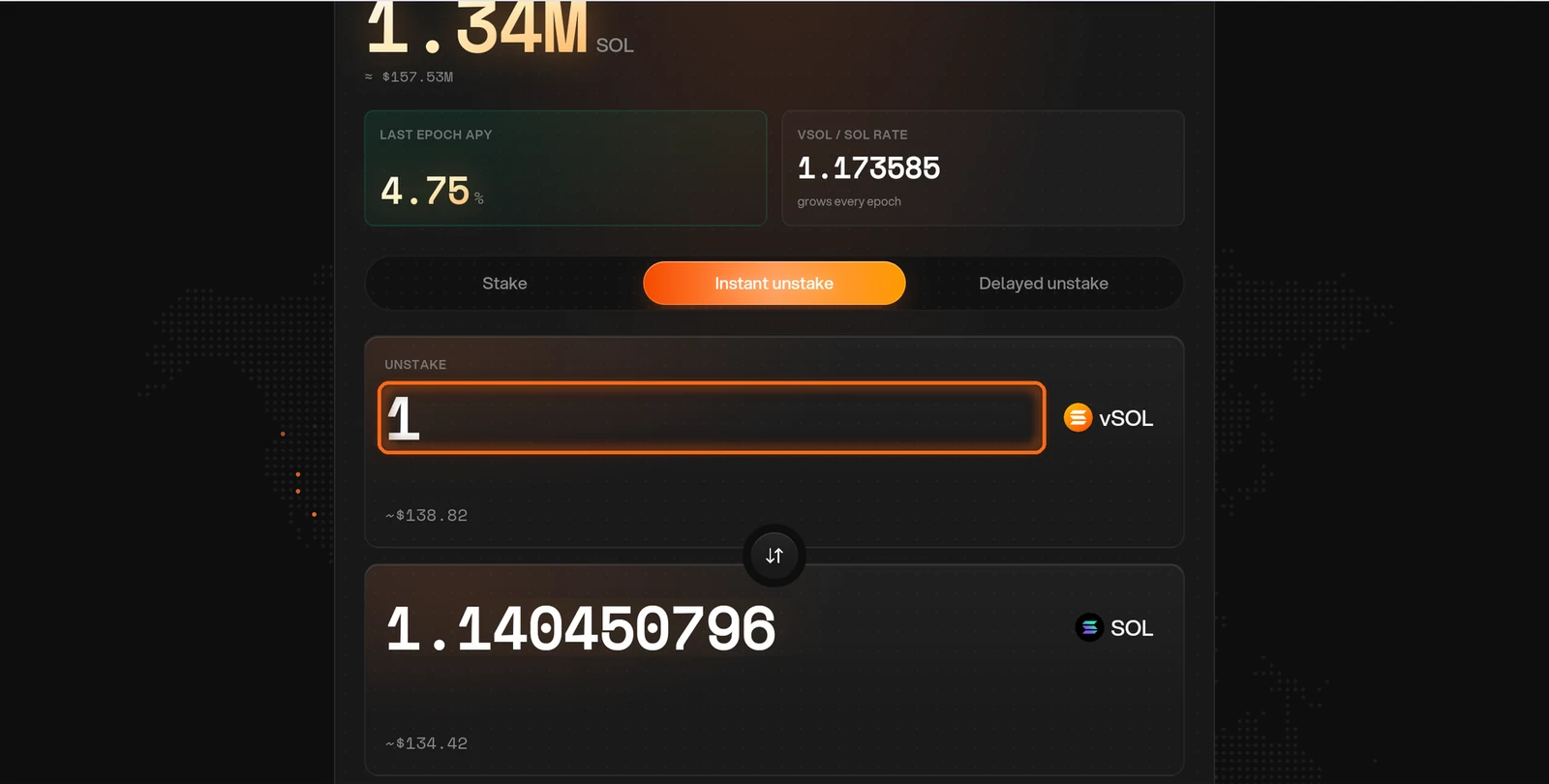
Figure 11.19: vSOL amount field with the SOL you receive
Approve in your wallet
Tap Connect Wallet, choose your wallet and approve. The SOL arrives in your wallet right away (Figure 11.20).
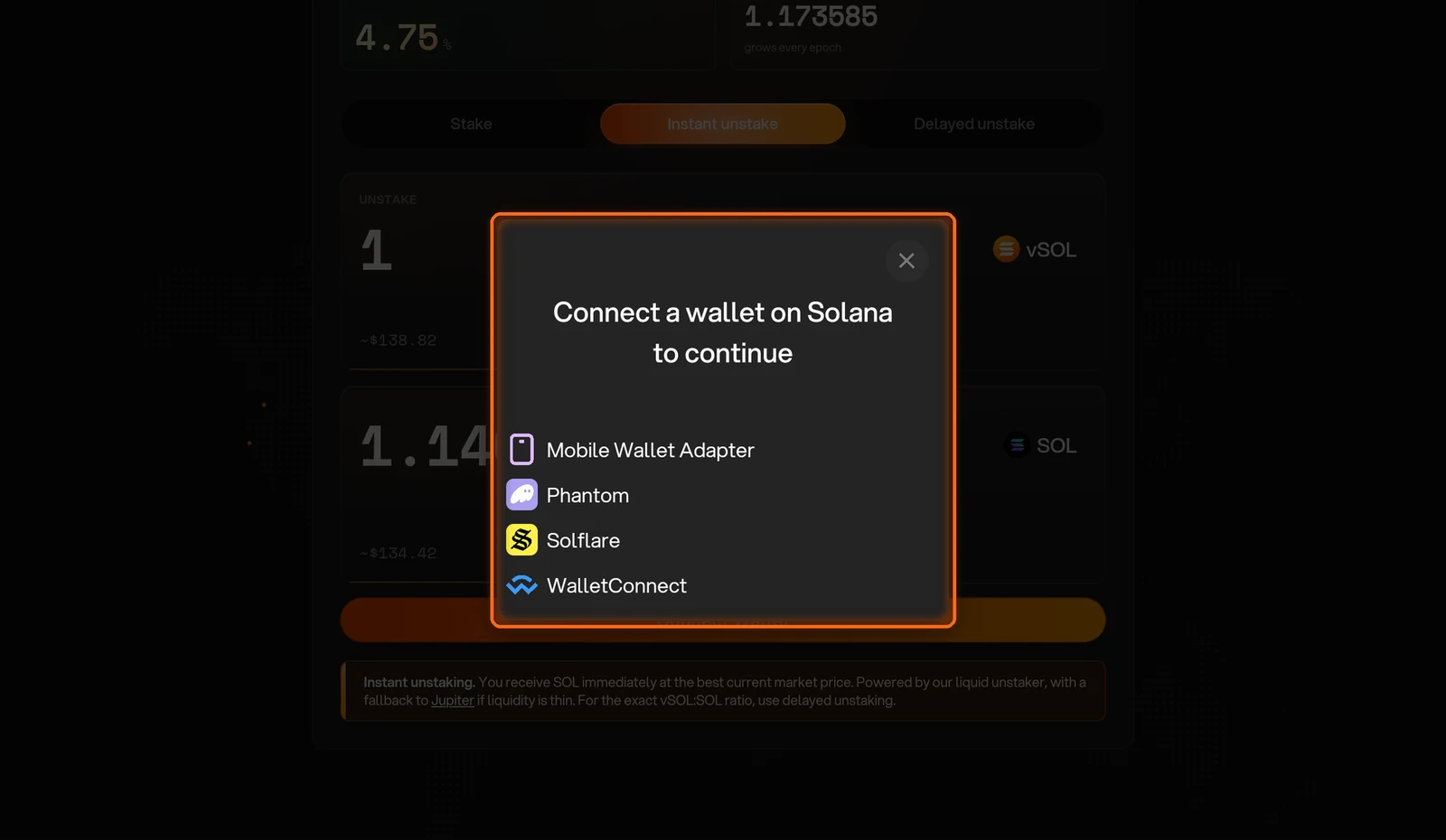
Figure 11.20: Wallet selection dialog
Need help? Open a support ticket in The Vault Discord.