💧 Unstake Pool
Earn yield without staking SOL by providing liquidity to our Unstake Pool for instant unstakes.
The Unstake Pool allows users to unstake their LST immediately in exchange for a dynamic fee. Whether the market is crashing or you simply need to exit fast, this pool gives you the flexibility to withdraw without waiting for a cooldown period.
VLP token address: EUWoTx5vQQrxaDFdeK2PLUVbnmRWjw4x6sBbmcxBaHjF.

Instant Unstaking
When you use the Unstake Pool, you sell your LST (liquid staking token) directly into a pool of SOL provided by other users. In return, you get SOL instantly, minus a small fee (Figure 10.21). No delays. No cooldowns. For the steps, see How to unstake your LST.
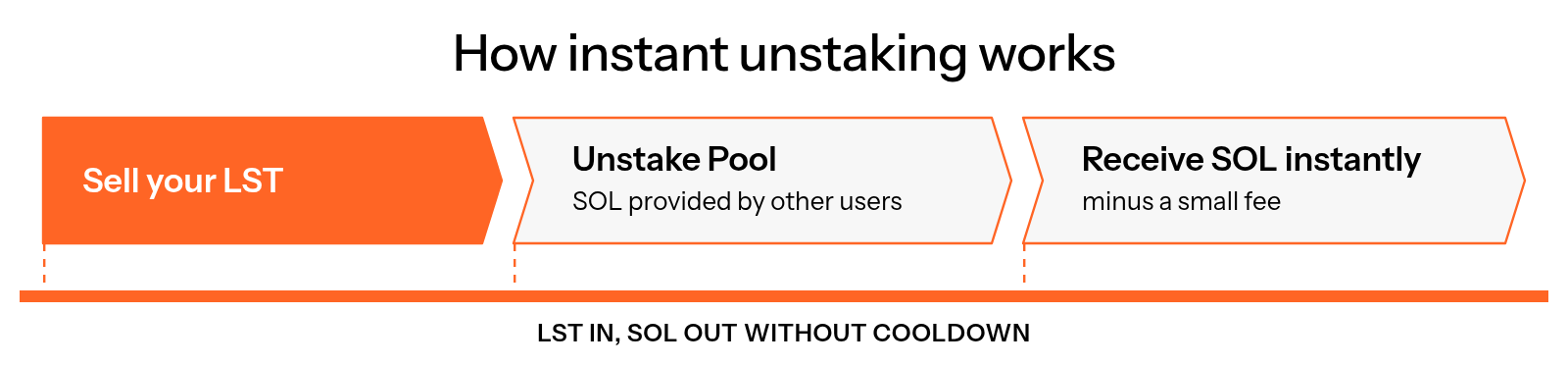
Figure 10.21: How instant unstaking works
This system is ideal for:
- Users who want fast access to liquidity.
- Traders and protocols executing arbitrage.
- Anyone who doesn’t want to wait for native unstaking.
Fees
Fees for Unstaking an LST
When you unstake an LST through the pool, two fees apply:
- Dynamic fee: 0.027% to 1%. This is the main fee for unstaking an LST, and it depends on current pool liquidity.
- LST withdrawal fee: set by each LST, not by The Vault. Most LSTs charge 0.1%.
The dynamic fee follows the pool's liquidity (Figure 10.22):
- Kink: 500 SOL.
- Minimum fee: you pay the minimum dynamic fee until liquidity drops below 500 SOL.
- Scaling: below 500 SOL, the fee increases linearly up to 1%.
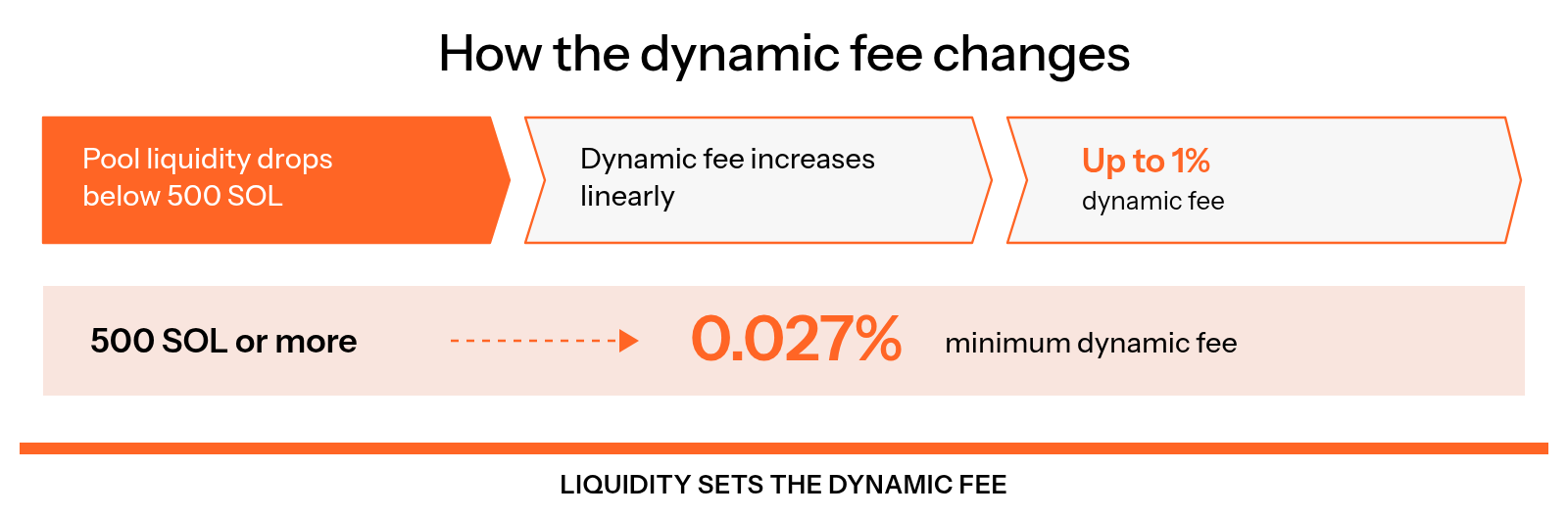
Figure 10.22: How the dynamic fee changes
This model incentivizes liquidity provision and protects against pool drain during volatile market conditions.
You can view the current real-time Unstake Pool fee in the dedicated widget located just below the Unstake button.
Fees for Liquidity Providers
- LP withdrawal fee: 0.001%, charged only when you withdraw (burn) your VLP tokens. Unstaking an LST never pays this fee.
Who Earns the Fees
The Unstake Pool's fees are distributed as follows (Figure 10.23):
- 20% of all fees go to The Vault treasury.
- 80% are distributed to liquidity providers (LPs).
LPs earn passive yield on their idle SOL by allowing others to exit the market instantly.
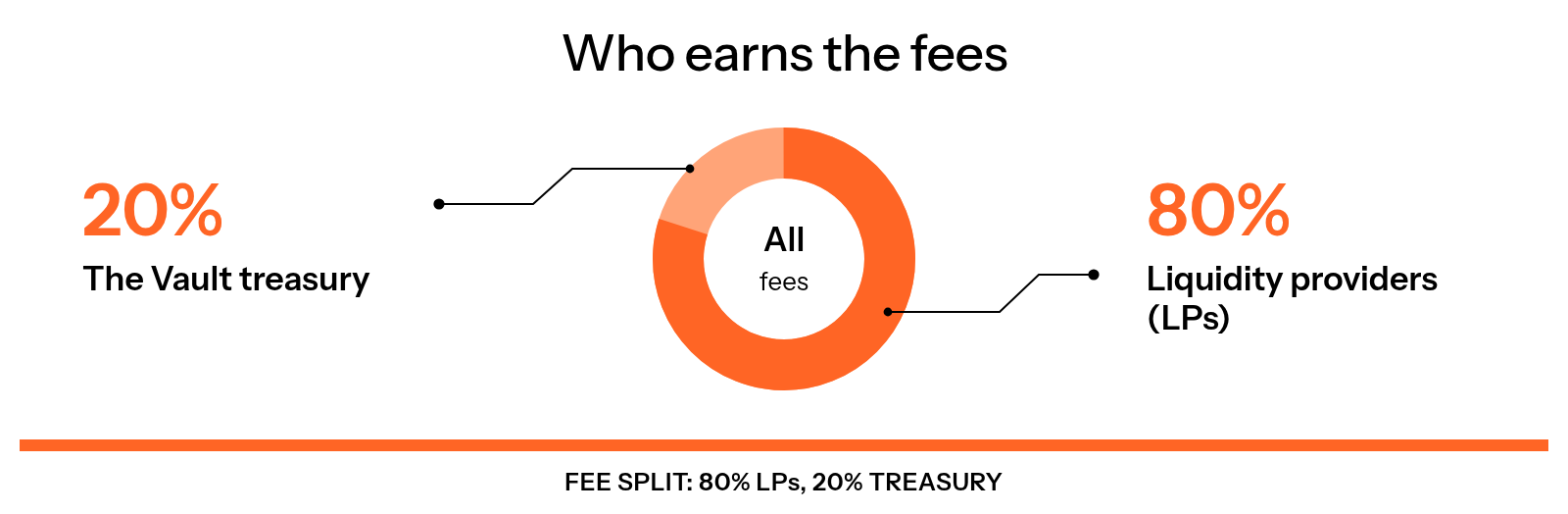
Figure 10.23: Who earns the fees
Become a Liquidity Provider
Anyone can join the pool. There are no minimum or maximum deposit limits. When you provide SOL, you receive VLP tokens as a receipt, which represent your share of the pool (Figure 10.24). For the steps, see How to deposit to and withdraw from the Unstake Pool.
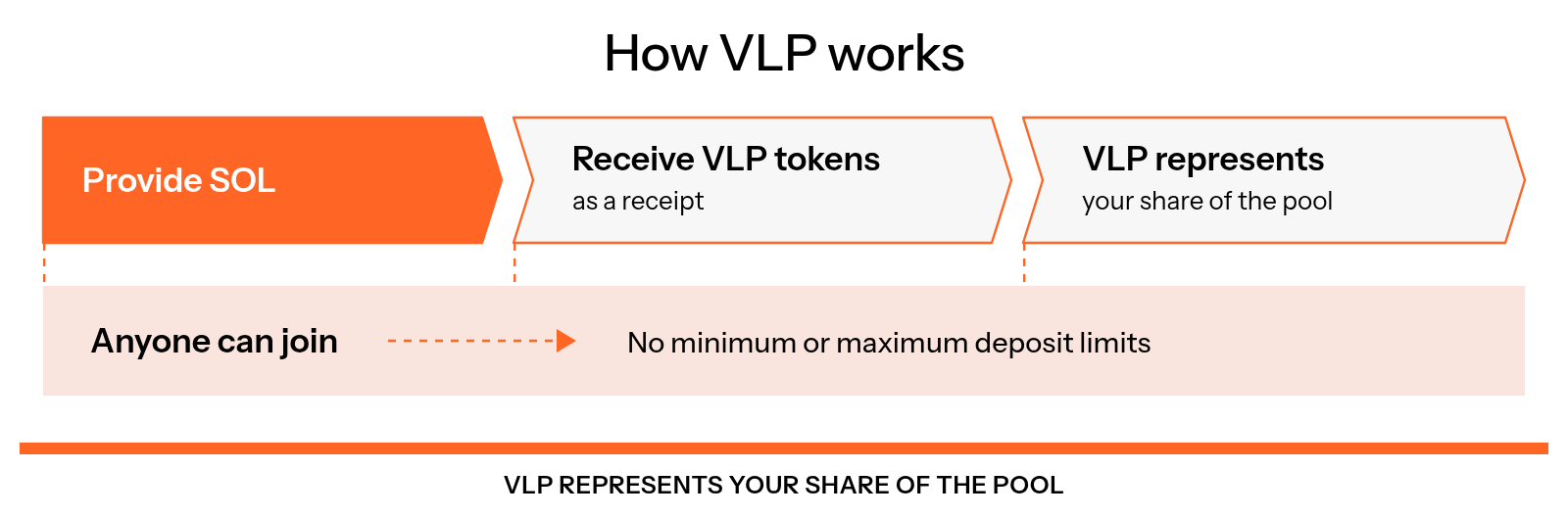
Figure 10.24: How VLP works
Notes
- VLP tokens can be redeemed for your SOL plus earned fees.
- The pool uses real-time dynamic fee calculation to ensure optimal balance.
- LPs benefit most when the pool is used during high-volatility events.
FAQ
Is This Safer Than Staking SOL Directly?
As with any DeFi protocol, there exists smart contract risk, but this product has been audited three times. It was audited by OShield.io, Halborn, and Codespect.
Can I Withdraw My Funds Anytime?
You can unstake at any time, provided there is enough liquid SOL available in the pool. If liquidity is insufficient, please wait until the next Solana epoch begins and try again.
How Are Fees Calculated?
The dynamic fee scales linearly once liquidity drops below 500 SOL, ranging from 0.027% to 1%. The LST you unstake also charges its own withdrawal fee, most commonly 0.1%. You’ll always see the estimated fee before confirming a transaction.