🔄 How to Deposit to and Withdraw from the Unstake Pool
Learn how to deposit SOL into the Unstake Pool and earn its fees.
Learn how to deposit SOL into the Unstake Pool and earn its fees.
When you deposit SOL into the Unstake Pool you receive VLP, a receipt token representing your share of the pool. Fees earned from instant unstakes can increase the SOL backing each VLP. Returns are variable, and withdrawals require enough liquid SOL in the pool. See Unstake Pool for earnings, fees and liquidity conditions.
Deposit and Withdraw SOL
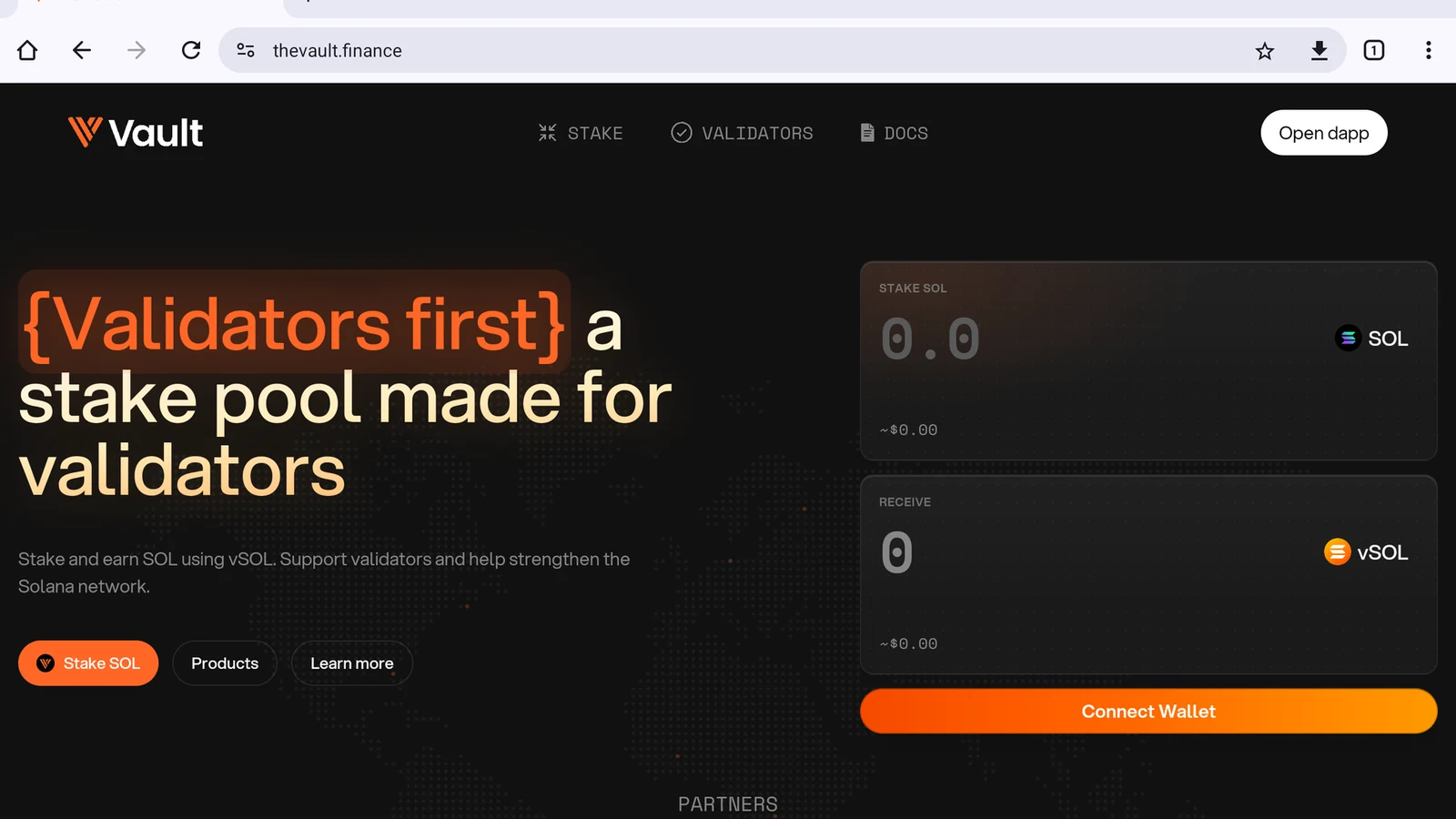
Open the dApp
Tap Open dapp in the top-right corner (Figure 10.2).
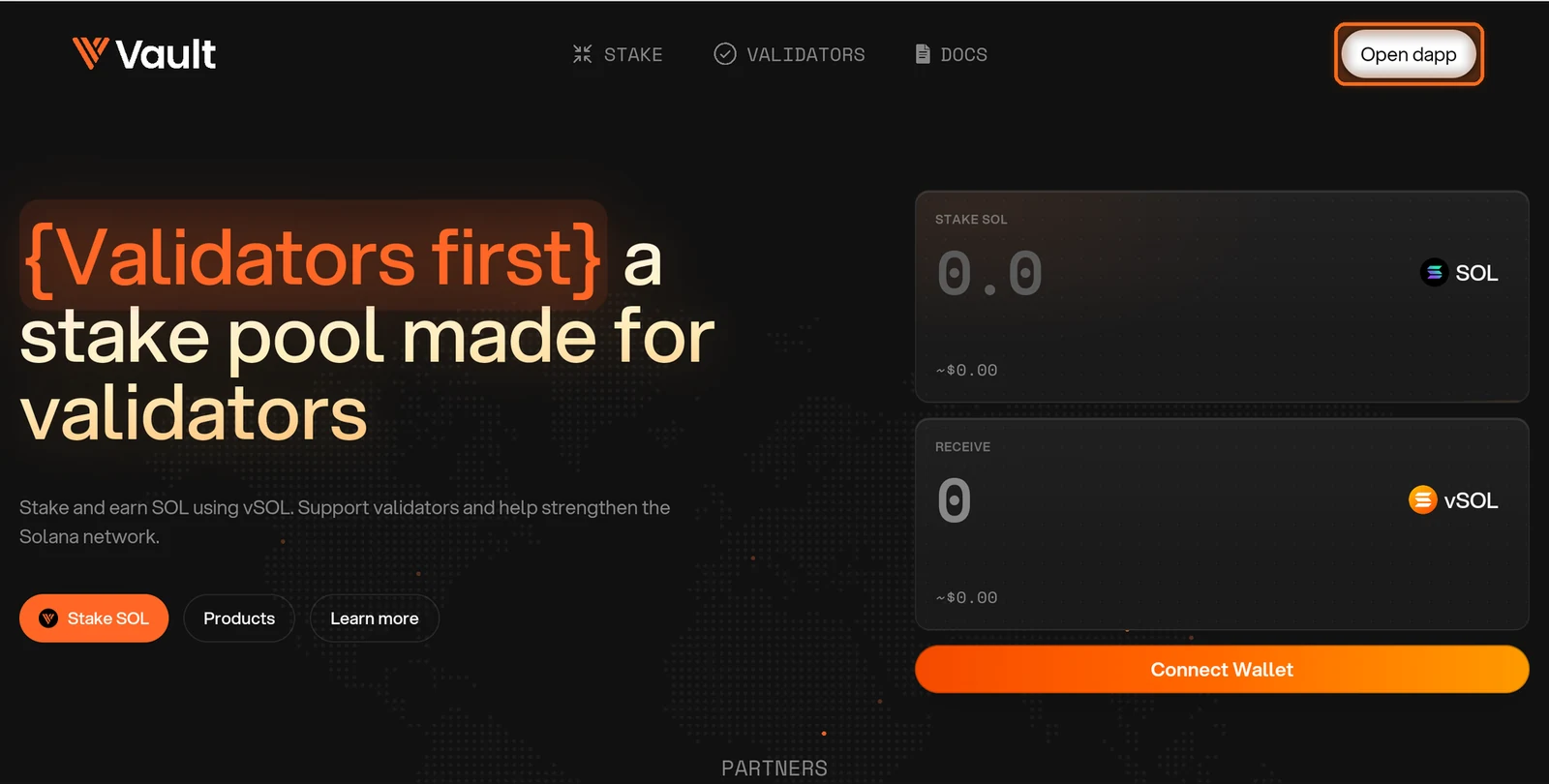
Figure 10.2: Open dapp button in the top-right corner
Accept the Terms
The first time you visit, tick both boxes to accept the Terms of Service and Privacy Policy, then tap I Agree (Figure 10.3).
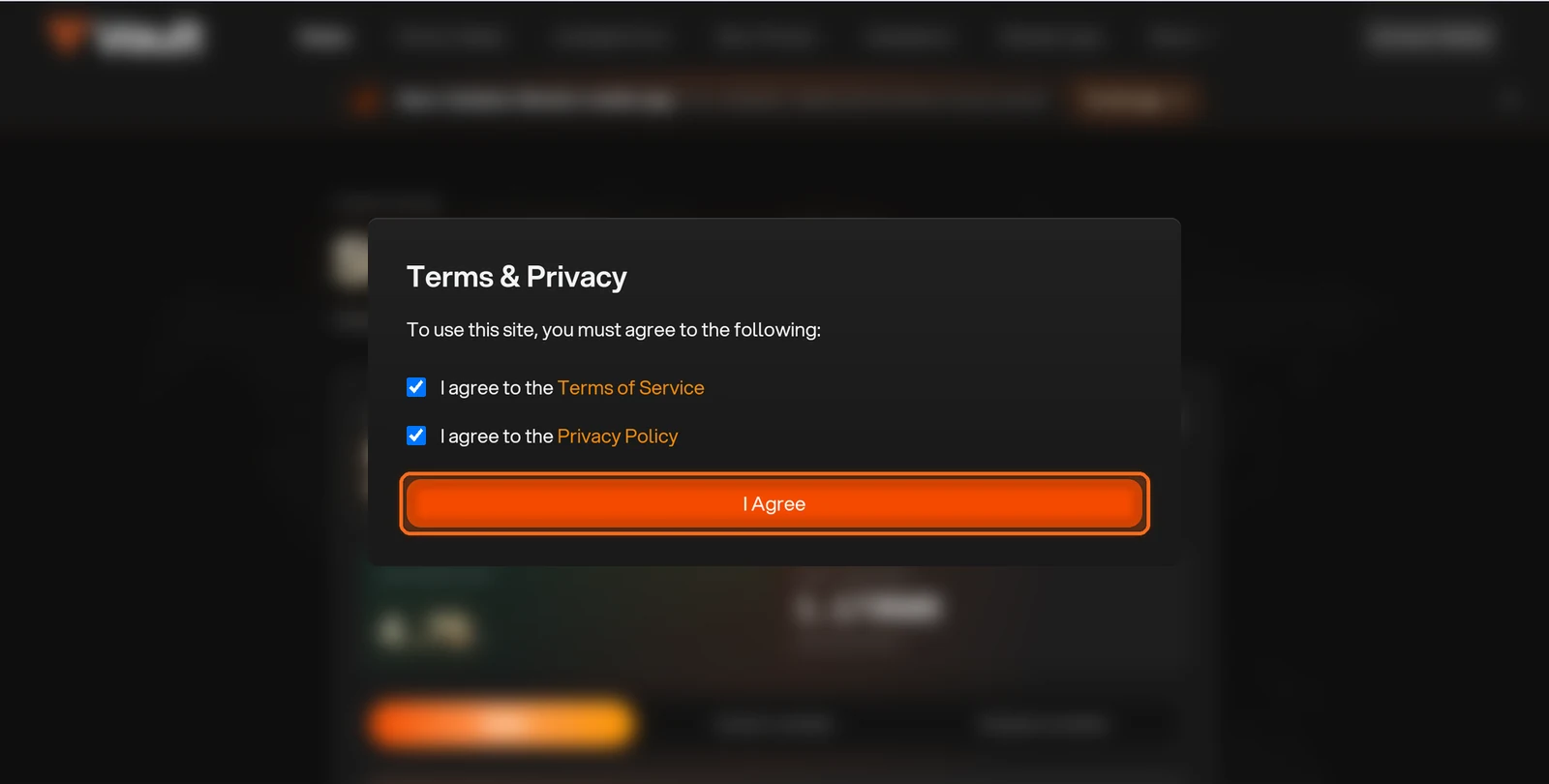
Figure 10.3: Terms and Privacy dialog with I Agree button
Open Unstake Pool
Open Unstake Pool in the top navigation (Figure 10.4).
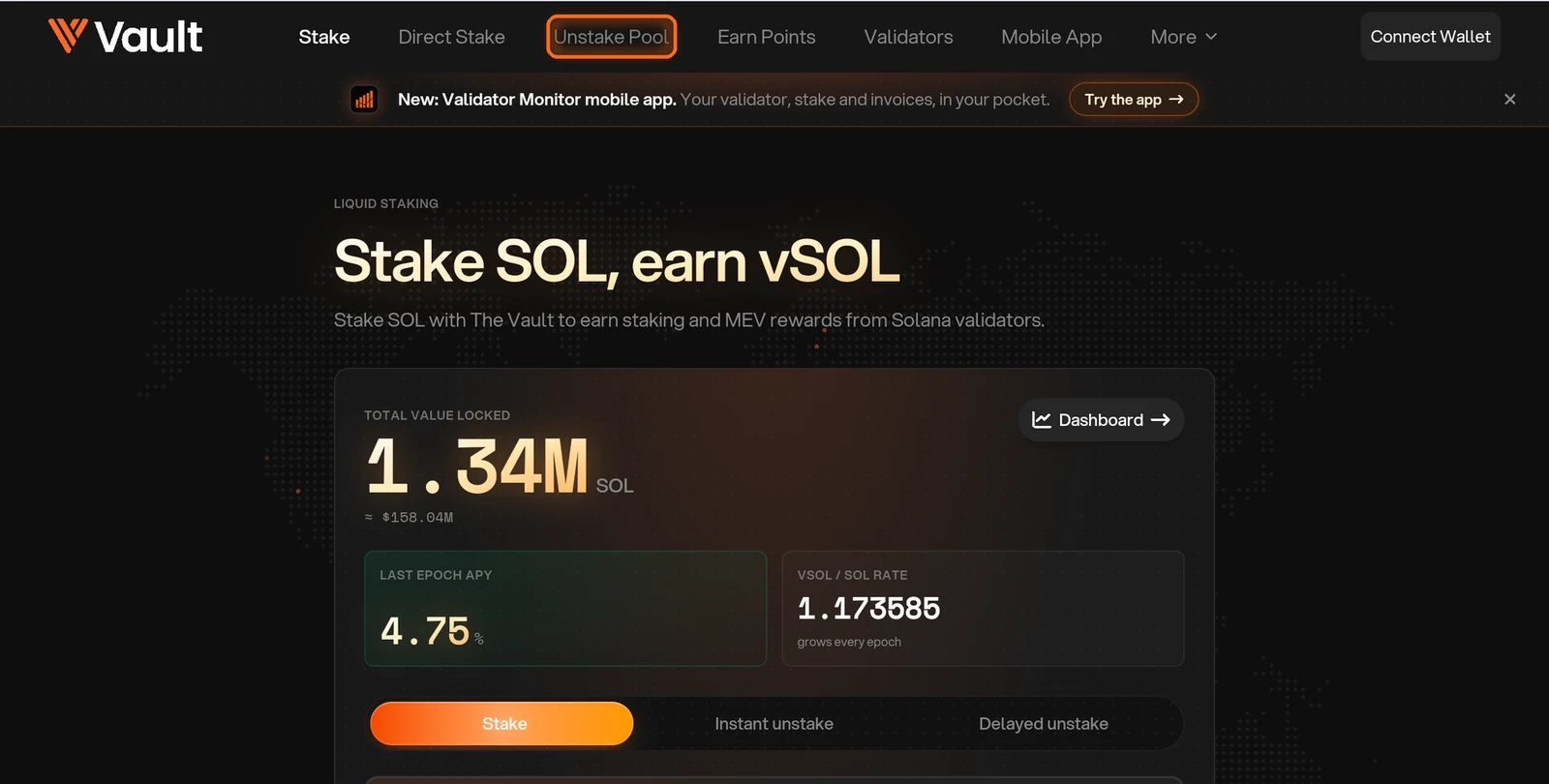
Figure 10.4: Unstake Pool in the top navigation
Review the Pool
Review the pool at the top of the page. It shows total value locked, how much is liquid or staked, the 30-day APY and the current VLP price (Figure 10.5).
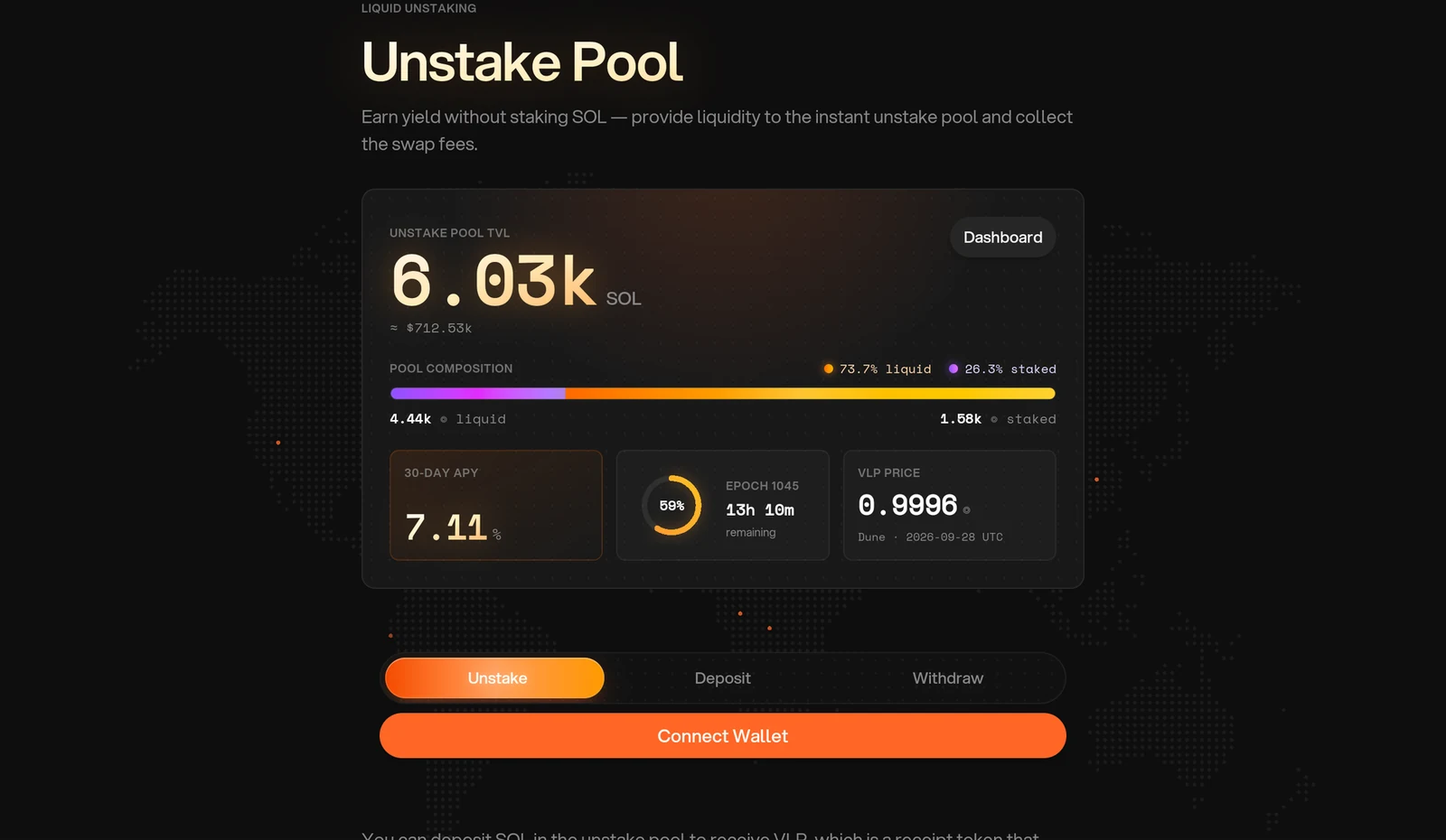
Figure 10.5: Unstake Pool statistics
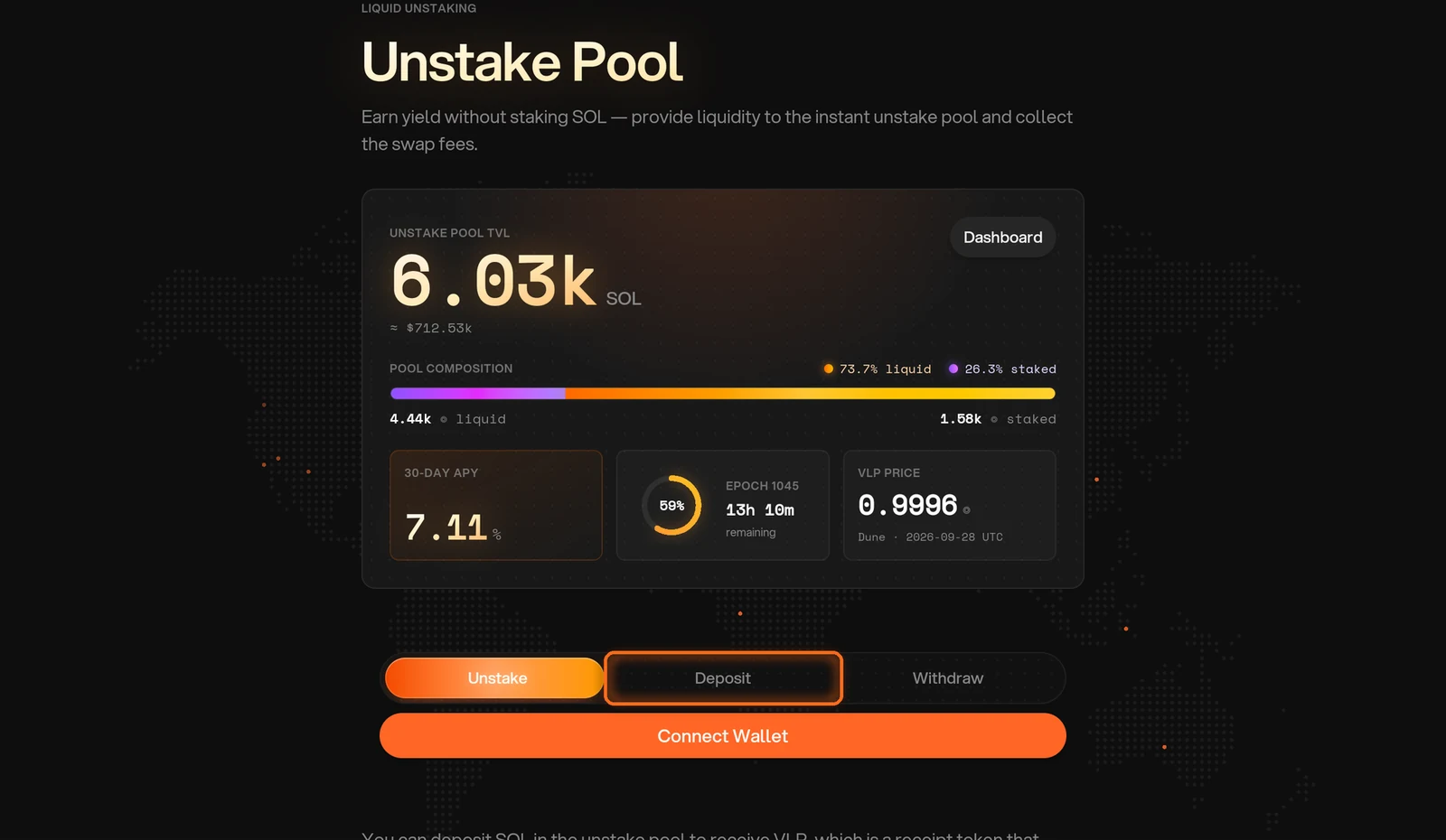
Deposit Your SOL
Tap Connect Wallet and choose your wallet. Enter how much SOL to deposit and approve in your wallet. You receive VLP in return (Figure 10.7).
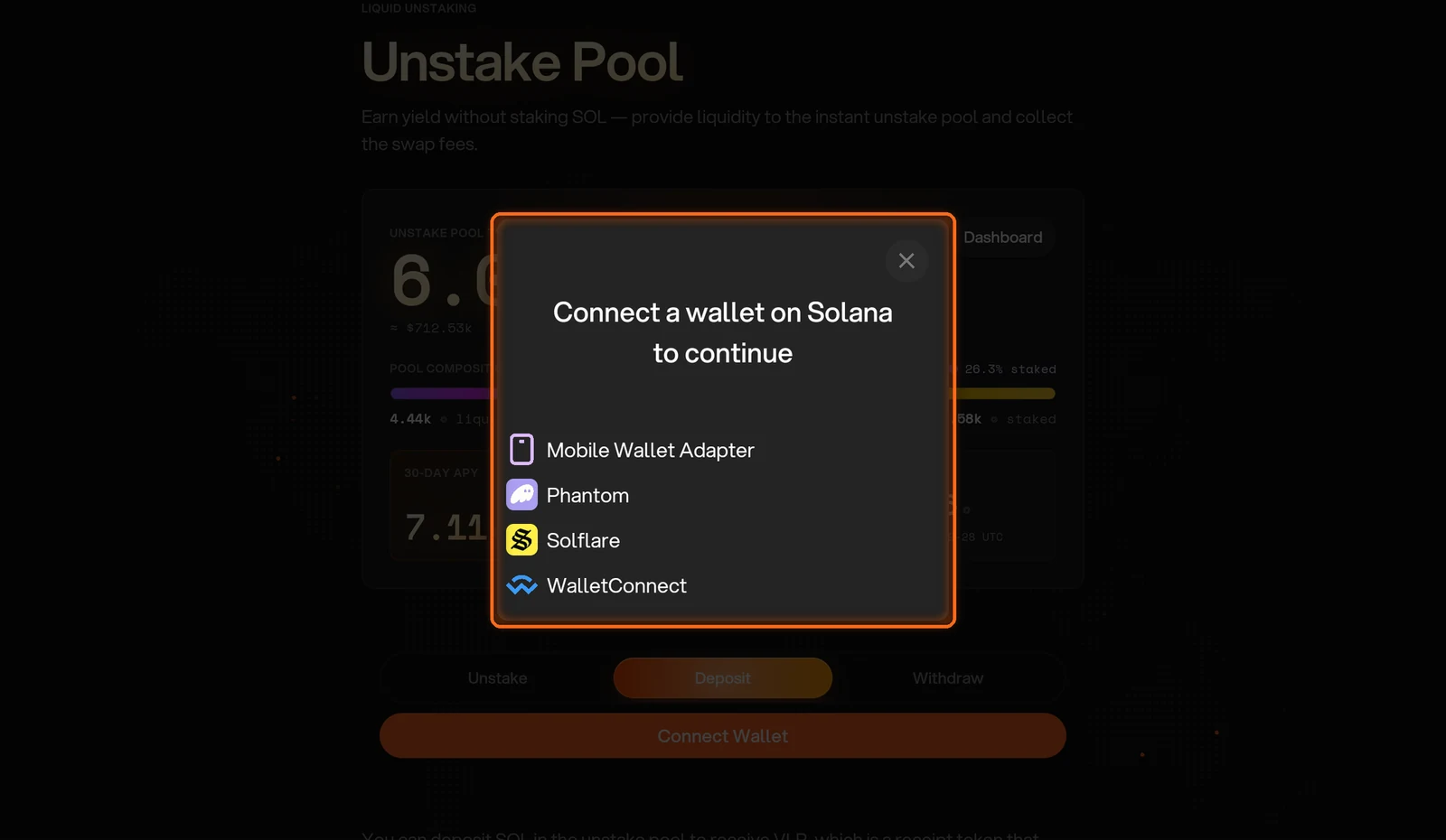
Figure 10.7: Wallet selection dialog
Withdraw Your SOL
To take your SOL out, choose Withdraw. Review your VLP balance and the SOL quote. A withdrawal can complete only when the pool has enough liquid SOL (Figure 10.8).
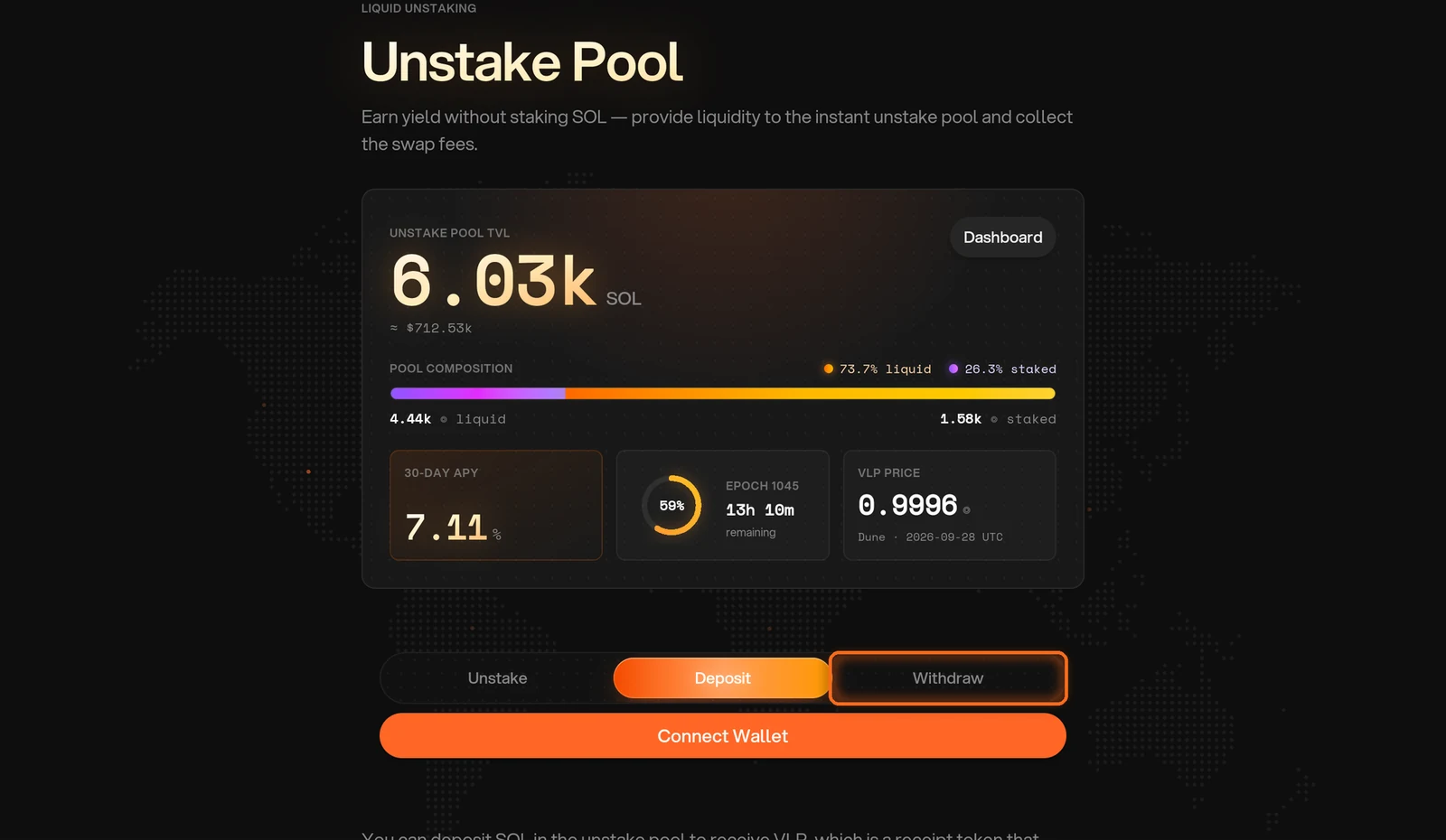
Figure 10.8: Withdraw tab
Earn vPoints on Your VLP
If you want vPoints on top, you can stake your VLP on the Earn Points page. To claim them, see How to collect vPoints.
Open the Earn Points Page
On the Unstake Pool page, tap stake VLP below the form to stake your VLP on the Earn Points page (Figure 10.9).
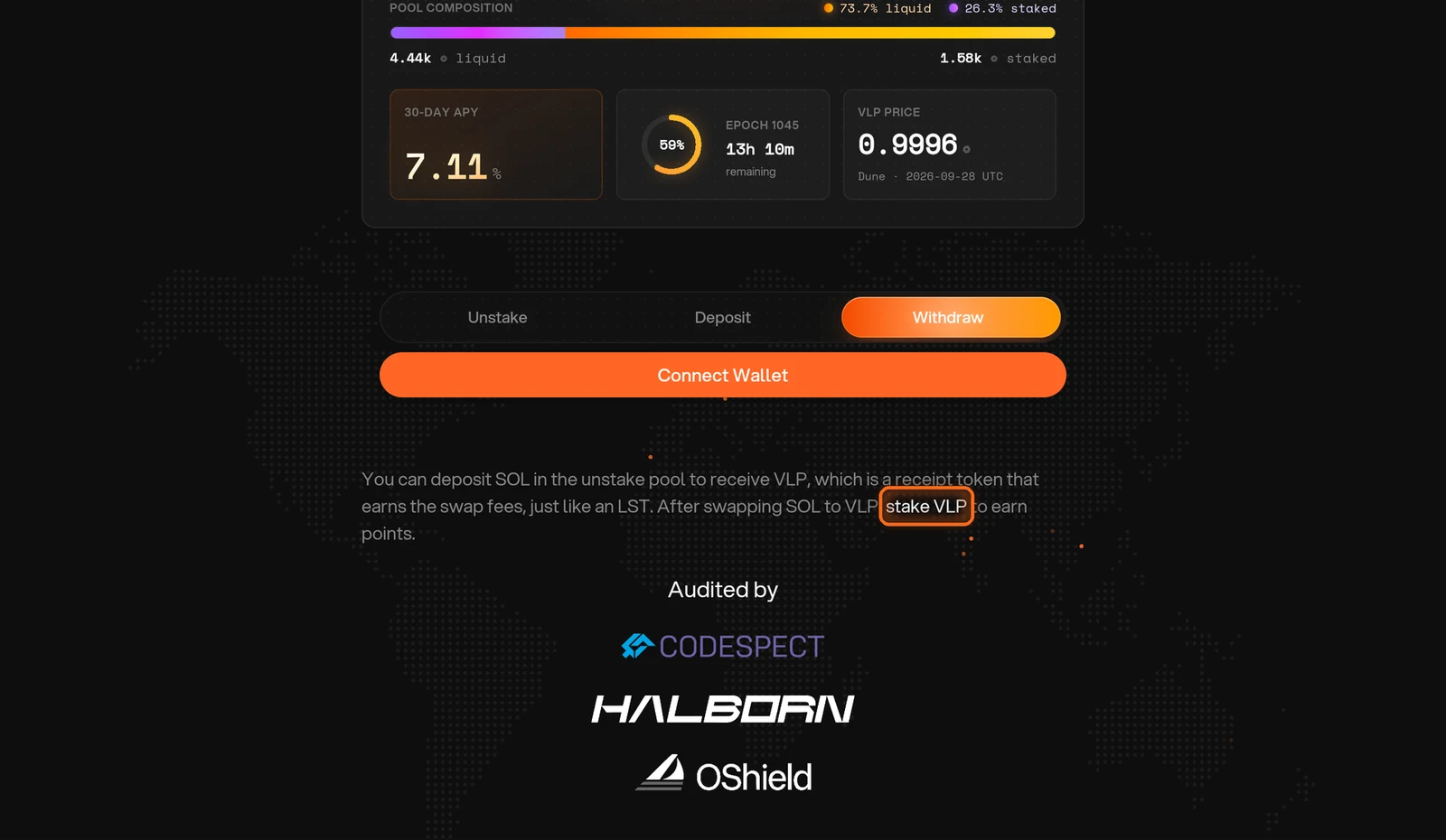
Figure 10.9: stake VLP link below the form
Deposit Your VLP
On the Earn Points page, open the Vault Unstake LP pool to deposit your VLP. It shows the points it pays per day (Figure 10.10).
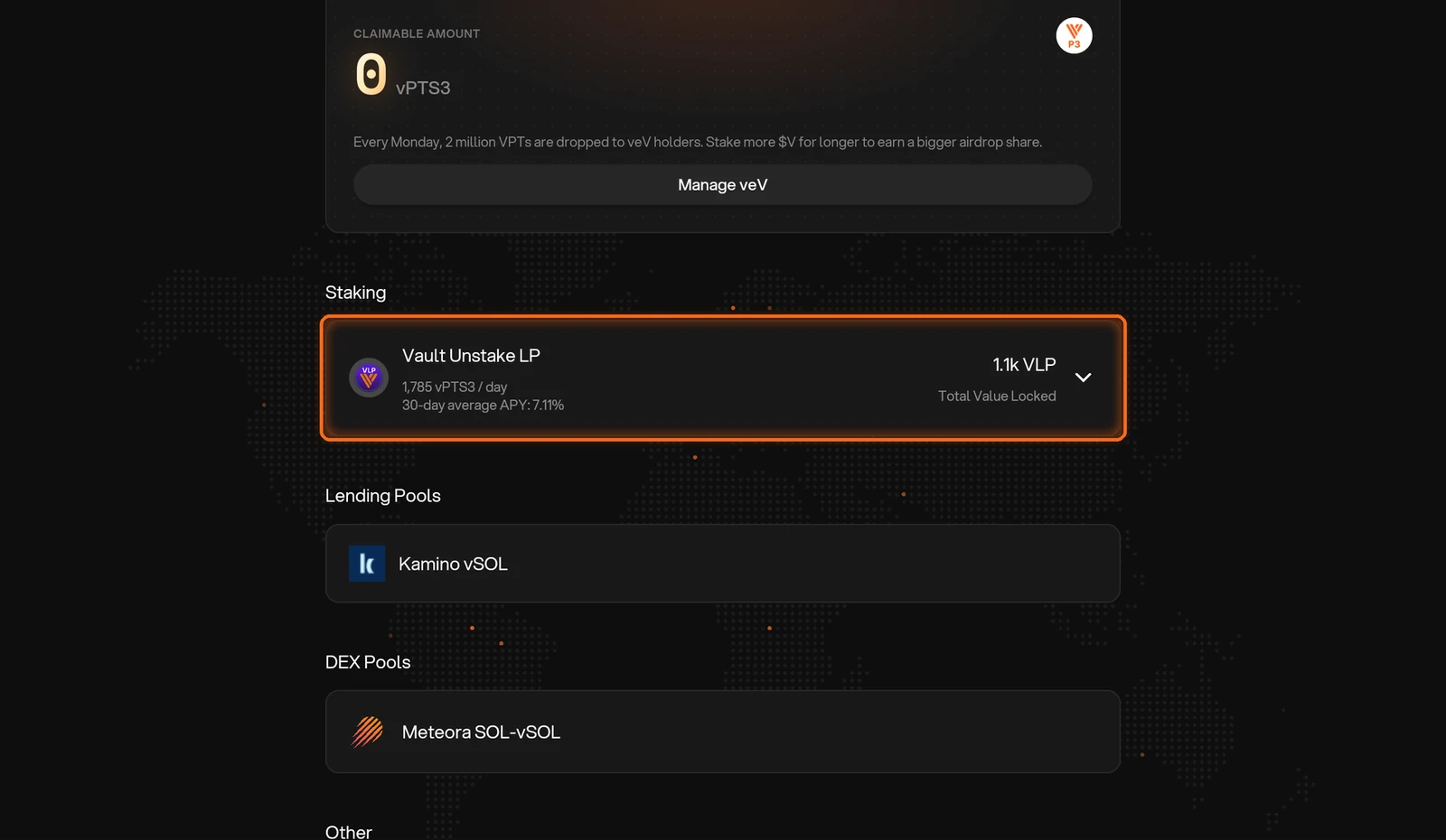
Figure 10.10: Vault Unstake LP staking pool
Need help? Open a support ticket in The Vault Discord.