🕐 How to vote on gauges
This guide teaches you how to use gauges.
Gauges let $V holders decide which validators receive The Vault's gauge-directed stake. You buy $V, lock it for voting power called veV, then vote on validators on The Vault's Gauges page.
Buy $V, lock it and vote
The guide has three stages: get $V, lock it for veV, then vote.
Get $V
- Go to jup.ag/swap. You can buy $V on other platforms too; this guide uses Jupiter (Figure 9.1).
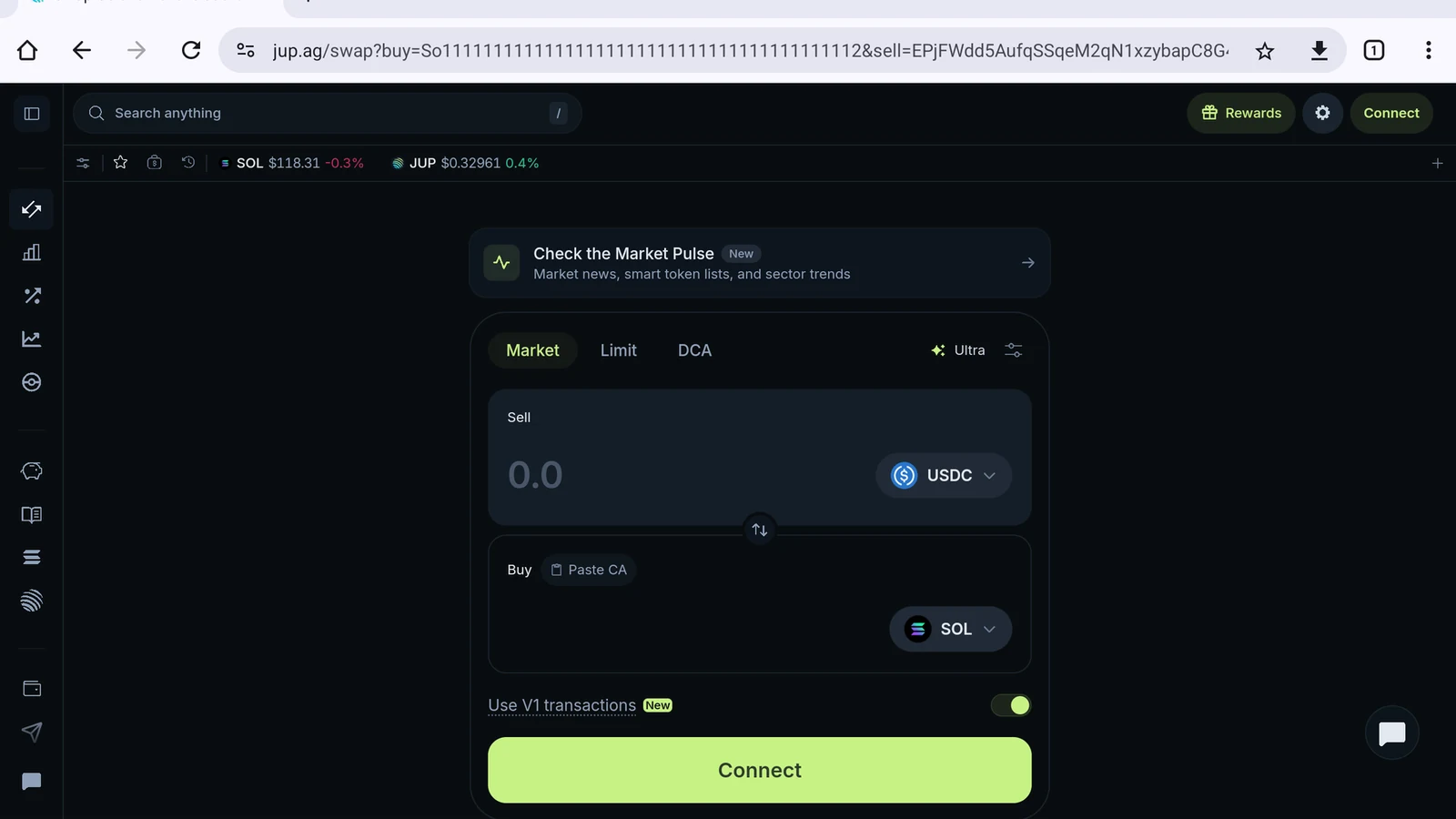
Figure 9.1: Jupiter swap page
- Tap the switch arrow so you sell SOL (Figure 9.2).
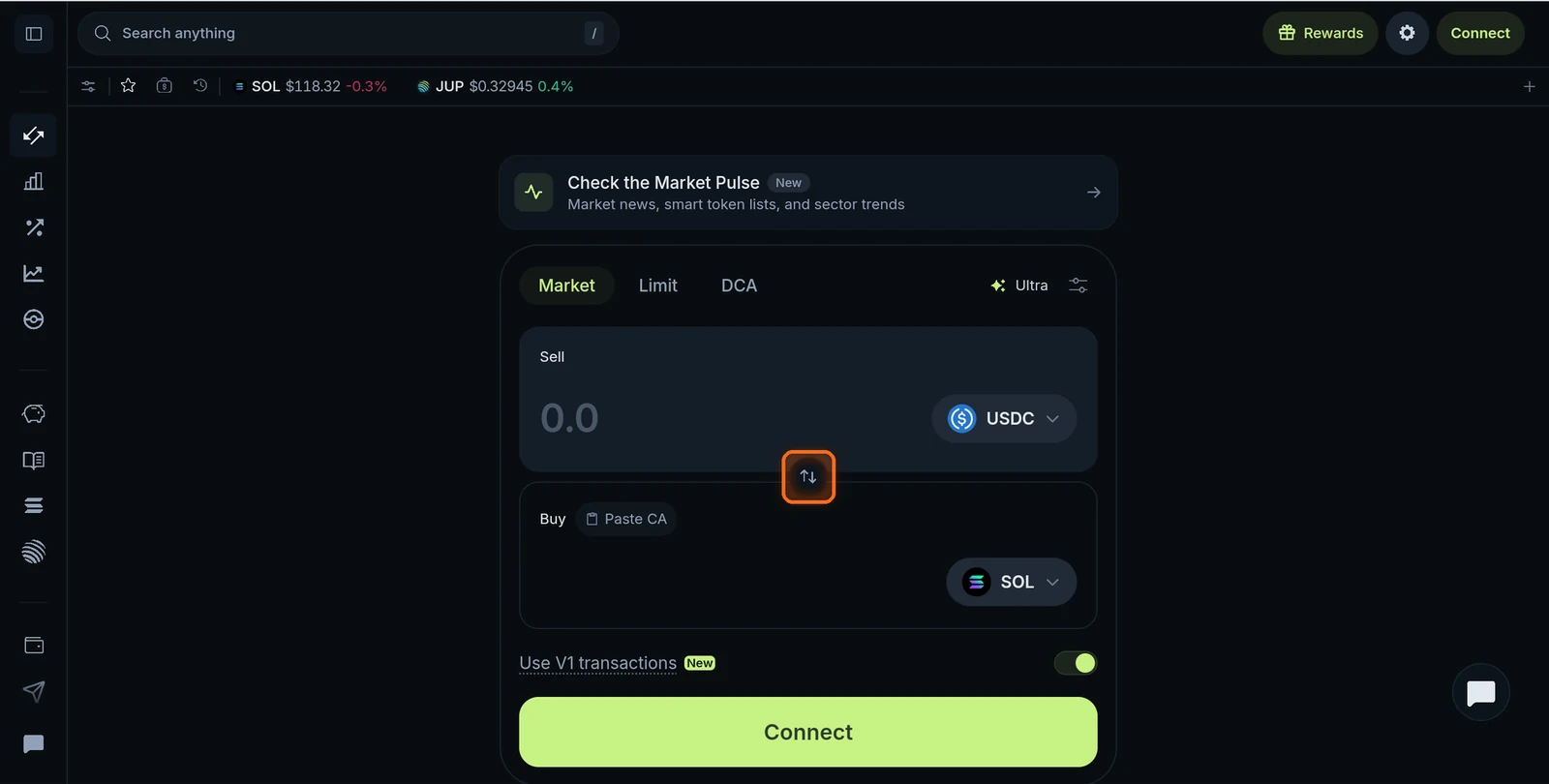
Figure 9.2: Switch arrow between the sell and buy tokens
- Tap the token under Buy and paste the official $V contract address:
VAULTVXqi93aaq9FsyPKgdgp6Ge1H1HoSvNC4ZbqFDs. Pick the $V from Vault with the verified checkmark (Figure 9.3).
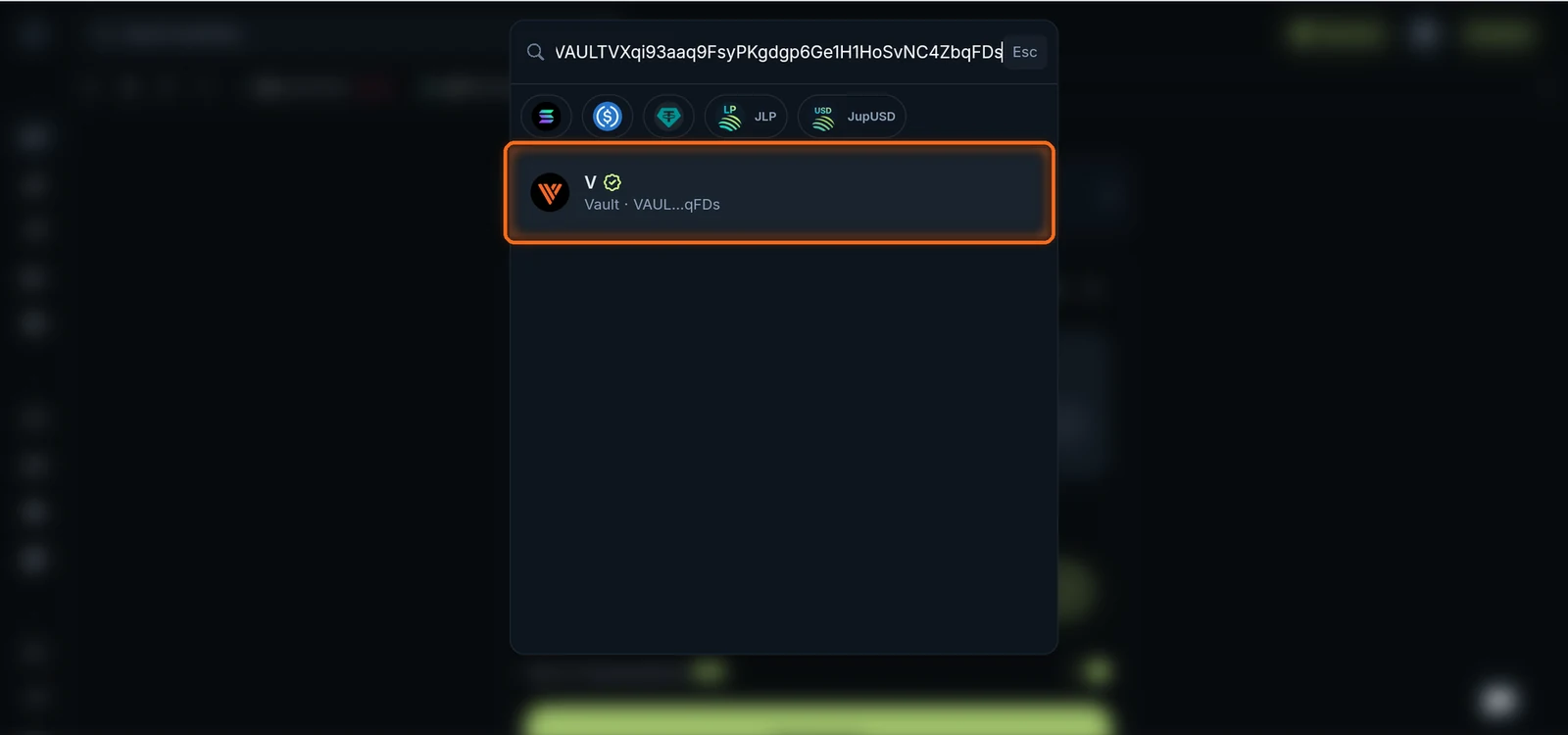
Figure 9.3: Verified V token in Jupiter's token search
- Enter how much SOL to swap. Jupiter shows how much $V you receive (Figure 9.4).
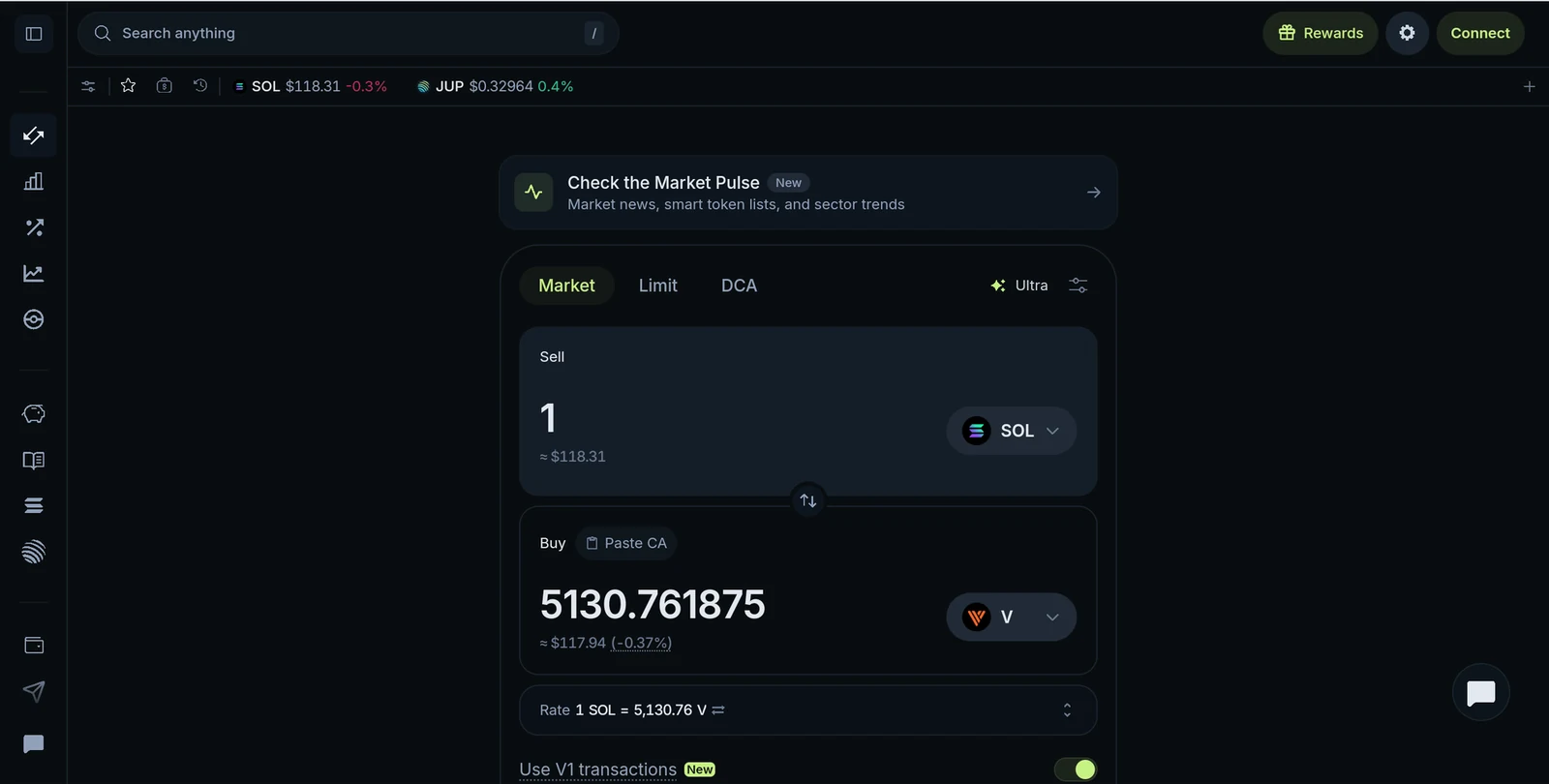
Figure 9.4: SOL to V swap quote
- Tap Connect, choose your wallet and approve the swap (Figure 9.5).
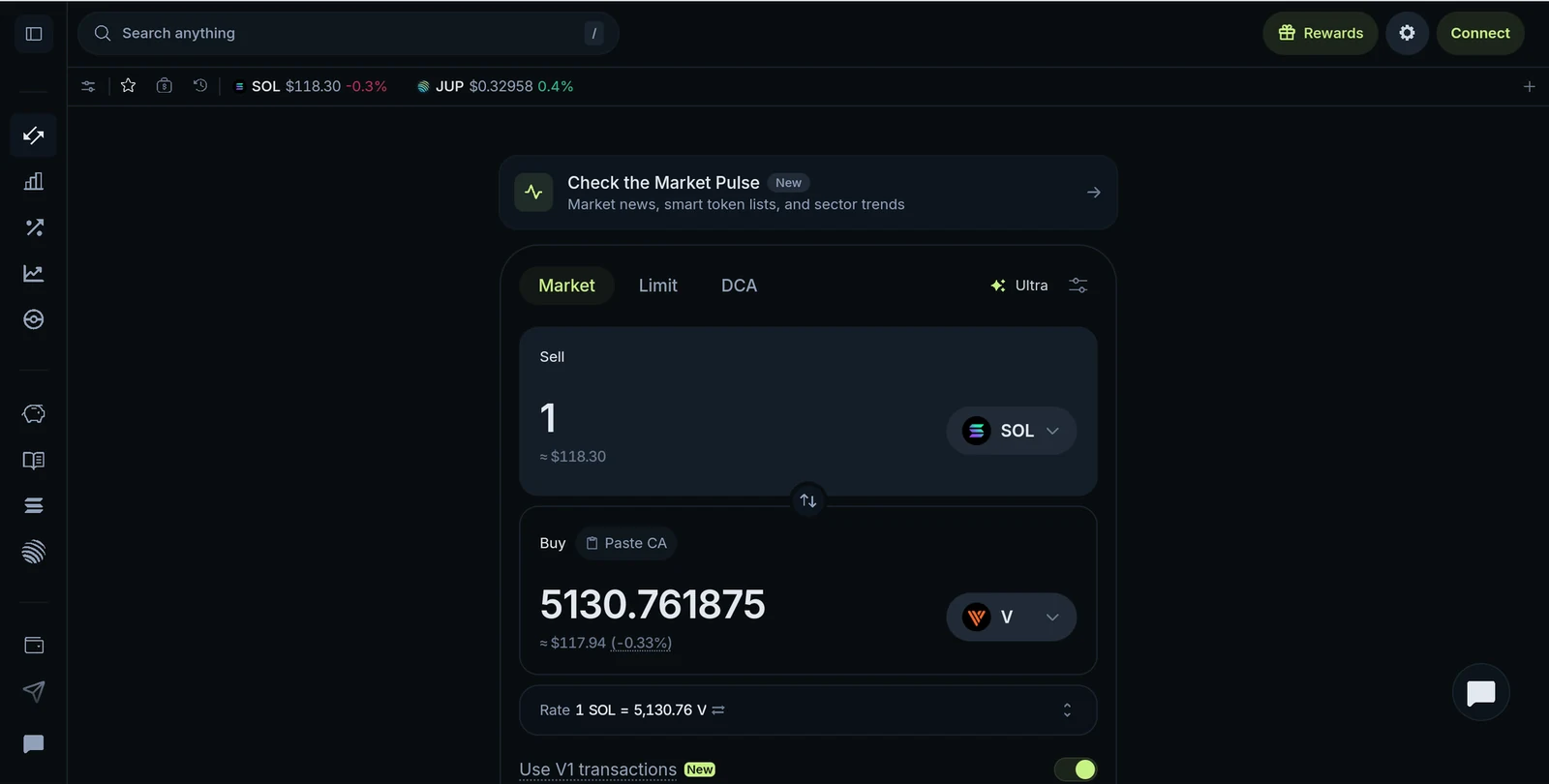
Figure 9.5: Jupiter wallet connection
Lock $V for veV
- Open the Vote Locker at thevault.finance/locker. You can also reach it from More → Locker in The Vault's navigation (Figure 9.6).
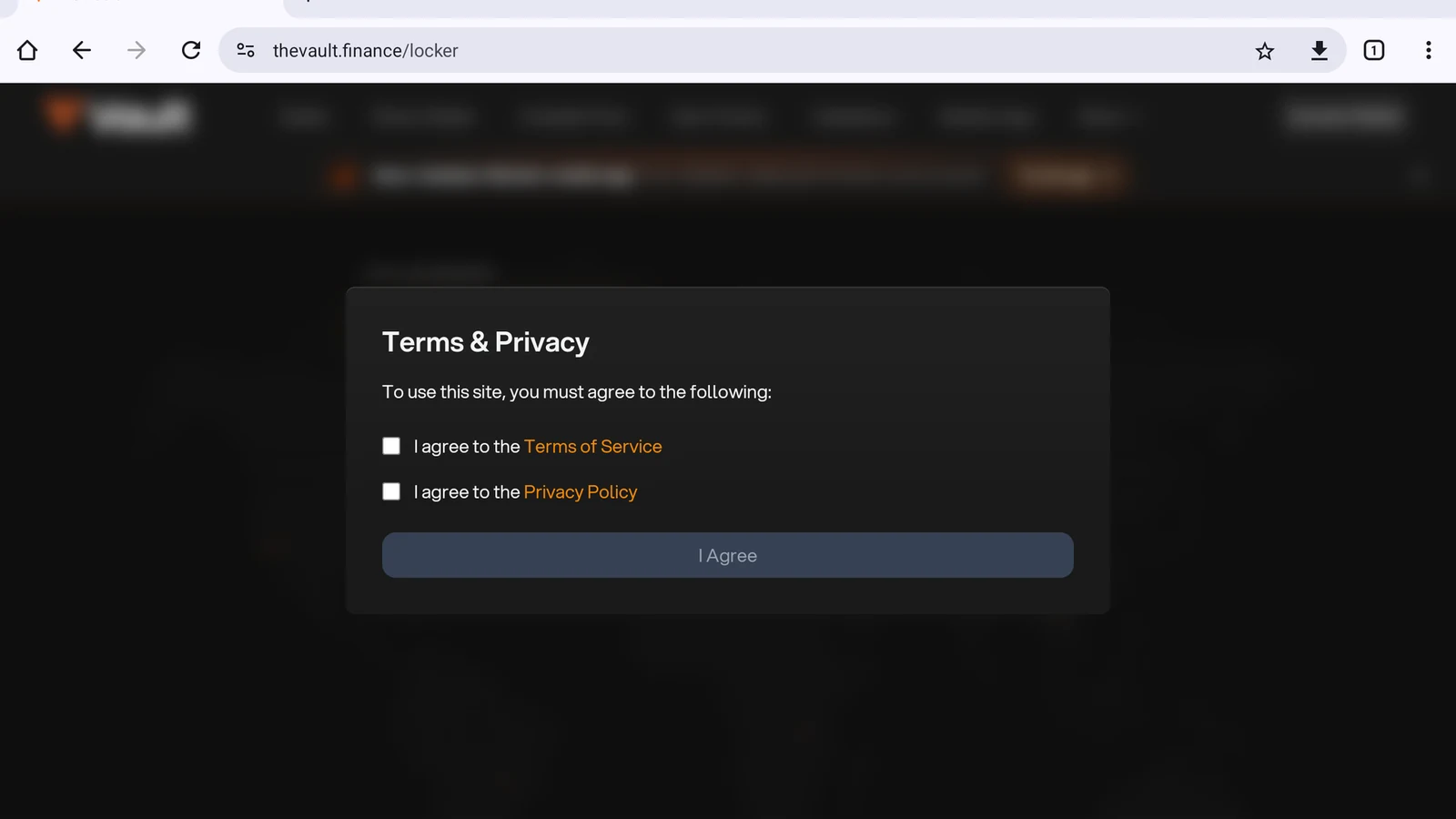
Figure 9.6: Vote Locker page
- The first time you visit, tick both boxes to accept the Terms of Service and Privacy Policy, then tap I Agree (Figure 9.7).
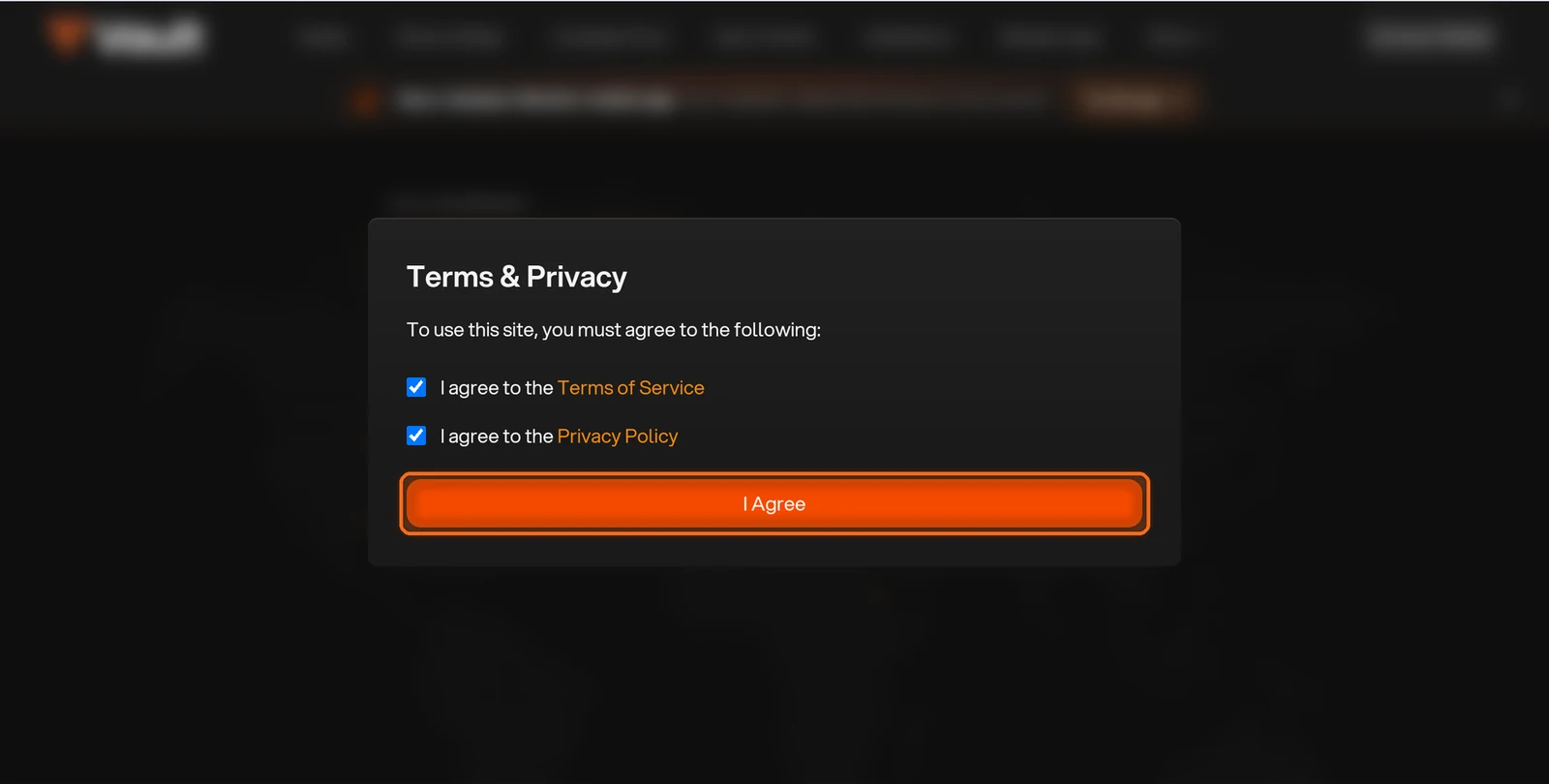
Figure 9.7: Terms and Privacy dialog with I Agree button
- Tap Connect Wallet and choose your wallet to create your lock. You can lock $V for up to 5 years; the maximum lock gives 10 veV for every $V. Your lock time counts down, and your voting power falls with it. When extending a lock, you choose a longer remaining duration, up to 5 years (Figure 9.8).
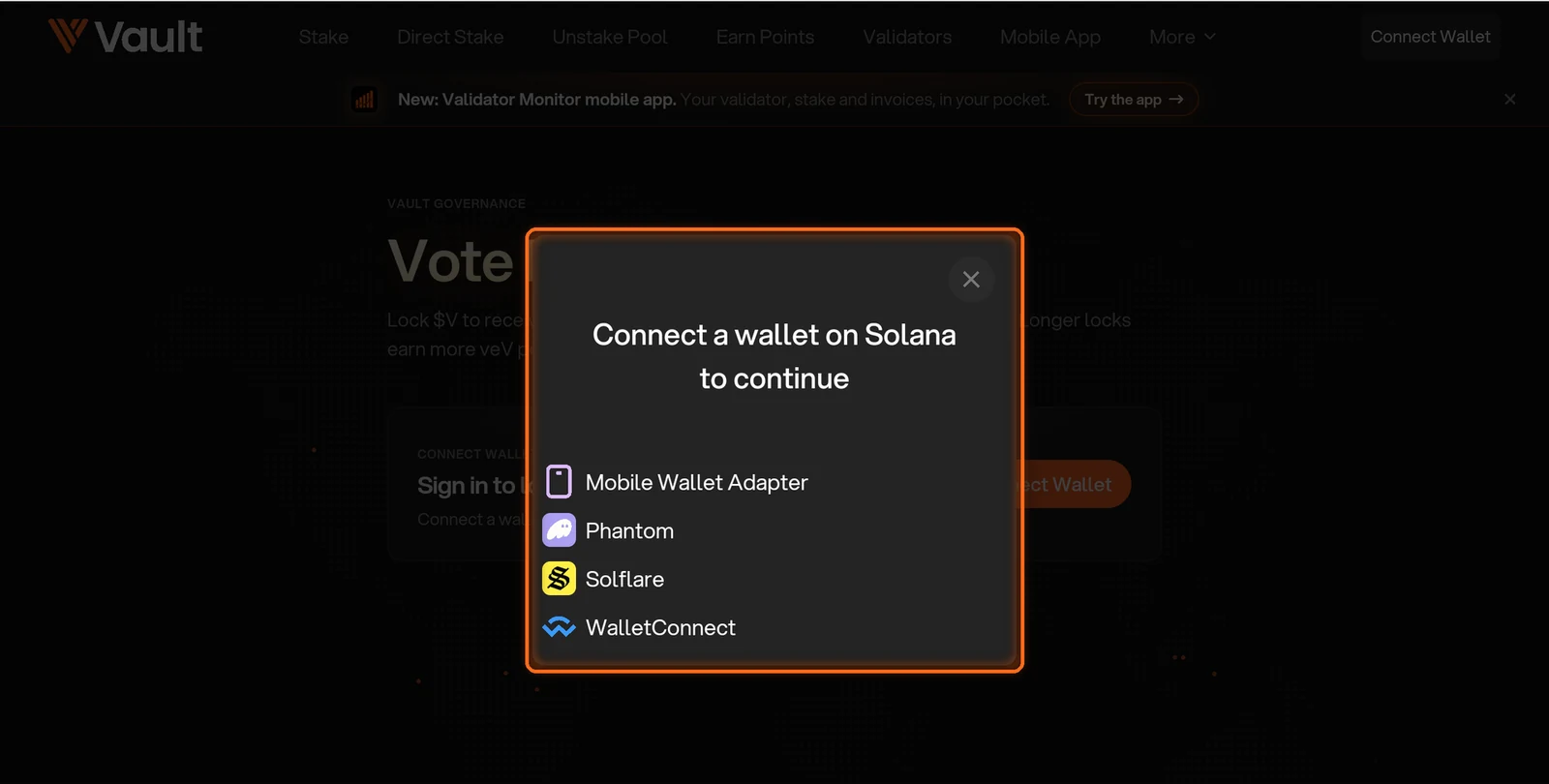
Figure 9.8: Vote Locker wallet connection
Vote on gauges
- From the More menu, open Gauges (Figure 9.9).
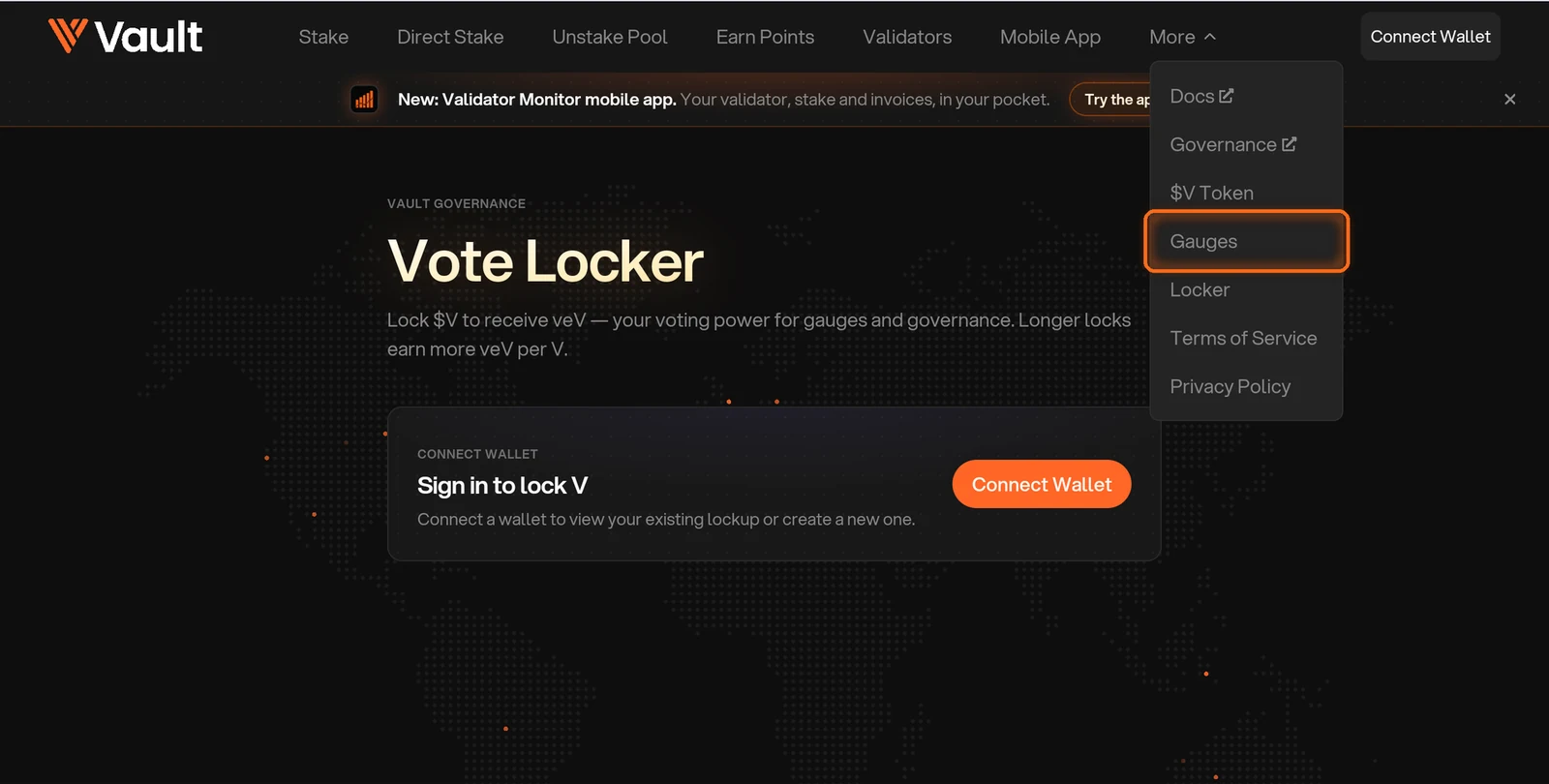
Figure 9.9: Gauges in the More menu
- Check the gauge cycle timeline. It shows the current epoch, the time left and the epoch your votes will count for. Each epoch lasts about 7 days, and stake takes 1 to 2 Solana epochs under normal conditions to fully move to the validators you vote for (Figure 9.10).
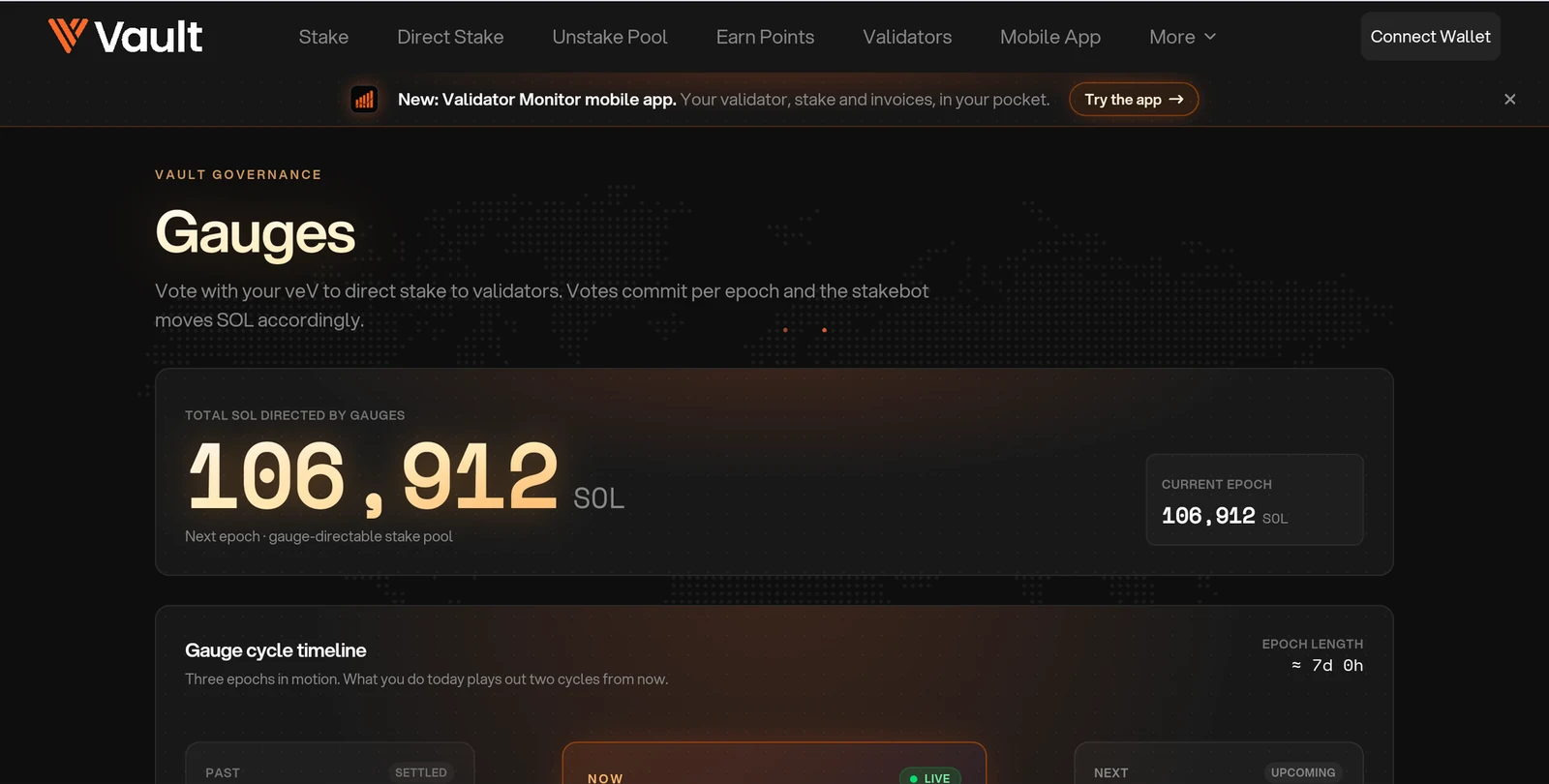
Figure 9.10: Gauge cycle timeline
- Under Direct gauge stake, search for the validators you want to support (Figure 9.11).
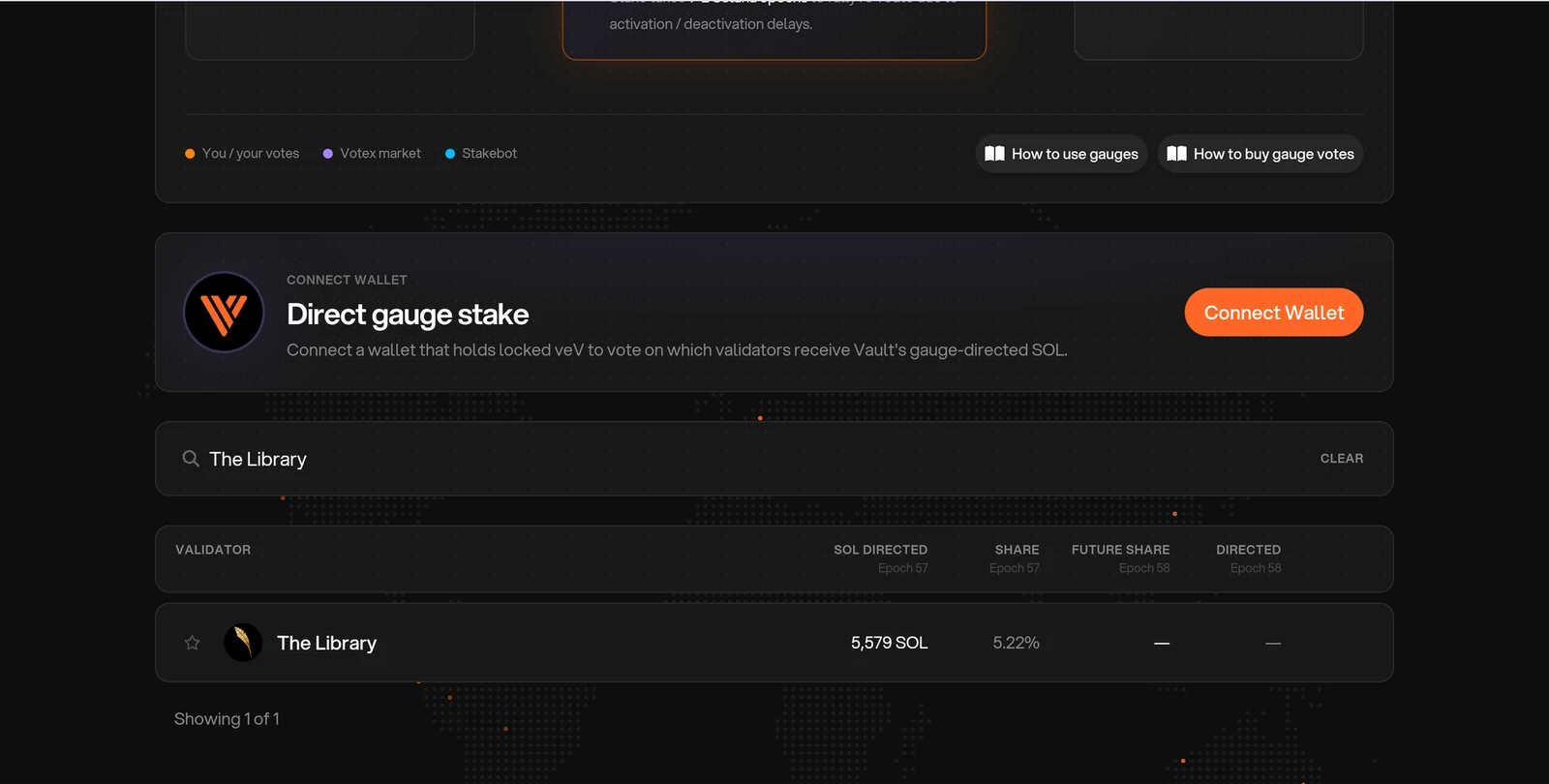
Figure 9.11: Validator search under Direct gauge stake
- Tap Connect Wallet with the wallet that holds your veV, set your vote weights and commit them before the epoch ends. You can put all your votes on one validator or split them across several (Figure 9.12).
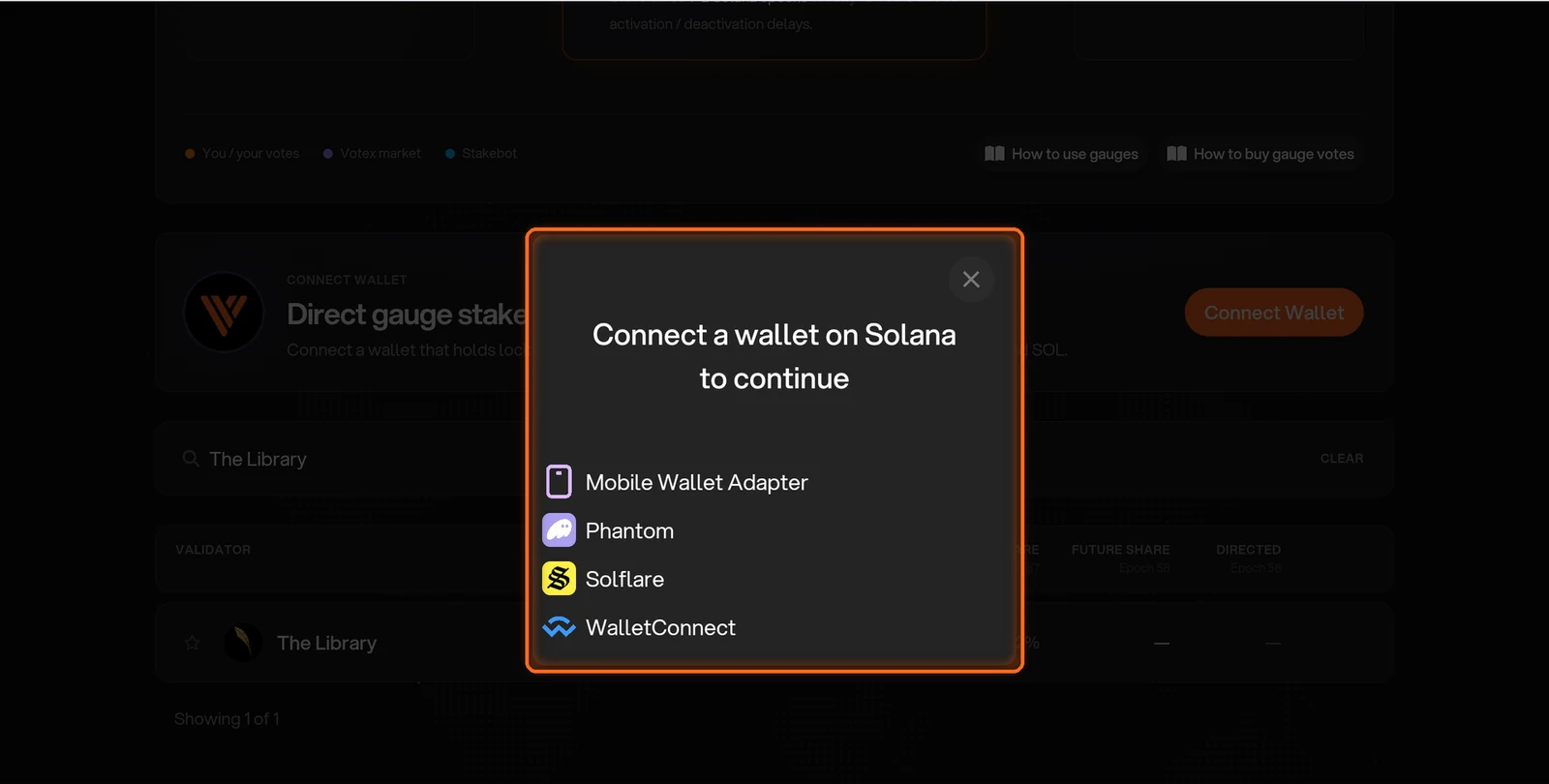
Figure 9.12: Gauges wallet connection
If you have less than 50,000 veV, recast your votes every epoch. With 50,000 veV or more, your votes carry over each epoch and you can still adjust the weights.
FAQs
Where can I get $V?
Buy it on aggregators such as Jupiter or Titan, using the official $V address shown in this guide. You can also collect vPoints, for example by providing liquidity, and exercise them for $V during a season's exercise window (Introduction to $V Options).
Does extending my lock reset it to 5 years?
No. You choose a new remaining duration that is longer than the time currently left, up to 5 years from the extension. For example, with 4 years remaining, you can extend to 4 years and 10 days, 4 years and 100 days, or 5 years.
Can I add $V after extending my lock?
Yes. You can add more $V to the same lock at any time. Added tokens share the existing expiry; adding tokens does not reset the lock. A second wallet is needed only for a different lock duration. See Locking $V.
Can I lock vPoints?
No. vPoints can only be exercised to purchase $V during a season's exercise window. After exercising and paying the strike price, you can choose to lock the $V you purchased.
Why do I get back only the $V I locked when my lock ends?
veV is voting power, not extra tokens. A longer lock gives you more voting power while the lock runs, and when it ends you withdraw the same amount of $V you locked.
Need help? Open a support ticket in The Vault Discord.