🎇 How to collect vPoints
Learn how to collect your vPoints on The Vault's website.
Learn how to collect your vPoints on The Vault's website.
vPoints come from two places on the Earn Points page: the weekly veV staking airdrop and the staking pools, such as Vault Unstake LP. Points from partner integrations like Kamino are collected on the partner's own site.
Collect your vPoints
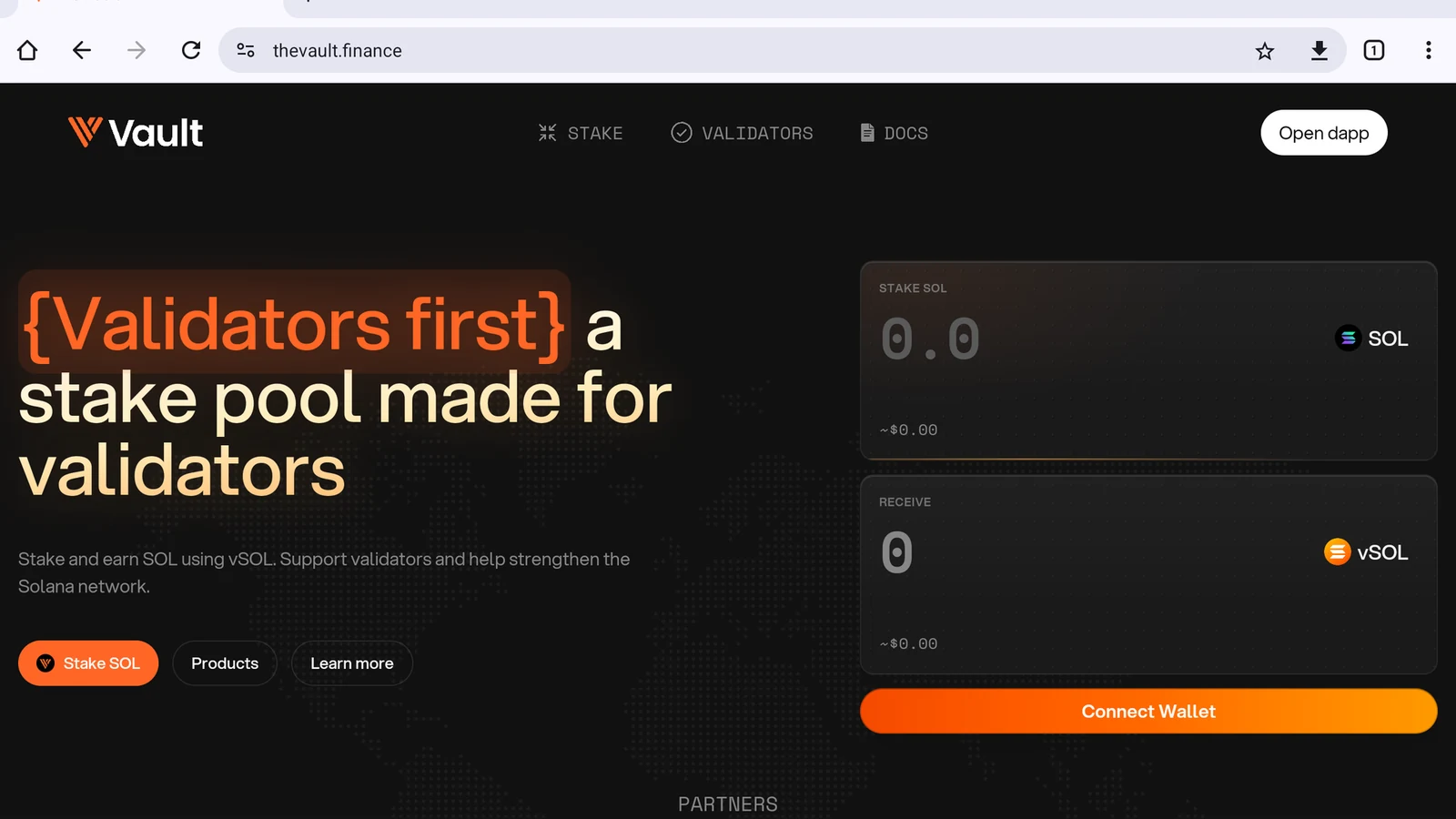
Open the dApp
Tap Open dapp in the top-right corner (Figure 4.2).
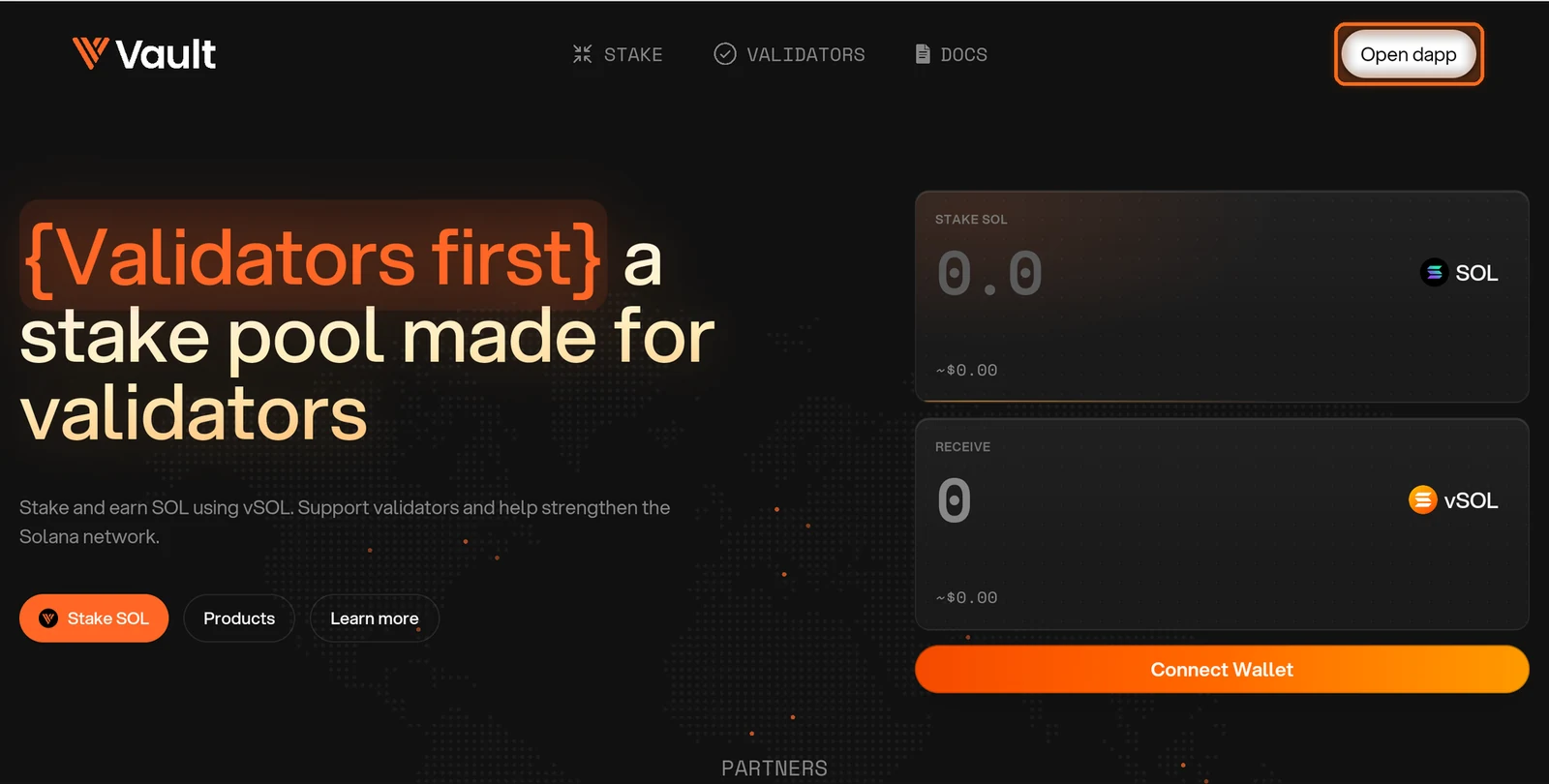
Figure 4.2: Open dapp button in the top-right corner
Accept the terms
The first time you visit, tick both boxes to accept the Terms of Service and Privacy Policy, then tap I Agree (Figure 4.3).
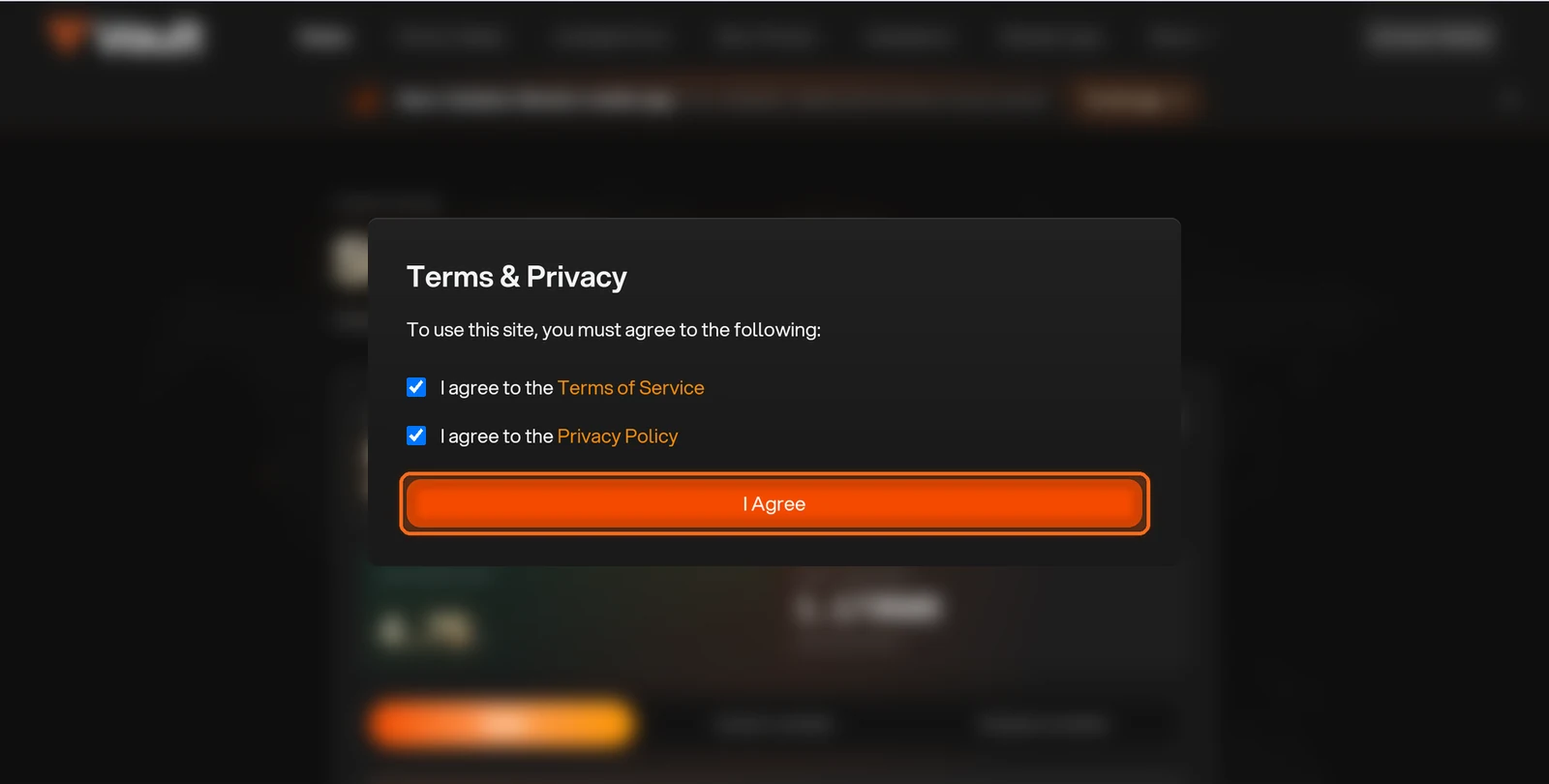
Figure 4.3: Terms and Privacy dialog with I Agree button
Open Earn Points
Open Earn Points in the top navigation (Figure 4.4).
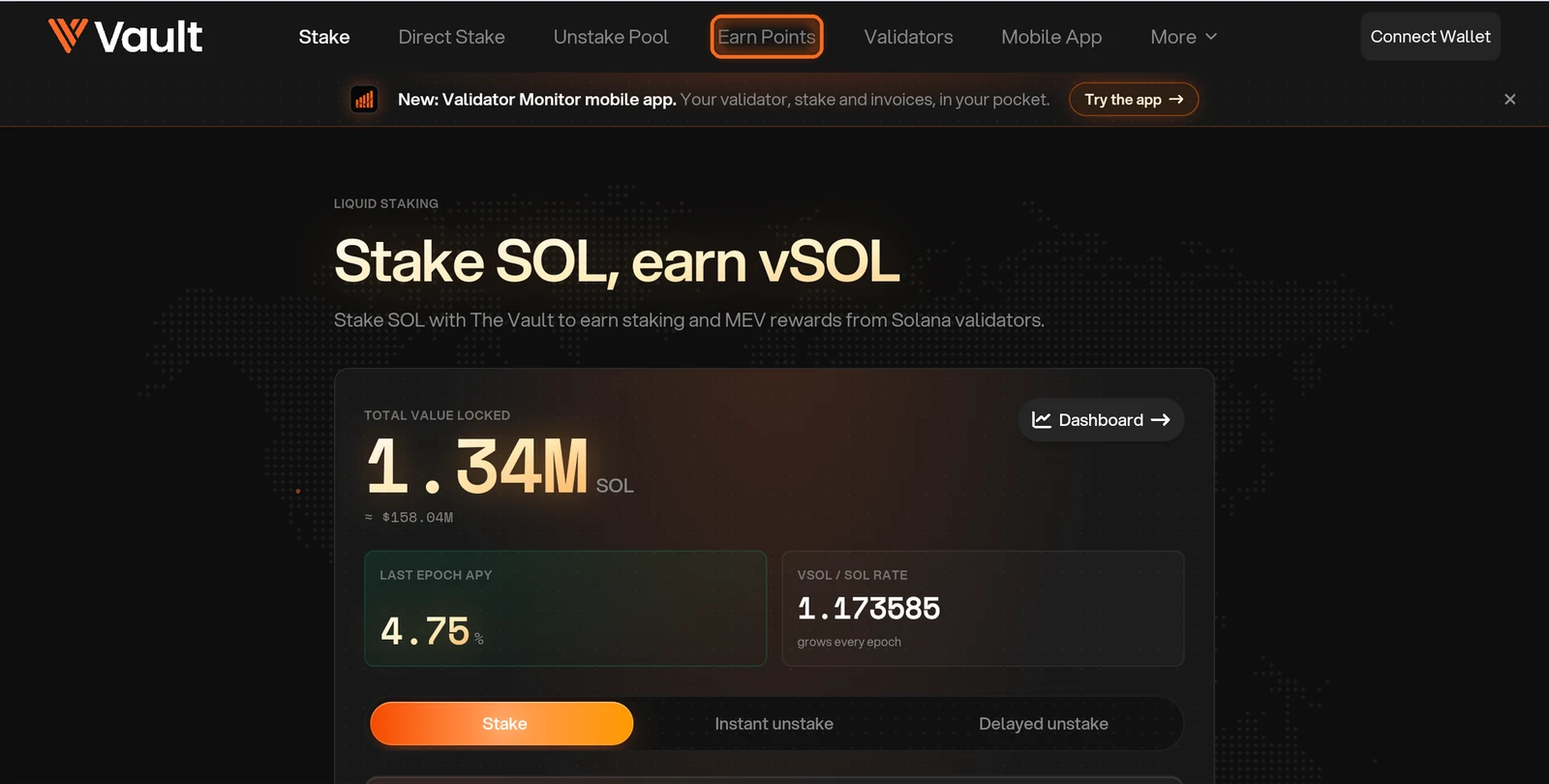
Figure 4.4: Earn Points in the top navigation
Find your veV airdrop
Find your weekly veV airdrop, which appears under Claim veV staking airdrop. Every Monday, 2 million vPoints are shared among veV holders. The more $V you lock, and the longer you lock it, the bigger your share (Figure 4.5).
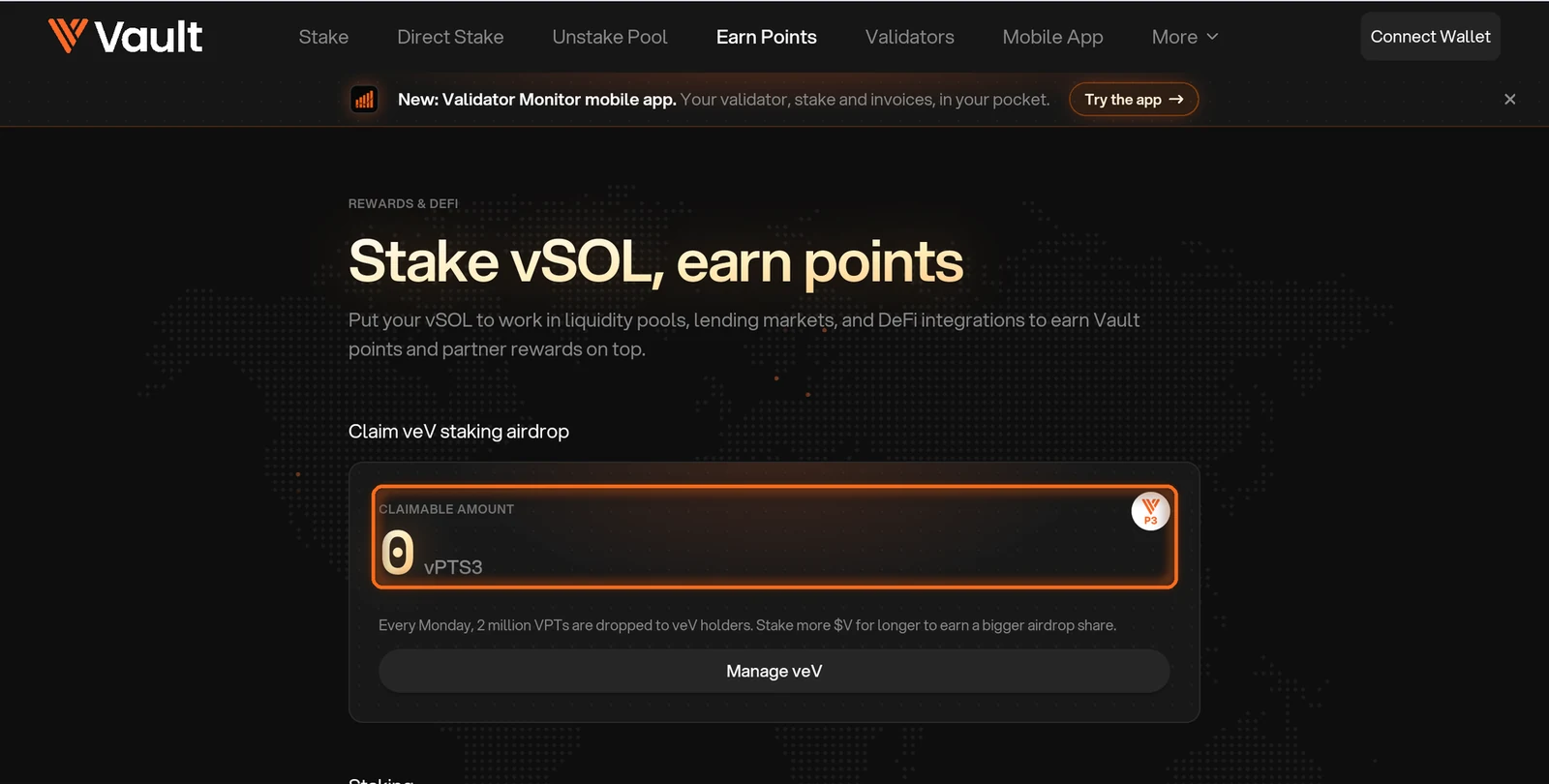
Figure 4.5: Claim veV staking airdrop card
Scroll to Staking
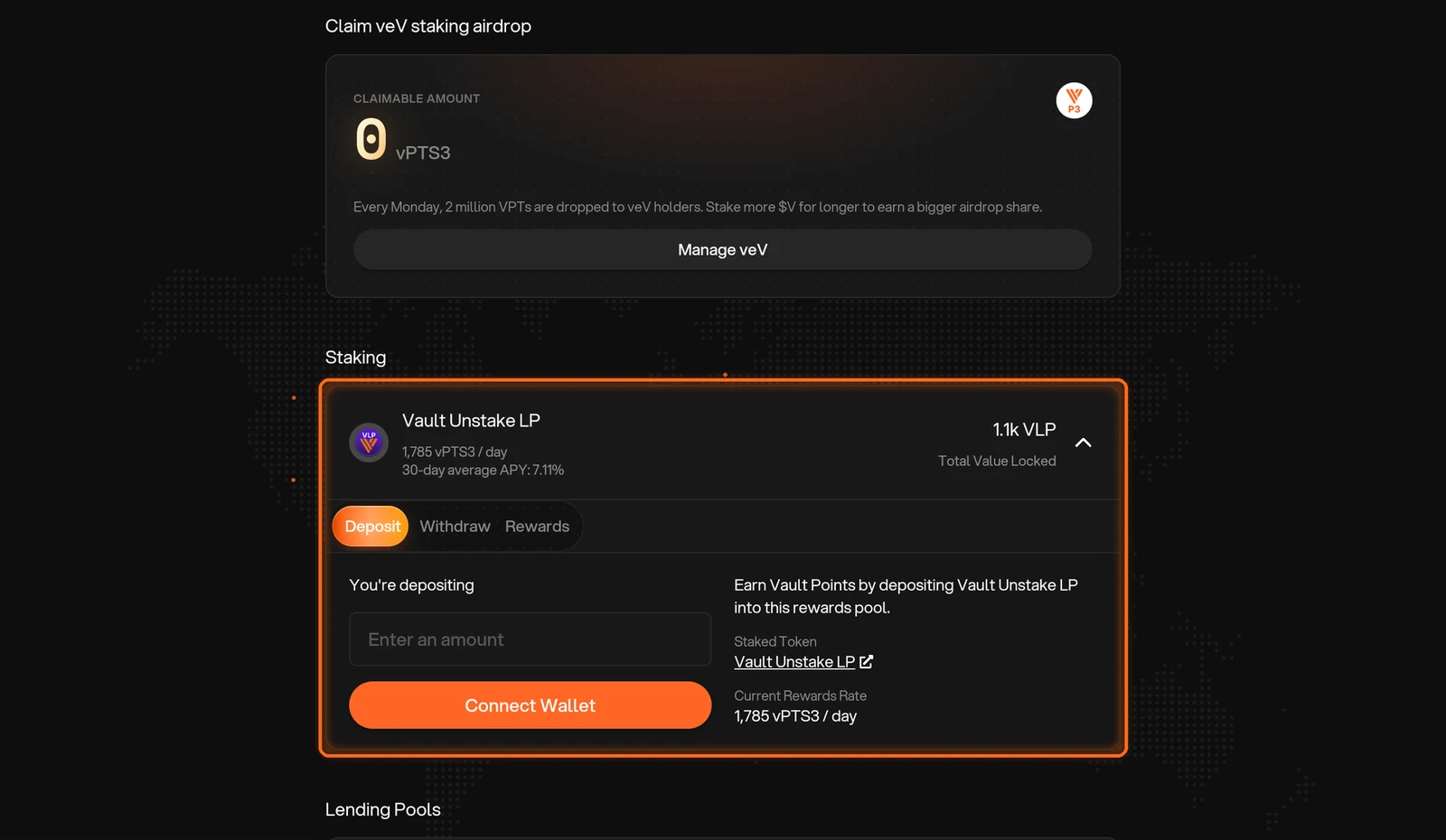
Scroll to Staking. Pools like Vault Unstake LP pay points every day (Figure 4.6). To get VLP, see How to deposit to and withdraw from the Unstake Pool.
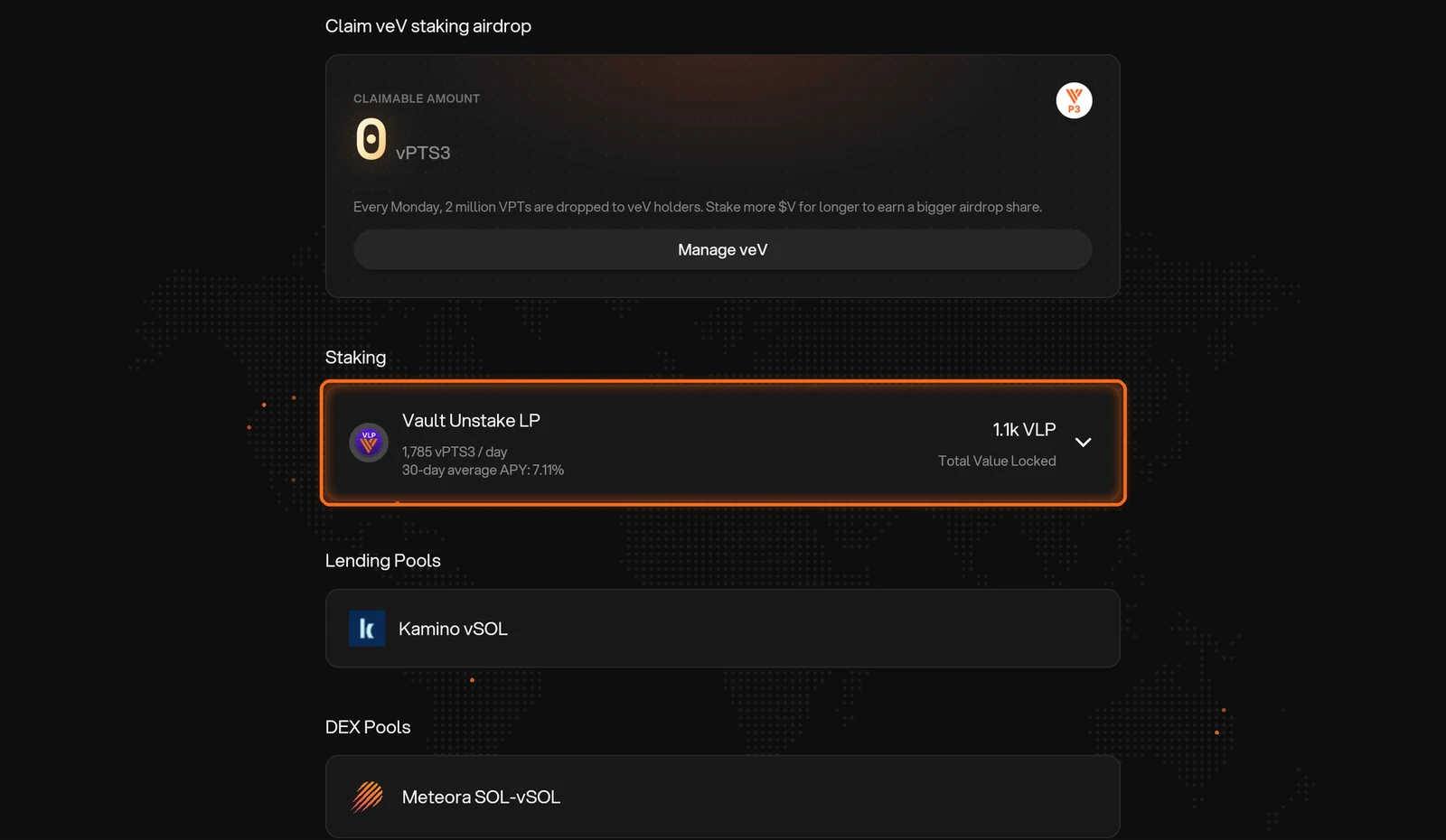
Figure 4.6: Staking pools on Earn Points
Check your rewards
Tap Rewards to see the points you have earned from staking (Figure 4.8).
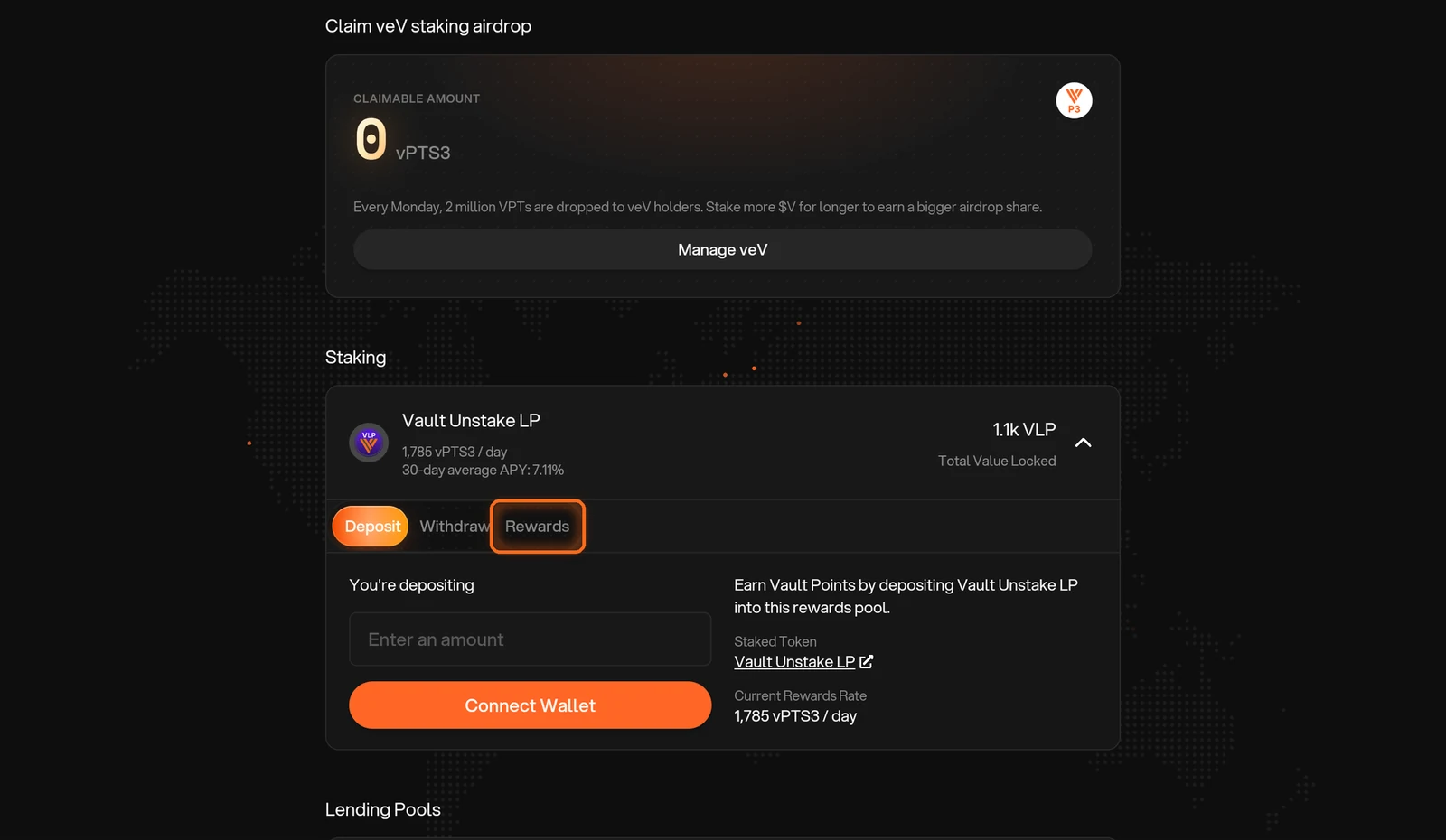
Figure 4.8: Rewards tab
Connect your wallet and claim
Tap Connect Wallet, choose your wallet, then claim and approve in your wallet. Come back any time to collect more (Figure 4.9).
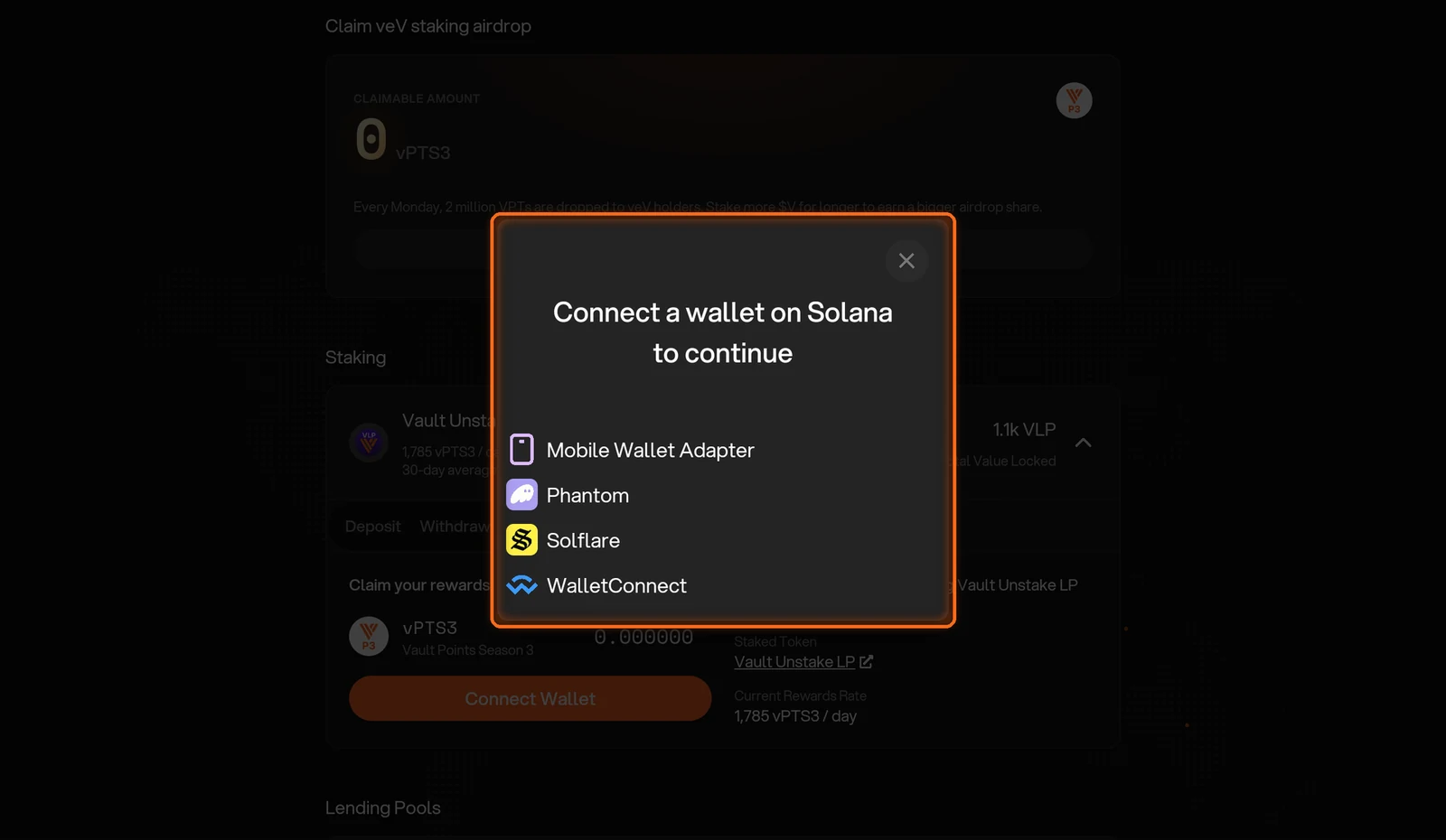
Figure 4.9: Wallet selection dialog
Collect partner pool points
Points from partner pools, such as Kamino vSOL, are collected on the partner's site. Tap the pool to go there (Figure 4.10).
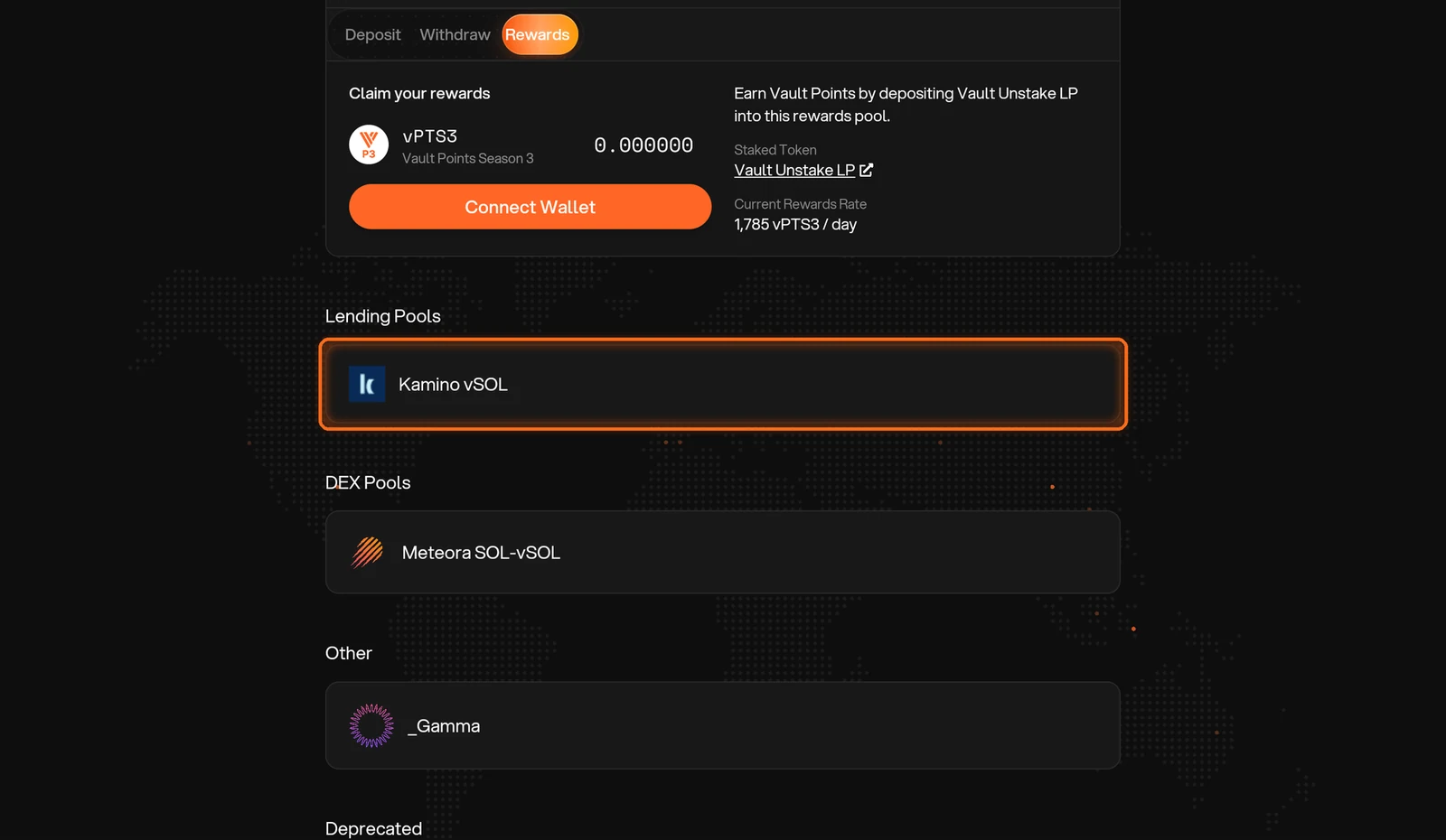
Figure 4.10: Kamino vSOL partner pool
FAQs
What can I do with my vPoints?
vPoints work as $V options. During a season's exercise window, you can exercise them to mint $V at that season's strike price, paying in vSOL, at thevault.finance/exercise-tokens.
Can I lock vPoints?
No. vPoints can only be exercised to purchase $V. After exercising during the relevant window and paying the strike price, you can choose to lock the $V you purchased. The points themselves are not lockable.
Can I exchange vPoints for $V outside the exercise window?
No. vPoints can only be exercised during a season's exercise window. Each season page, such as Points Program Season 5, lists its window and strike price, and the options calendar is posted in The Vault Discord.
Can I still use vPoints from earlier seasons?
From season 3 onward, yes: those points use the same token, so unused points carry over to later exercise windows. Season 1 and season 2 points have expired and can no longer be exercised.