🤲 How to delegate to the Community Pool
Delegate veV from your locked $V wallet and check the steps needed to receive rewards.
Delegate your locked $V voting power to the Community Pool from My delegation on the website. Your $V stays in your lock account; the pool receives permission to cast gauge votes.
Prepare your wallet
Use the wallet that holds your $V lock and keep some SOL available for transaction fees. If you have no lock, create one in the Vote Locker. vPoints cannot be locked; exercise them to purchase $V first.
Delegation applies to the wallet's voting power. You cannot split it between the pool and another delegate or delegate only a chosen amount of $V from that lock. A separate wallet is needed for a separate lock or delegation choice.
Delegate your veV
Open My delegation
Visit the Community Pool and open My delegation. The interface calls the feature V-pool (Figure 10.6).
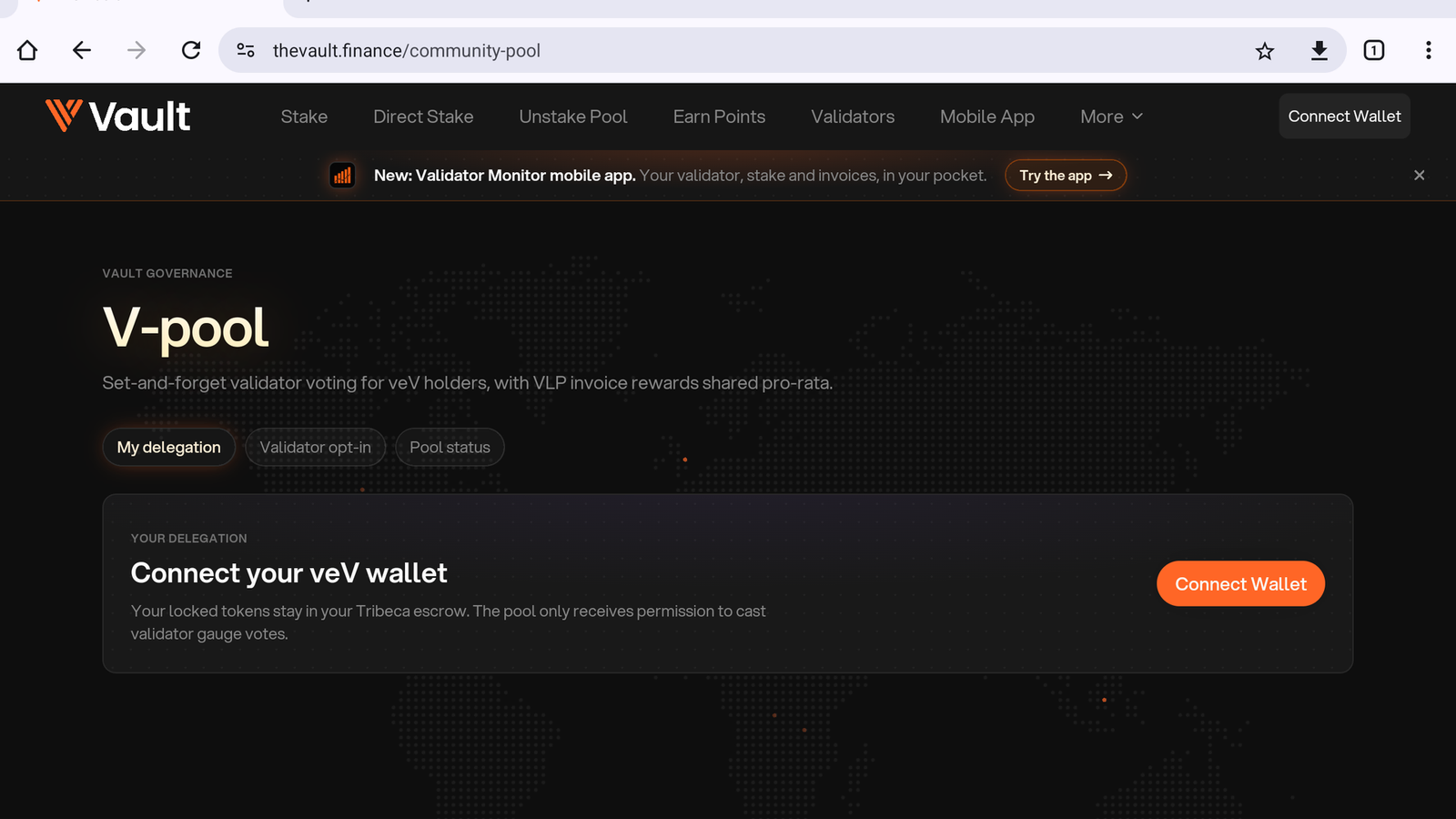
Figure 10.6: Open My delegation
Connect the wallet holding your lock
Select Connect Wallet and choose your wallet. Confirm that the connected address is the one that holds your locked $V (Figure 10.7).
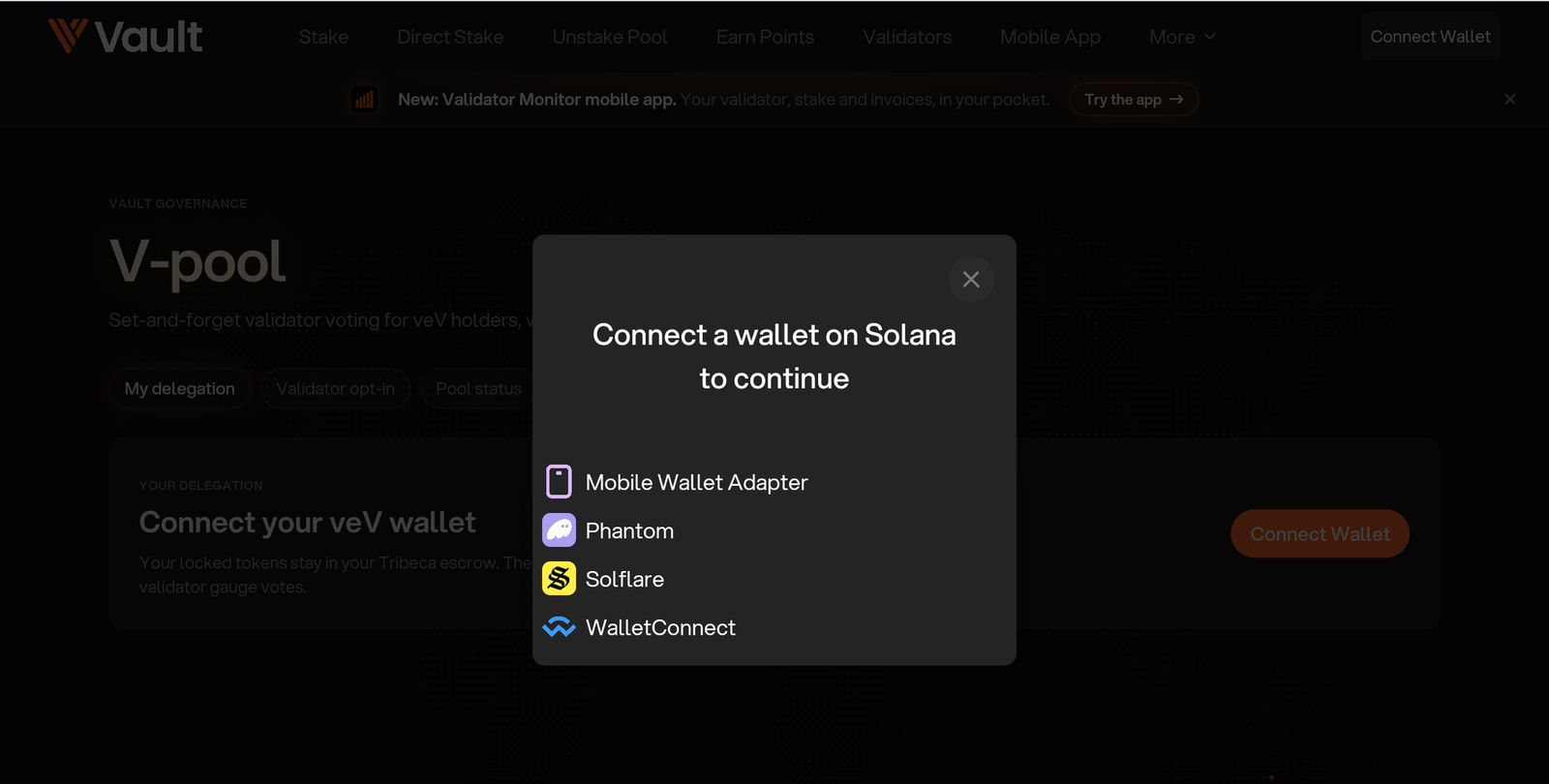
Figure 10.7: Connect your veV wallet
Review and approve delegation
Check Your voting power and Current delegate. Choose Delegate to pool, review the transaction in your wallet and approve it if the details match your choice. Wait for confirmation, then check that Current delegate identifies the pool.
Record the open reward epoch
In Your pool epochs, use Snapshot now while the reward epoch is open. Check the recorded snapshot after confirmation. Follow How to claim rewards for refreshing a snapshot and claiming later.
A reward epoch finalized without your snapshot cannot include you in its rewards. Delegation alone is not enough to claim that epoch.
Wait for the first reward
The first reward can take approximately two weeks: up to the next weekly voting epoch, then an invoice payment window of up to three Solana epochs. Validators' invoice payments fund the rewards; the reward epoch also needs to be finalized before you can claim VLP.
Use Pool status to follow participation and reward epochs. At launch, claiming is manual through the website.
Update your lock or leave the pool
Adding $V to your existing lock keeps its expiry. Extending it changes the expiry for every token in that lock, up to the maximum duration. Neither action creates a second lock. Check your veV and the open epoch's snapshot after any change.
To stop future pool delegation, choose Undelegate in My delegation and approve that transaction in your wallet. Undelegating does not unlock $V or shorten the lock. Check your recorded reward epochs separately; use the reward guide for any available claims.