🗒️ How to sell veV voting power
Learn how to sell the voting power of your locked $V (veV) on Votex.
If you hold veV, you can delegate it to the Votex market. Validators pay USDC for voting power every week, and that USDC is shared among everyone who delegated, in proportion to their veV.
Delegate your veV on Votex


Accept the terms
The first time you visit, tick both boxes to accept the Terms of Service and Privacy Policy, then tap I AGREE (Figure 10.13).
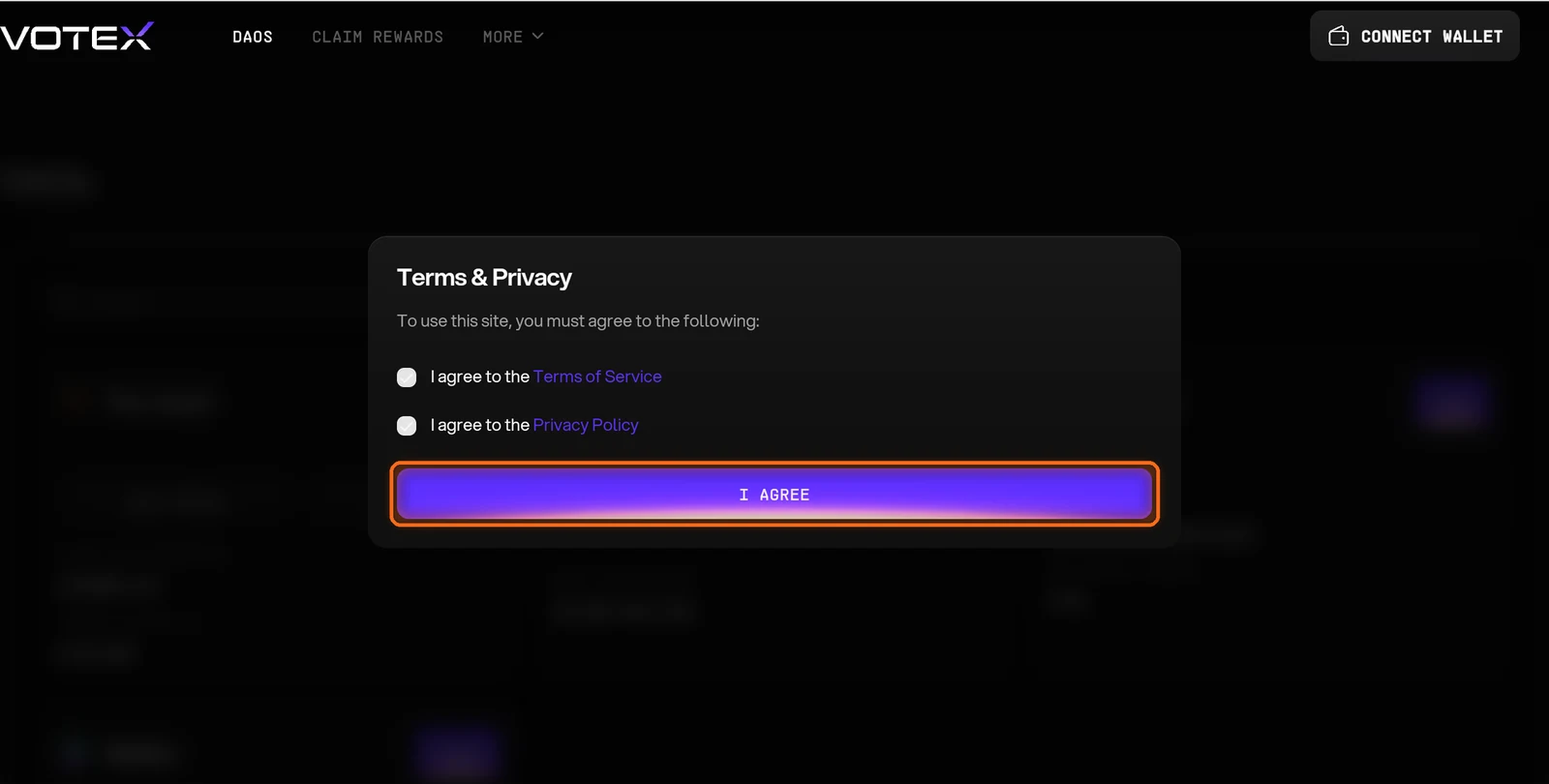
Figure 10.13: Votex Terms and Privacy dialog
Open The Vault market
On The Vault card, tap Earn (Figure 10.14).
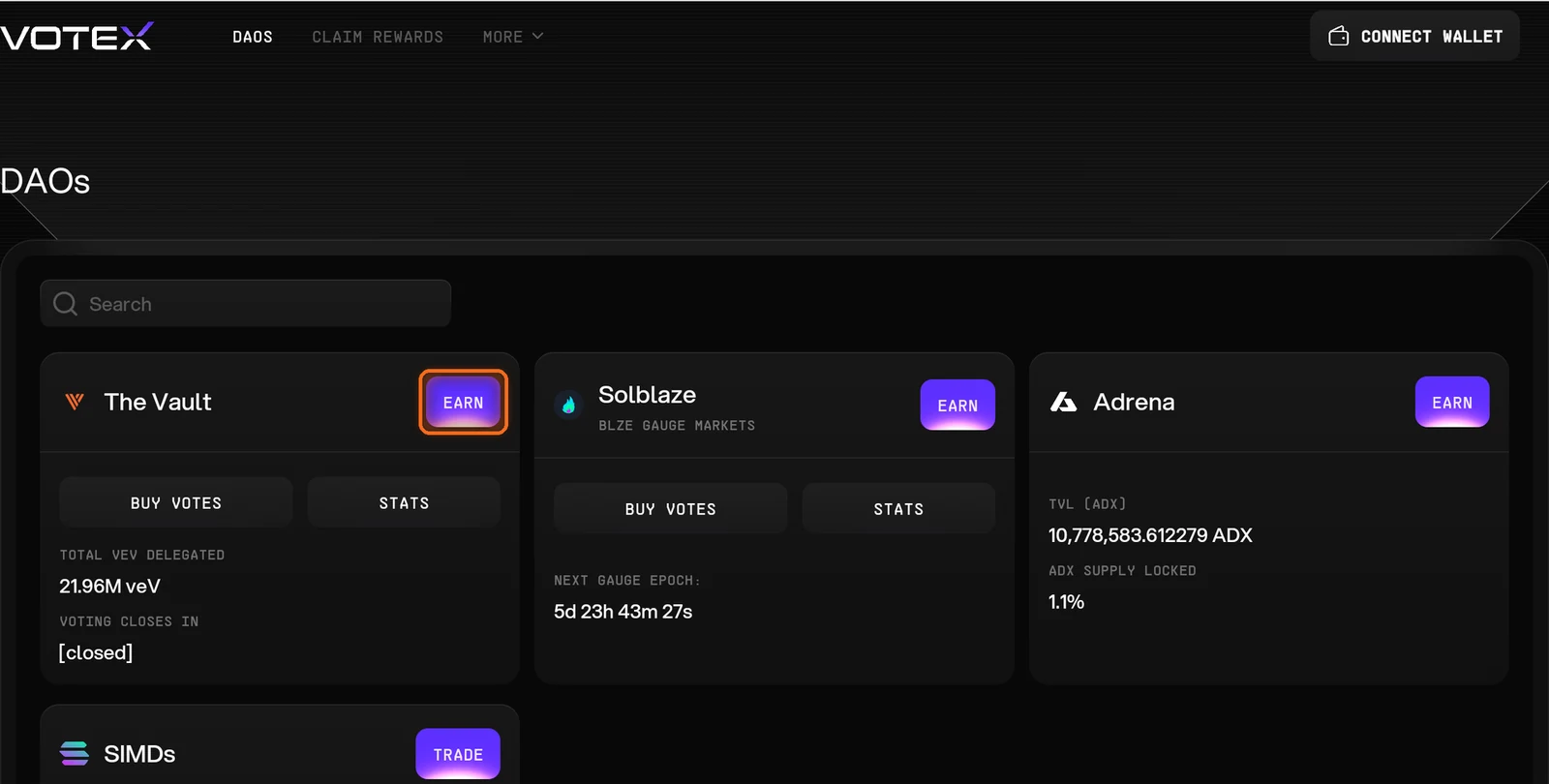
Figure 10.14: Earn on The Vault card
Review the market
Review this week's market: total value delegated, the APR for veV and the USDC committed by buyers (Figure 10.15).
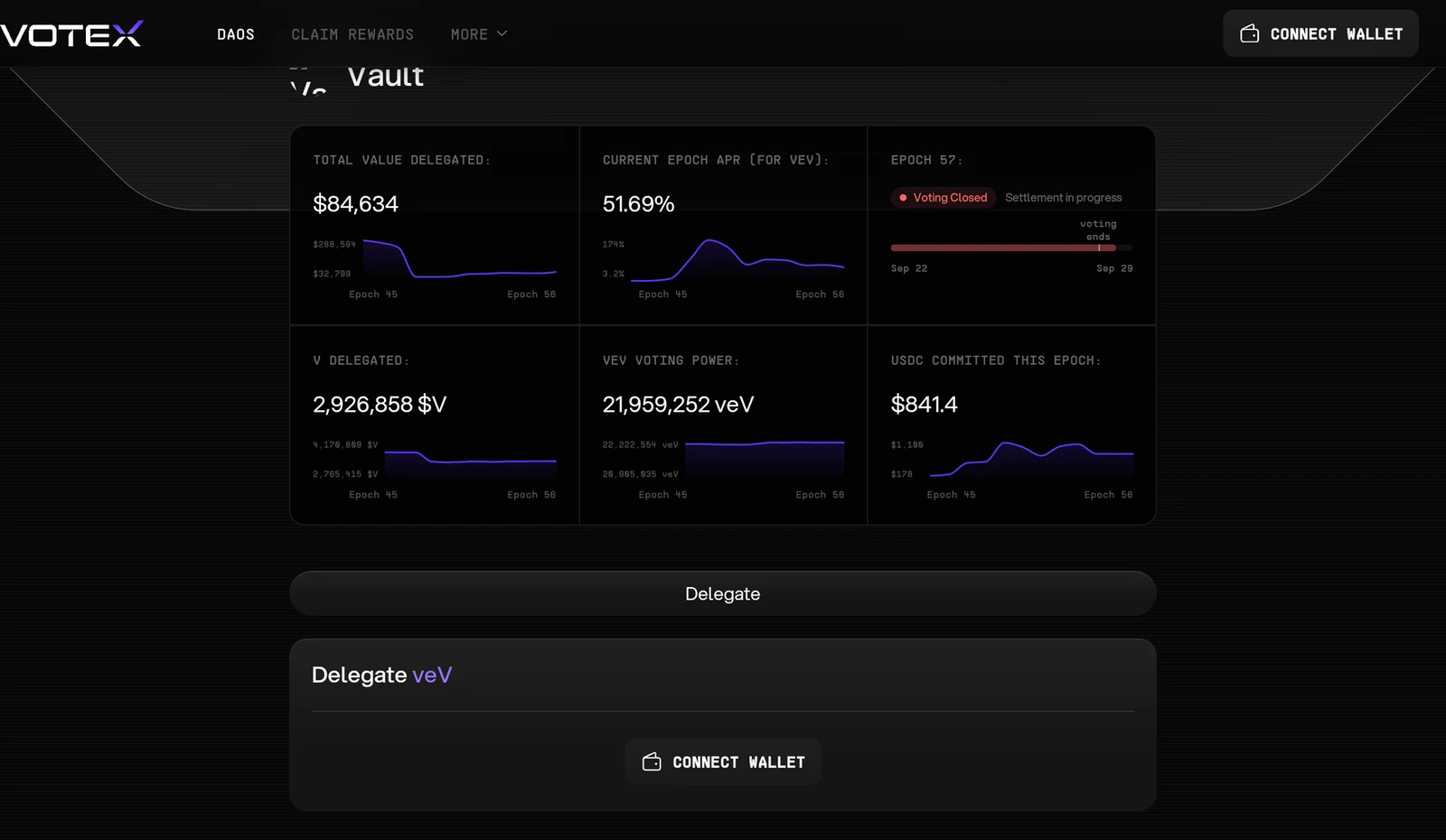
Figure 10.15: Vault delegation market statistics
Delegate your veV
Under Delegate veV, tap Connect Wallet and approve to delegate your veV. Delegation can close before the gauge epoch ends, so delegate early in the week (Figure 10.16).
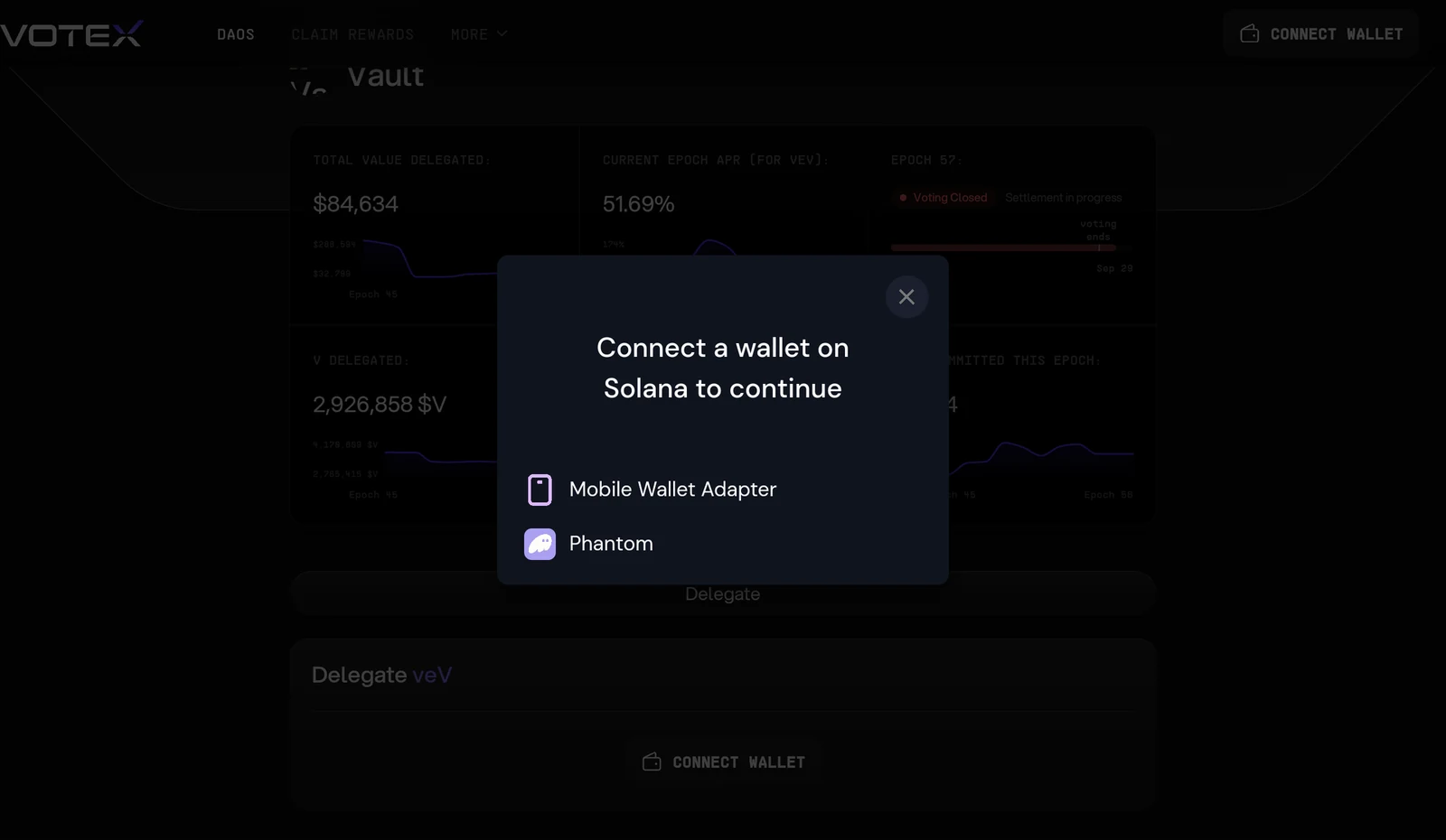
Figure 10.16: Delegate veV wallet connection
Claim your USDC
Under Claim Rewards, collect your USDC. Your delegated veV stays in the market every week until you remove it, which you can do at any time (Figure 10.17).
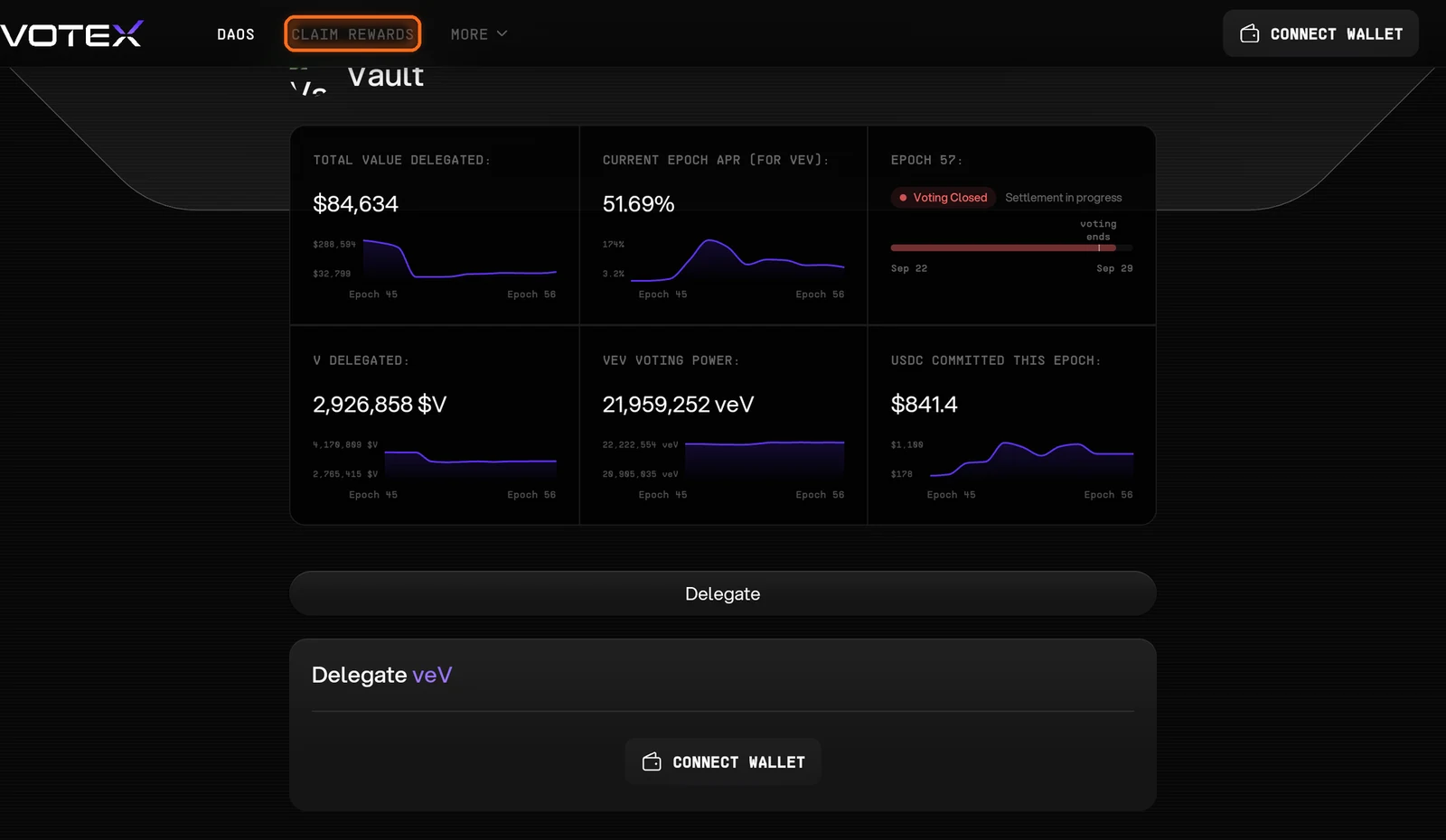
Figure 10.17: Claim Rewards in the Votex navigation
Need help? Open a support ticket in The Vault Discord.